AI Image Vectorizer
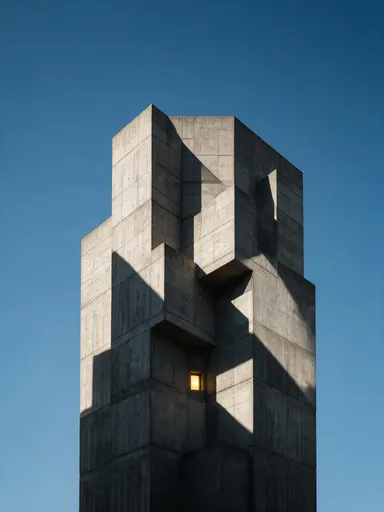
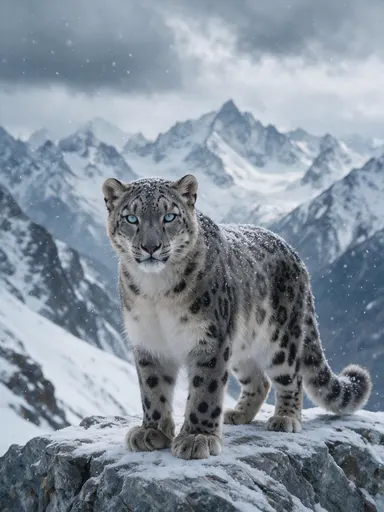
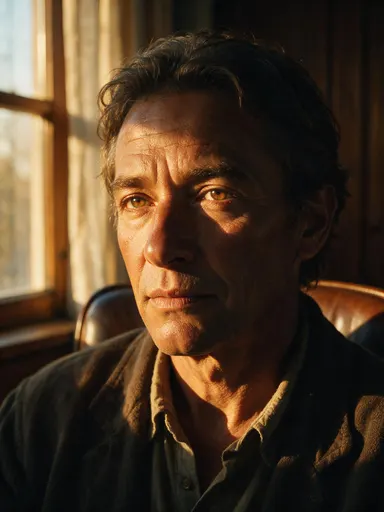
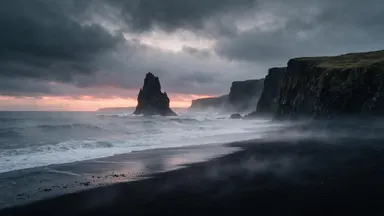
See the difference


How It Works
- 1Upload a PNG, JPG or WebP. Flat artwork with clear edges gives the cleanest paths.
- 2The AI traces the image into shapes and curves. One conversion costs 1 credit.
- 3Compare the result against your original side by side.
- 4Download the SVG and open it in any vector editor.
Use Cases
Logos for Print
Convert a logo you only have as a PNG into an SVG a printer can set at any size, from a sticker to a shopfront.
Merchandise and Apparel
Screen printing and embroidery want paths, not pixels. Vectorize artwork once and send the same file for every garment size.
Icons and UI Assets
Turn a drawn or generated mark into an SVG that stays crisp on every screen density and recolours with a single fill.
Cutting and Engraving
Vinyl cutters, laser engravers and CNC tools follow paths. An SVG is the shape they can read; a photograph is not.
Frequently Asked Questions
What does vectorizing an image do?+
It redraws your image as shapes and curves instead of pixels. A pixel image has a fixed size and blurs when enlarged; an SVG has no size of its own, so the same file stays sharp at any scale.
What kind of image vectorizes best?+
Flat artwork with clear edges: logos, lettering, icons, line drawings and screen-printed designs. A photograph of a face will convert, but it becomes a stylised poster rather than a likeness.
Can I edit the result?+
Yes. The SVG opens in Illustrator, Figma, Affinity and Inkscape with its shapes separate, so you can recolour, delete and reshape anything in it.
What files can I upload, and how much does it cost?+
PNG, JPG or WebP. Must be in PNG, JPG or WEBP format, less than 5 MB in size, have resolution less than 16 MP and max dimension less than 4096 pixels, min dimension more than 256 pixels. Each conversion costs 1 credit and the file is checked before anything is charged, so a file we cannot read costs you nothing.