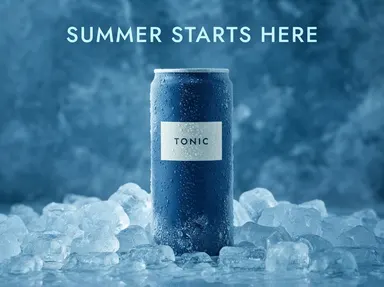
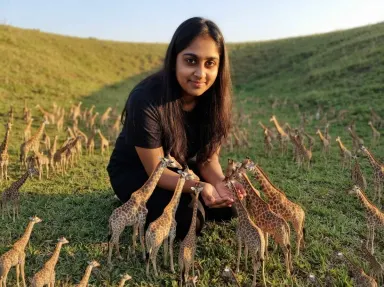
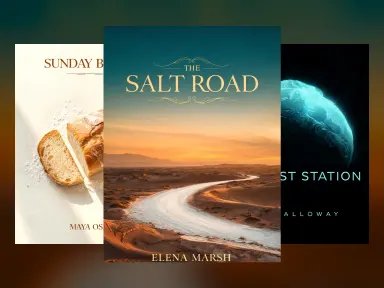
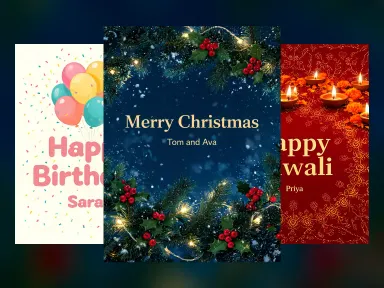
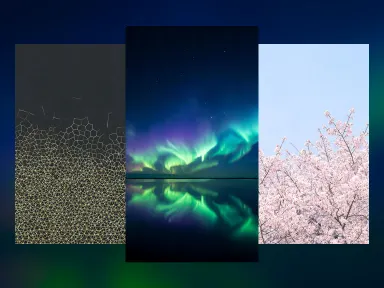
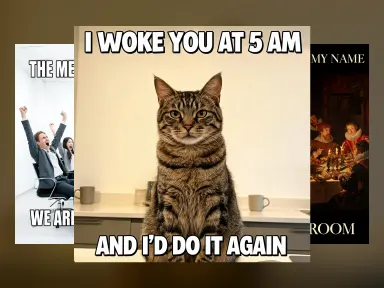
Lavet med denne app

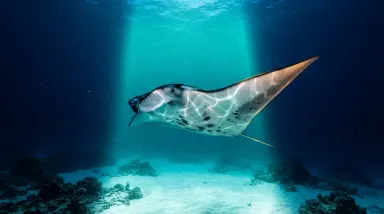
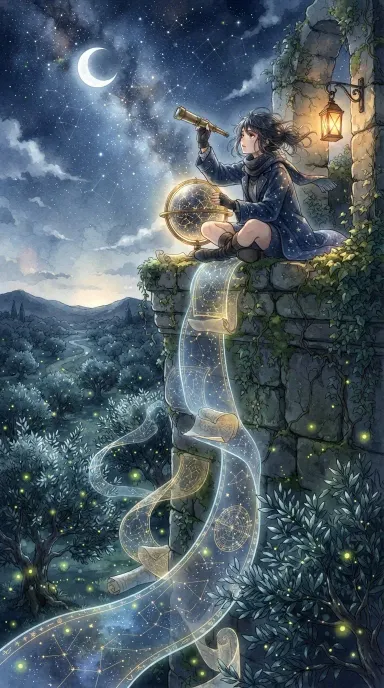
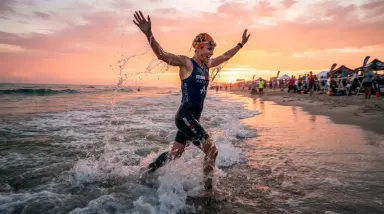
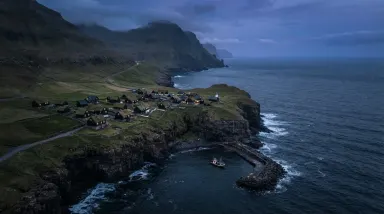
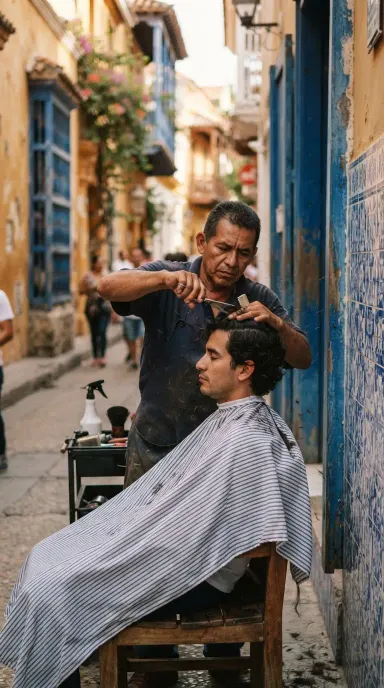
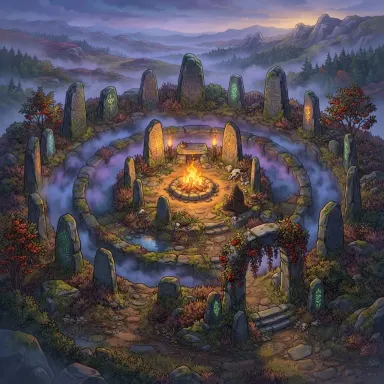
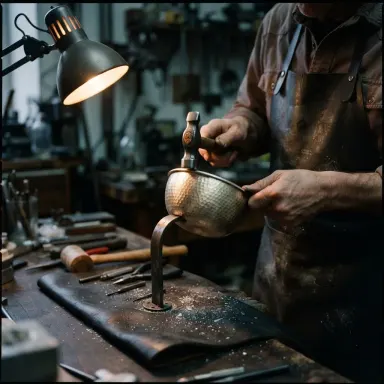
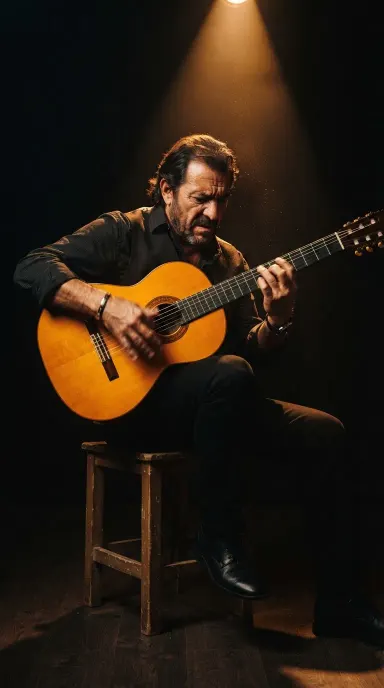
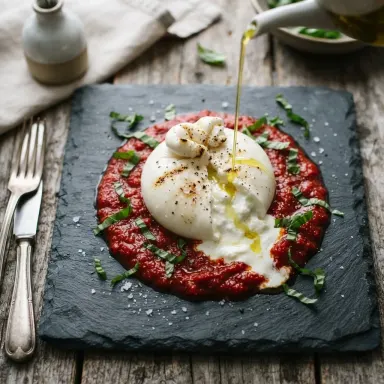
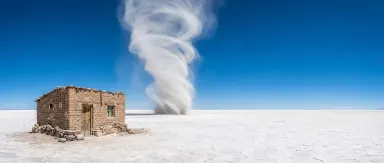
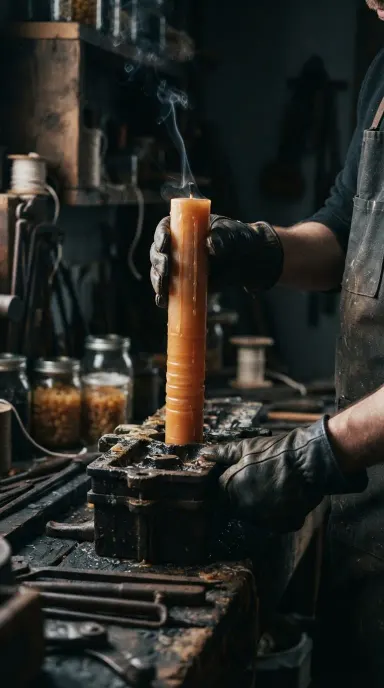
Nano Banana Lite bringer Google Gemini 3.1 Flash Lite Image til en ligetil app bygget for hastighed og iteration. Det genererer eller redigerer billeder fra en tekstprompt på under to sekunder, accepterer ét eller flere billeder som redigeringsinput, og leverer fast 1024x1024 output på tværs af 14 billedformat. Designere, indholdsskabere og udviklere, der skal cykle gennem idéer hurtigt uden at binde sig til tung beregning, finder det et praktisk dagligdags værktøj til skitser, remixing og forfining af visuelle elementer.
Sådan bruges denne app
- 1
Beskriv hvad du vil skabe, eller upload din kildedatei.
- 2
Vælg dine indstillinger, og tryk Generer.
- 3
Se dit resultat vises i galleriet inden for kort tid.
- 4
Download, del, eller generer igen med en ny idé.
Hvad du kan lave
Hurtig konceptskitsering
Når et projekt stadig er i eksplorativ fase, lader Nano Banana Lite dig teste et dusin visuelle retninger på det tidsrum, andre værktøjer bruger til at rendere én. Beskriv et stemning, en komposition eller en farvepalette og få et resultat øjeblikkeligt, derefter justér prompten og kør igen uden at bryde dine tanker.
Lokaliseret redigering i flere trin
Upload et eksisterende billede og giv en serie målrettede instruktioner på tværs af flere trin: skift baggrund, juster belysning, udskift en prop. Modellen holder kontekst på tværs af redigeringer, så du forfiner det samme billede progressivt i stedet for at starte forfra hver gang.
Batch-varianter til sociale medier
Med 14 understøttede billedformater kan du generere den samme scene i portræt-, landskabs- og kvadratisk format i hurtig rækkefølge. Nyttigt til at forberede et enkelt asset i det rigtige format til Instagram, LinkedIn og et blogheaderbillede uden at forlade appen.
Budgetbevidst kreativt arbejde
Freelancere og små teams med stramme produktionsbudgetter kan bruge Nano Banana Lite til højtvolumen-draftarbejde og reservere dyrere modeller til endelig levering. Det omkostningseffektive output betyder, at du kan iterere frit uden at passe udgifterne på tidlige stadier af koncepter.
Udviklerprototyping
Når du bygger en grænseflade, der til sidst vil integrere billedgenerering, leverer Nano Banana Lite nærmest øjeblikkelig feedback til at teste promptmønstre, layoutidéer og pladsholderbilleder, hvilket gør det praktisk til front-end-prototypesessioner, hvor hastighed betyder mere end maksimal opløsning.
Prompt-idéer at prøve
Hvorfor skabere bruger denne app
- Under 2 sekunders latency
- Generering og redigering
- 14 billedformat-forhold
- Multi-image redigerings-input
- Fast 1K output
- Omkostningseffektiv
Tips til bedre resultater
Brug redigering i flere trin strategisk
I stedet for at skrive én lang prompt, der skal gøre alt, bygger du billedet i trin. Få først komposition rigtig, derefter forfin farver, derefter juster detaljer. Redigering i flere trin er en kernestyrke ved denne model, så læn dig ind i det i stedet for at fylde alle instruktioner ind fra starten.
Angiv billedformat tidligt
Med 14 tilgængelige billedformater forhindrer det at navngive dit målformat i første prompt spildte iterationer. Sig 'portræt 9:16' eller 'bredskærm 16:9' fra starten, så komposition er designet til det rigtige lærred fra start i stedet for at blive klippet kluntet senere.
Angiv referancebilleder til redigeringer
Modellen accepterer flere billeder som input, så når du redigerer, skal du inkludere eventuelle referancebilleder, der forankrer din hensigt: en farveprøve, en stilprøve eller det oprindeligt asset. Mere visuelt kontekst producerer mere nøjagtige lokale ændringer med mindre prompt-engineering.
Acceptér 1K som arbejdsopløsning
Output er fast på 1024x1024. Dette er velegnet til skærmforbrug, sociale medier og draftarbejde. Hvis dit leveringsprodukt i sidste ende kræver højere opløsning, skal du bruge Nano Banana Lite til at færdiggøre koncept og komposition, derefter opskalere eller gengive den godkendte version andre steder.
Hvornår skal du vælge denne app
Nano Banana Lite er det rigtige valg, når iterationshastighed og omkostningseffektivitet betyder mere end maksimal outputopløsning. Hvis du skal have styringsguide over generation, dækker Seedream v3 det område. Hvis dit leveringsprodukt kræver op til 4MP output, er Seedream v4.5 bygget til det. Nano Banana Lite sidder i et andet spor: det kombinerer generation og redigering i flere trin i en enkelt app, accepterer billedinput, og returnerer resultater på under to sekunder, hvilket gør det det mest praktiske værktøj til skitser, remixing og højvolumen kreativ udforskning.
Ofte stillede spørgsmål
Kan jeg bruge mine egne billeder som input, eller er det kun generering?
Du kan levere ét eller flere billeder sammen med din tekstprompt. Dette gør det muligt at redigere et eksisterende foto, blande referencer eller bruge et uploadet asset som udgangspunkt for en ny komposition. Appen understøtter både ren tekst-til-billede-generering og billede-plus-tekst-redigering i samme grænseflade.
Hvilke filformater outputter appen?
Genererede billeder er tilgængelige som JPEG, PNG eller WebP. Du kan vælge det format, der passer bedst til dit downstreamarbejdsflow, hvad enten det er en komprimeret JPEG til webforbrug, en tabsfri PNG til designoversendelse eller WebP til moderne browserlevering.
Er 1024x1024-opløsningen fast for alle billedformater?
Output er fast på 1K-opløsning. Når du vælger et ikke-kvadratisk billedformat, justeres billedets dimensioner til at matche det pågældende format inden for 1K-begrænsningen i stedet for at tilføje det samlede pixelantal. Planlæg dine brugsscenarier omkring skærmopløsningsoutput i stedet for storskaleret tryk.
Hvordan fungerer redigering i flere trin egentlig i denne app?
Efter din første generation skriver du en opfølgende instruktion, og modellen anvender den på det tidligere resultat. Du kan gentage dette på tværs af flere trin og foretage trinvise ændringer som justering af belysning, fjernelse af objekter eller skift af farvegrad uden at miste det arbejde, der blev udført i tidligere trin.
Hvilke af de 14 billedformater er tilgængelige, og hvordan vælger jeg et?
De tilgængelige forhold dækker almindelige formater, herunder kvadrat, portræt, landskabs- og bredskærmvariationer. Du vælger forholdet før eller under din prompt, enten fra en vælger i grænseflade eller ved at angive det på naturligt sprog i din prompt. Tjek forholdsvalget i appen for den komplette liste.
Er denne app egnet til endelige produktionsassets eller hovedsageligt til skitser?
Det fungerer godt til endelige assets beregnet til skærm: sociale medieindlæg, weggrafik, appmockups og præsentationsvisuale falder alle bekvemt inden for dets outputkvalitet. Til storskaleret tryk eller leveringer, der kræver opløsninger over 1K, vil du gerne have en højere opløsningsmodel til den endelige rendering.
Hvor meget koster det?
Hver generation koster 1 kredit. Nye konti får gratis kreditter til at prøve det.
Hvilken AI-model driver denne app?
Denne app kører på Nano Banana Lite, tilgængelig gennem Arteza uden separat konto eller opsætning.
Kan jeg bruge resultaterne kommercielt?
Ja. Indhold du genererer er dit at bruge, under forudsætning af vores indholdslicenser.
Hvor lang tid tager en generation?
De fleste generationer færdiggøres på under et minut, og du kan se fremskridt live i galleriet.