Seedream v3 Image Sizes & Aspect Ratios: Complete Reference
Complete reference guide for all Seedream v3 image sizes, aspect ratios, and resolutions. Learn which size to use for social media, e-commerce, print, web, and more - with platform-specific recommendations.
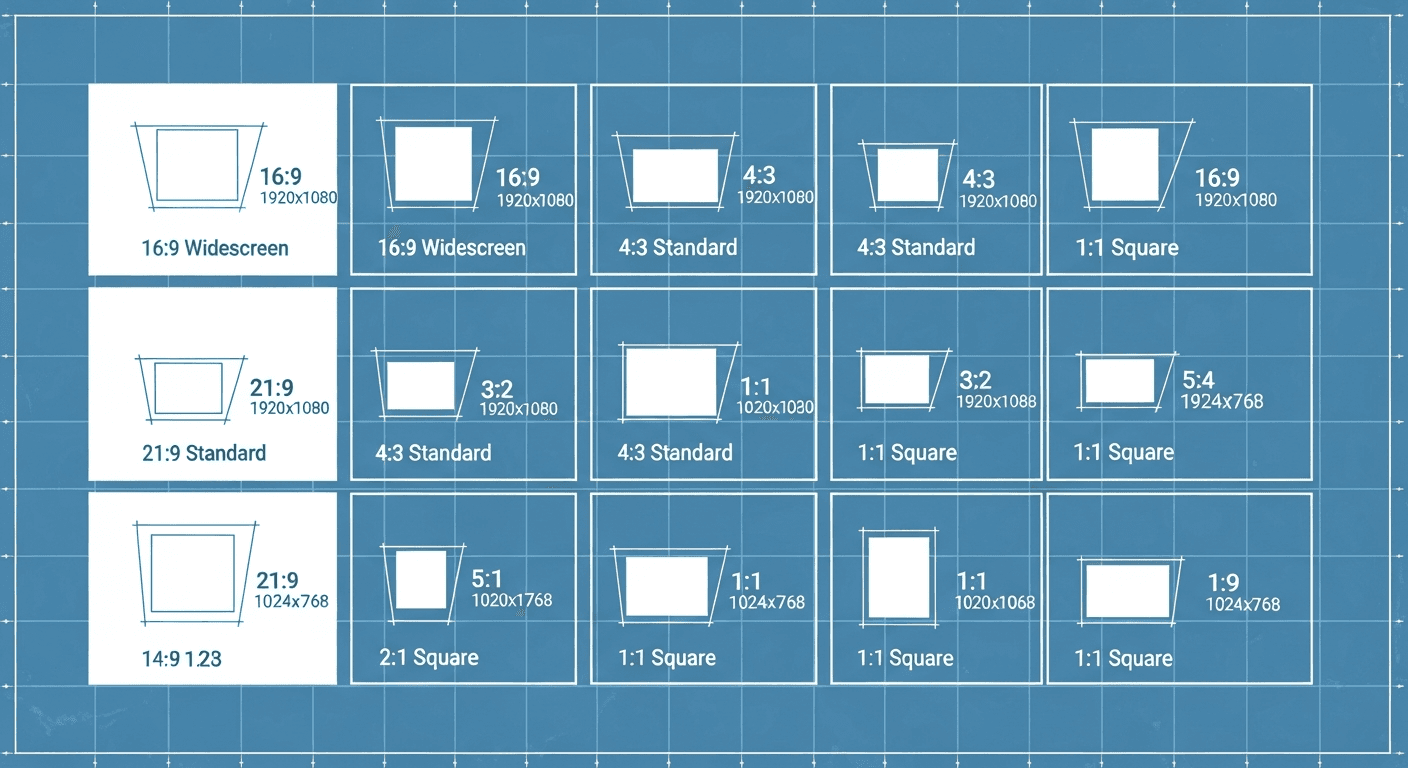
Generating a square image and cropping it to fit a Pinterest pin is how you end up with awkward, off-center compositions and wasted credits. Seedream v3 optimizes composition for the aspect ratio you request - so always generate at the size you actually need. And since every size costs the same 1 credits, there is no reason not to.
Here is the definitive reference for every size, ratio, and platform.
TL;DR
- Every Seedream v3 size costs the same 1 credit - always generate at your target size
- Maximum resolution: 2048px on the longest side
- Instagram feed: 1024x1280 (4:5) is optimal, 1024x1024 (1:1) is safest
- Pinterest: 1024x1536 (2:3) for maximum scroll-stopping impact
- Composition is optimized per aspect ratio - cropping degrades quality
Why Image Size Matters
Three reasons to pick the right size before generating:
1. Platform requirements. Social media, e-commerce, and websites have specific dimension requirements. Generating at the wrong size means cropping or stretching - both degrade quality.
2. Composition quality. Seedream v3 optimizes composition for the chosen aspect ratio. A portrait generated at 1:1 and cropped to 2:3 will have worse composition than one generated natively at 2:3.
3. Credit efficiency. Same cost regardless of size. Generate at your target resolution from the start.
For a complete platform overview, see our Seedream v3 guide.
See it for yourself
Test every aspect ratio for $0.10 each - free credits, no card required.
Try Seedream v3 Free5 generări gratuite · Fără card de credit
Available Sizes
Seedream v3 supports a range of preset sizes up to 2048 pixels on the longest side.
| Size (WxH) | Ratio | Orientation | Megapixels |
|---|---|---|---|
| 1024 x 1024 | 1:1 | Square | 1.05 MP |
| 1024 x 1280 | 4:5 | Slight portrait | 1.31 MP |
| 1280 x 1024 | 5:4 | Slight landscape | 1.31 MP |
| 1024 x 1536 | 2:3 | Portrait | 1.57 MP |
| 1536 x 1024 | 3:2 | Landscape | 1.57 MP |
| 1024 x 2048 | 1:2 | Tall portrait | 2.10 MP |
| 2048 x 1024 | 2:1 | Wide landscape | 2.10 MP |
| 1536 x 1536 | 1:1 | Large square | 2.36 MP |
Aspect Ratio Guide
1:1 (Square)
The most versatile ratio. Works across nearly all platforms.
Best for: Instagram feed posts, profile pictures, thumbnails, product images, social sharing
Strengths: Universal compatibility, balanced composition
2:3 / 3:2 (Standard Photography)
The classic photography ratio, matching traditional 4x6 prints.
2:3 portrait: Pinterest pins, phone wallpapers, portraits, stories, tall product shots, book covers
3:2 landscape: Blog headers, website banners, Facebook posts, LinkedIn posts, landscape photography, YouTube thumbnails
1:2 / 2:1 (Extended)
More dramatic ratios for specific use cases.
1:2 tall: Instagram/TikTok stories, mobile wallpapers, tall banners
2:1 wide: Website hero banners, panoramic images, Twitter headers
4:5 / 5:4 (Slight Rectangle)
Subtle variations from square with more compositional room.
4:5: Instagram's optimal feed ratio
5:4: Monitor-optimized images
Platform Quick Reference
| Platform / Use | Size | Ratio |
|---|---|---|
| Instagram feed (square) | 1024 x 1024 | 1:1 |
| Instagram feed (optimal) | 1024 x 1280 | 4:5 |
| Instagram Stories/Reels | 1024 x 2048 | 1:2 |
| Pinterest pins | 1024 x 1536 | 2:3 |
| Facebook posts | 1536 x 1024 | 3:2 |
| Twitter/X posts | 1536 x 1024 | 3:2 |
| LinkedIn posts | 1536 x 1024 | 3:2 |
| YouTube thumbnails | 1536 x 1024 | 3:2 |
| TikTok covers | 1024 x 2048 | 1:2 |
| Amazon product | 1024 x 1024 | 1:1 |
| Shopify product | 1024 x 1024 | 1:1 |
| Blog hero image | 1536 x 1024 | 3:2 |
| Website hero banner | 2048 x 1024 | 2:1 |
| Presentation slide | 1536 x 1024 | 3:2 |
| Book cover | 1024 x 1536 | 2:3 |
| Phone wallpaper | 1024 x 2048 | 1:2 |

Want results like this? Try Seedream v3 free →
Ready to try Seedream v3? Start creating free →
Social Media Deep Dive
Instagram supports multiple aspect ratios in feed posts:
- Square (1:1): 1024x1024 - Classic Instagram, works everywhere
- Portrait (4:5): 1024x1280 - Instagram's recommended optimal ratio, takes up more screen space
- Stories (9:16): 1024x2048 - Full-screen vertical content
Recommendation: Use 4:5 (1024x1280) for feed posts to maximize screen real estate. Use 1:2 (1024x2048) for stories. For carousel posts, stay consistent across all slides.
Pinterest is a tall-format platform. Vertical images dramatically outperform square and horizontal.
- Standard pin: 1024x1536 (2:3) - the ideal Pinterest ratio
- Tall pin: 1024x2048 (1:2) - maximum vertical impact
LinkedIn, Facebook, Twitter
All three favor landscape:
- Standard post: 1536x1024 (3:2) - works well across all three
- Profile/cover images: Generate at appropriate sizes and crop as needed
TikTok
- Video covers: 1024x2048 (1:2) - matches TikTok's vertical format
For detailed social strategies, see our social media graphics guide.
E-Commerce Sizing
Amazon
Amazon requires minimum 1000px on the longest side, recommends 2000px.
- Main product: 1024x1024 (1:1) - clean white background, product centered
- Lifestyle/detail: 1024x1024 or 1024x1536 depending on orientation
Shopify
- Product images: 1024x1024 (1:1) - square for consistent grid display
- Collection headers: 1536x1024 or 2048x1024 for banners
- Featured images: 1024x1536 for portrait products
Etsy
- Listing images: 1024x1024 (1:1)
- Lifestyle context: 1024x1536 (2:3)
For e-commerce strategy, see our e-commerce guide.
Web Design Sizing
Hero Banners
- Standard hero: 1536x1024
- Wide hero: 2048x1024 - for full-width designs
- Mobile hero: 1024x1536 or 1024x2048 - optimized for mobile
Blog Images
- Hero: 1536x1024
- In-article: 1024x1024 - versatile inline
Background Images
- Full-screen: 2048x1024 or 1536x1024
Print Sizing
Seedream v3 images can be used for print at moderate sizes. Print quality depends on DPI.
| Image Size | 300 DPI (high quality) | 150 DPI (acceptable) |
|---|---|---|
| 1024 x 1024 | 3.4" x 3.4" | 6.8" x 6.8" |
| 1536 x 1024 | 5.1" x 3.4" | 10.2" x 6.8" |
| 2048 x 1024 | 6.8" x 3.4" | 13.6" x 6.8" |
| 1536 x 1536 | 5.1" x 5.1" | 10.2" x 10.2" |
For larger print formats, consider Seedream v4.5 which supports up to 4MP output.
Video Thumbnail Sizes
If you are creating video with Seedance 2.0, you will need thumbnails:
- YouTube: 1536x1024 (closest to 16:9)
- Vimeo: 1536x1024
- Social video: Match the platform's preferred ratio
Resolution and Quality
Maximum Resolution
Seedream v3 supports up to 2048 pixels on the longest side. This provides:
- Excellent quality for all digital/web use
- Good quality for small-to-medium print
- Sufficient resolution for social media at all sizes
When You Need More
For large format print, high-resolution displays, or 4K+ content:
- Seedream v4.5 offers up to 4MP output (1 credits)
- Third-party AI upscalers can increase Seedream v3 output resolution
- For highest quality at any size, start with v4.5
Size and Credit Cost
Seedream v3 charges the same 1 credit per image regardless of size. 1024x1024 or 2048x1024 - same cost.
Always generate at the size you need (or larger). Never generate small and upscale - you will waste quality and money.
Tips for Choosing the Right Size
1. Start With End Use
Determine where the image will be displayed before generating. Check the platform's recommended dimensions.
2. Generate at Native Aspect Ratio
Always generate at the aspect ratio you need. Cropping after the fact wastes quality and may cut off important compositional elements.
3. Go Larger When in Doubt
If unsure about final use, generate at a larger size. You can scale down without quality loss. Scaling up degrades quality.
4. Match Composition to Orientation
Landscape subjects work best in landscape ratios. Portraits work best in portrait ratios. Obvious but often overlooked.
5. Consider Multi-Platform Needs
If you need the same image across multiple platforms, generate the largest version needed and crop for smaller sizes - or generate platform-specific versions using the same prompt and seed.
See the prompt guide for tips on writing effective prompts for each size and use case.
Stop reading. Start creating.
Every aspect ratio, same 1 credit. Generate exactly what you need - free credits, no card required.
Start Creating FreeReady to try Seedream v3? Start creating free →
FAQ
Does image size affect generation cost? No. Seedream v3 costs 1 credits regardless of size. Generate at whatever resolution you need.
What is the best all-purpose size? 1024x1024 (1:1 square) is the most versatile. For landscape content, 1536x1024 (3:2) is the best general-purpose option.
Can I generate at custom sizes? Seedream v3 offers predefined presets. Choose the closest available size. For exact custom sizes, generate at a larger preset and crop.
How does Seedream v3 compare to v4.5 on resolution? v3 goes up to 2048px. Seedream v4.5 supports up to 4MP - roughly double the resolution for print and large-format needs.
Can I use Seedream v3 for billboard printing? Maximum resolution is sufficient for small-to-medium print. For billboard-sized prints, use v4.5 or apply AI upscaling. Billboard images are typically viewed from distance, so lower DPI is often acceptable.
Start creating at the right size → - 10 free credits, test every aspect ratio.
Încearcă Seedream v3 - Acum!
5 generări gratuite · Fără card de credit