Seedream v3 vs Midjourney: Which AI Image Generator Wins in 2026?
A detailed comparison of Seedream v3 and Midjourney across quality, pricing, features, and ease of use. Find out which AI image generator is the better choice for your creative workflow.
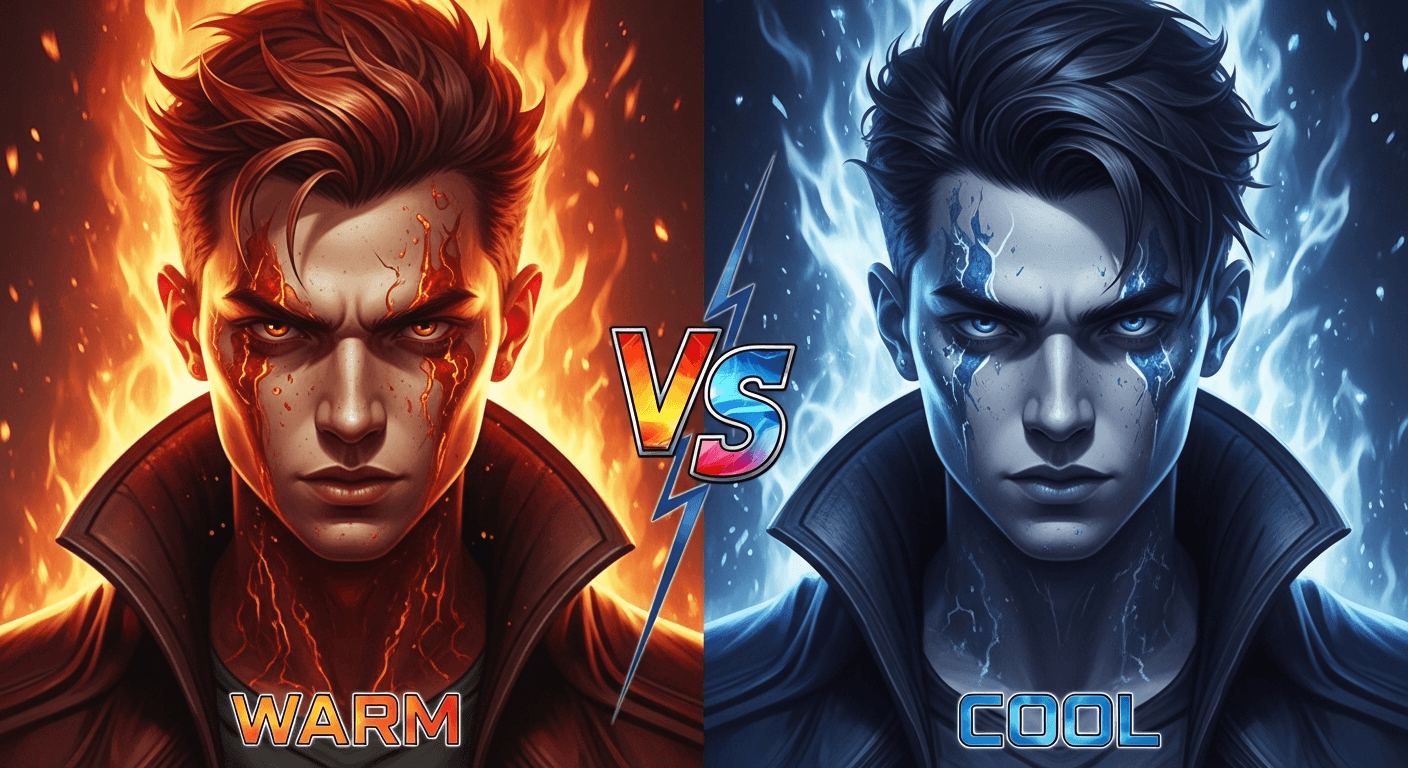
Midjourney built a cult following with a distinctive cinematic aesthetic and a Discord-first workflow that felt like a secret club. Seedream v3 took the opposite approach: direct web access, pay-per-generation pricing, and explicit technical controls. Both produce stunning images. Only one lets you generate 200 images a month for under $12.
Here is how they actually compare in 2026.
TL;DR
- Midjourney wins on default aesthetic polish and community size
- Seedream v3 wins on pricing flexibility, technical control, and ecosystem integration
- Midjourney: $10-$120/month subscription, always-on cost
- Seedream v3: ~$0.10 per image, plans from $5 a month, 10 free credits on signup
- For variable-volume users, Seedream v3 is dramatically cheaper
The Headline Difference: How You Pay
This is where the two models diverge most dramatically.
Midjourney charges a monthly subscription whether you generate 5 images or 500:
| Plan | Monthly | Images/mo | Effective Cost |
|---|---|---|---|
| Basic | $10 | ~200 | ~$0.05 |
| Standard | $30 | ~900 | ~$0.033 |
| Pro | $60 | Unlimited relax | Varies |
| Mega | $120 | Unlimited fast | Varies |
Seedream v3 uses credit packs that never expire monthly:
| Pack | Price | Credits | v3 Images | Per Image |
|---|---|---|---|---|
| Starter | $5 | 60 | 60 | $0.083 |
| Creator | $25 | 300 | 300 | $0.083 |
| Pro | $50 | 700 | 700 | $0.071 |
| Studio | $120 | 1,800 | 1,800 | $0.067 |
The math for a typical user: If you generate 150 images in January and 20 in February, Midjourney Basic charges you $20 regardless. Seedream v3 charges you for exactly 170 images - roughly $10. Over a year of variable use, the gap widens into real money.
For heavy daily users generating 1,000+ images monthly, Midjourney's Pro plan can edge out. Everyone else is paying for capacity they do not use.
See it for yourself
Compare Seedream v3 against Midjourney on your own prompts - free credits, no card required.
Try Seedream v3 Free5 libreng henerasyon · Walang credit card na kailangan
Image Quality: Different, Not Better or Worse
Both models produce high-quality output, but they have distinct characters.
| Quality Dimension | Seedream v3 | Midjourney |
|---|---|---|
| Photorealism | Strong | Strong |
| Color accuracy | Excellent (neutral) | Good (trends artistic) |
| Fine detail | Good | Excellent |
| Default aesthetic | Neutral, controllable | Cinematic, stylized |
| Text in images | Limited | Limited |
| Consistency across batches | High | High |
Midjourney's signature look is that polished, cinematic quality - slightly richer colors, dramatic lighting, and a filmic grade that makes every image feel finished. It is beautiful, and it is also instantly recognizable. If you want a product shot that looks like a product shot (not a product shot with cinematic grading applied), you have to fight the default.
Seedream v3's approach is neutral. Ask for a simple product shot, get a clean product shot. Ask for documentary photography, get documentary photography. This neutrality is an advantage for commercial work where brand-specific styling matters, and a slight disadvantage when you want something to "just look cool" with minimal prompting.
For photorealistic work, see our photorealistic image guide.
Features That Matter
| Feature | Seedream v3 | Midjourney |
|---|---|---|
| Guidance scale control | Yes, fully adjustable | --stylize only |
| Seed reproducibility | Yes | Yes |
| Batch generation | Up to 4 | 4 per job |
| Max resolution | 2048px | 2048px (with upscale) |
| Negative prompts | Via phrasing | --no parameter |
| Aspect ratio control | Multiple presets | --ar custom |
| Image-to-image | Via Seedream 5.0 Edit | Built-in |
| Inpainting | Via Seedream 5.0 Edit | Vary Region |
| Web interface | Native, modern | Web + Discord |
| Ecosystem | Images, video, avatars, editing | Image-only |
Seedream v3 wins on technical control. The adjustable guidance_scale parameter is the single most useful lever in text-to-image generation, and Midjourney's --stylize approximates it without exposing it directly.
Midjourney wins on in-platform editing. Vary Region and image prompts are genuinely great, while Seedream v3 handles these needs through its separate editing model.

Want results like this without a Discord subscription? Try Seedream v3 free →
Ready to try Seedream v3? Start creating free →
Ease of Use
Seedream v3 is a web form. Pick a model, write a prompt, click generate. If you can use Gmail, you can use Seedream v3.
Midjourney originated on Discord with slash commands (/imagine), parameter flags (--ar 16:9 --v 6 --stylize 250), and a chat-based workflow that many people still find confusing. The web interface has improved significantly, but most tutorials, community prompts, and documentation still reference Discord conventions.
If you want to start generating in the next 60 seconds without learning any platform-specific syntax, Seedream v3 is the faster path.
The Ecosystem Advantage
Here is where Seedream v3 pulls ahead for creative professionals: it is not just an image generator. The Arteza platform includes:
- Seedance 2.0 - Animate your images into cinema-grade video
- Seedream 5.0 Edit - Text-based image editing, inpainting, style transfer
- OmniHuman v1.5 - Turn portraits into AI avatars
One account, one credit system, one interface. Generate a concept with Seedream v3, refine it with 5.0 Edit, animate it with Seedance 2.0 - never leaving the platform.
Midjourney is a standalone image generator. Excellent at what it does, but you are stitching together three separate tools (and three separate bills) to build a complete creative pipeline.
Try the prompt yourself
No Discord. Affordable plans from $5/month. Generate your first image in under 60 seconds - free credits, no card.
Start Creating FreeSpeed and Reliability
Seedream v3 generates images in roughly 5-15 seconds with no queue times during peak hours. Midjourney's speed depends on your tier - Basic and Standard subscribers hit queue delays during peak demand, while Pro and Mega offer priority "fast" generation.
For iterative workflows where you generate dozens of variations per concept, consistent speed matters more than average speed. Seedream v3 delivers both.
Commercial Use
Both platforms permit commercial use:
- Seedream v3: Commercial rights under the Arteza platform terms of service, including for free-credit images
- Midjourney: Commercial rights for paid subscribers only (not free trial users)
Standard due diligence applies for both - neither platform can guarantee generated images will not resemble existing copyrighted works.
Who Should Choose What
Choose Seedream v3 if you:
- Generate images in variable volumes (not every single day)
- Want pay-per-use pricing with no recurring commitment
- Need explicit technical controls (guidance scale, seeds)
- Plan to use images with video generation or editing
- Prefer a clean web interface over Discord
- Want neutral, controllable style for commercial work
Choose Midjourney if you:
- Love the signature Midjourney aesthetic and want it by default
- Generate images heavily and consistently every month
- Are already embedded in the Discord community for prompts and inspiration
- Need built-in Vary Region and image-prompt workflows
- Do not need video or avatar generation
The Verdict
Seedream v3 and Midjourney are both excellent. The choice comes down to how you work.
If you are a full-time artist or designer generating thousands of images monthly and loving that Midjourney look, the subscription may pay off. For everyone else - marketers, small businesses, indie creators, freelancers, anyone with variable monthly needs - Seedream v3's pay-per-use model and integrated ecosystem offer better value.
At $0.10 per image with 10 free credits on signup, there is zero downside to testing it before committing to anything.
More comparisons:
- Seedream v3 vs DALL-E 3
- Seedream v3 vs Stable Diffusion XL
- Seedream v3 vs Flux
- Seedream v3 vs Adobe Firefly
FAQ
Is Seedream v3 really cheaper than Midjourney? For most users, yes. Under 200 images per month, Seedream v3's pay-per-use model beats Midjourney's $10/mo Basic plan. At 500+ images monthly, the gap narrows, but Seedream v3 still wins for non-monthly users.
Can Seedream v3 match Midjourney's quality? For most use cases, yes. The main difference is aesthetic signature - Midjourney has a recognizable default look, Seedream v3 is more neutral. Quality is comparable.
Does Seedream v3 require Discord? No. It runs entirely through the Arteza web platform with a modern interface.
Can I try Seedream v3 without paying? Yes. Sign up and receive 10 free credits (10 images) with no credit card required. Full commercial rights, no watermarks.
Start creating with Seedream v3 → - 10 free credits, no card required.
Subukan ang Seedream v3 - Ngayon Na!
5 libreng henerasyon · Walang credit card na kailangan