Seedream 5.0 Edit vs Canva AI: Which Image Editor is Better?
Comparing Seedream 5.0 Edit and Canva AI for image editing. We analyze features, pricing, quality, and workflows to help you pick the right AI editing tool.
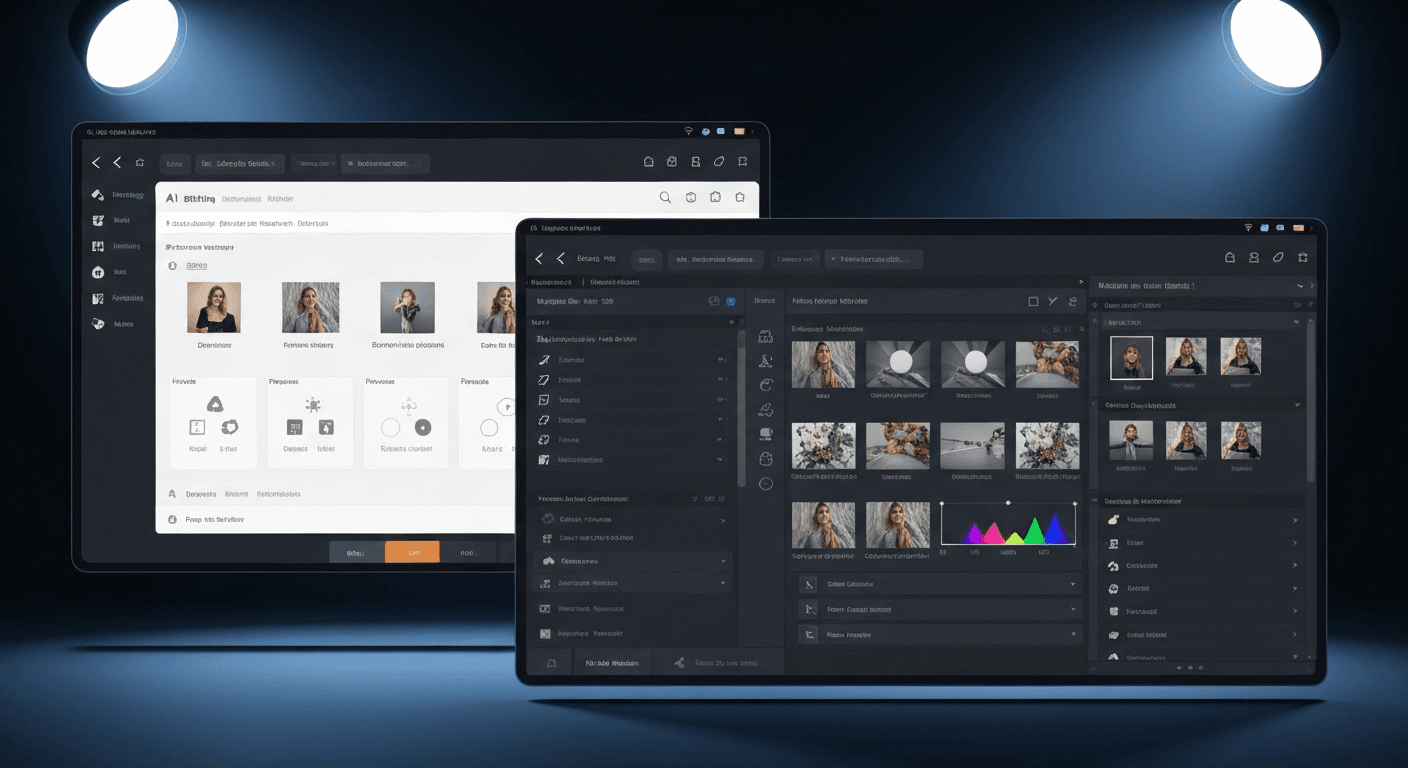
Canva Pro costs $12.99/month and buries AI editing inside a design suite. Seedream 5.0 Edit costs $0.10 per edit and does nothing but editing - brilliantly. If you're picking between them, the right answer depends on what job you're actually hiring the tool to do.
TL;DR
- Canva AI is a design tool with AI editing bolted on - good if you need templates, layouts, and social graphics
- Seedream 5.0 Edit is a pure AI image editor - better quality, pay per edit instead of a flat monthly fee
- Canva: $12.99/month for AI features. Seedream 5.0 Edit: $0.10 per edit
- For serious editing work, Seedream 5.0 Edit wins on quality, flexibility, and cost
- 10 free credits on signup at arteza.ai
Feature-by-Feature
| Seedream 5.0 Edit | Canva AI (Magic Studio) | |
|---|---|---|
| Pricing | $0.07 per edit | $12.99/month (Canva Pro) |
| Free tier | 10 credits on signup | Limited free AI credits/month |
| Primary focus | AI image editing | Design + templates |
| Natural language editing | Full | Partial (Magic Edit, Magic Erase) |
| Inpainting quality | Excellent | Good |
| Style transfer | Advanced, text-driven | Basic filters/presets |
| Background removal | Prompt-based | One-click (Pro) |
| Templates | None | 610,000+ |
| Brand kit | No | Yes (Pro) |
| Team collaboration | No | Yes |
| API access | Yes | Limited |
| Learning curve | Minutes | Low |
| Output quality | Near-Photoshop | Social-media tier |
Edit your first photo with AI
No Photoshop skills needed. Just type what you want changed. $0.10 per edit.
Try Seedream 5.0 Edit Free5 বিনামূল্যে প্রজন্ম · ক্রেডিট কার্ডের প্রয়োজন নেই
Where Canva Wins
Canva isn't trying to be a retoucher - it's trying to be the place where a small business owner designs a flyer, a LinkedIn banner, and an Instagram carousel in the same afternoon. For that, it's unmatched.
- Templates: 610k+ designs ready to drop your content into
- Brand kits: fonts, colors, logos in one place
- Multi-format export: resize one design into 30 platform sizes
- Team workflows: shared folders, commenting, approvals
- Printing: built-in print ordering for cards, shirts, mugs
If your day involves more layouts than photos, Canva is the right hub.
Where Seedream 5.0 Edit Wins
The moment the job becomes "make this photo look better" instead of "arrange these elements on a page," the gap opens fast.
Edit quality
Canva's Magic Edit is fine for casual fixes - removing a sign from a vacation photo, swapping a sky. But push it on complex scenes and edge artifacts appear quickly. Seedream 5.0 Edit, built on the full Seedream 5.0 architecture, produces results closer to professional retouching.
Natural language depth
In Canva, you still select an area first, then prompt. In Seedream 5.0 Edit, you just describe:
"Remove the crowd in the background and replace with a clean beach at sunset"
"Change the lighting to soft morning sun from the left"
"Transform this photo into a watercolor illustration"
No selection step. No mask. Just text.
Per-use pricing
If you edit 5 images this month and 200 next month, Canva still charges $12.99 both months. Seedream 5.0 Edit charges $0.35 then $14. Pay-per-use scales with your actual work.
Style transfer that actually works
Canva's style filters are preset-based. Seedream 5.0 Edit's style transfer engine handles any style you can describe - oil painting, cyberpunk, vintage film, anime, pencil sketch, pop art.
Ready to try Seedream 5.0 Edit? Start creating free →
Cost Scenarios
Let's run the math on three realistic workloads over a year:
| Scenario | Canva Pro | Seedream 5.0 Edit | Savings |
|---|---|---|---|
| 20 edits/month | $155.88 | $24 | $131.88 |
| 100 edits/month | $155.88 | $120 | $35.88 |
| 300 edits/month | $155.88 | $360 | -$204.12 |
Breakeven is around 130 edits/month. Below that, Seedream 5.0 Edit is dramatically cheaper. Above it, Canva's flat-rate model starts to win - if you only need Canva's AI features and not the design suite.
The Quality Gap on Specific Tasks
We tested identical prompts on both platforms:
| Task | Seedream 5.0 Edit | Canva AI |
|---|---|---|
| Remove object from cluttered scene | Clean, no artifacts | Noticeable edge blur |
| Replace background (portrait) | Natural lighting match | Good, slight halo |
| Style transfer to oil painting | Rich, painterly texture | Flat filter look |
| Change clothing color | Precise, realistic | Works on solid colors |
| Colorize black-and-white | Historically plausible | Not supported |
| Add objects to a scene | Properly lit and shadowed | Basic placement |
Seedream 5.0 Edit outperforms Canva AI on every pure-editing task - not because Canva is bad, but because Canva's AI is a feature, not the whole product.

Want results like this? Try Seedream 5.0 Edit free →
Who Should Use Which
Canva Pro is the right call if:
- You design social posts, flyers, and presentations weekly
- You need templates, brand kits, and team collaboration
- Your editing needs are light (background removal, small touch-ups)
- You want one tool for 80% of your creative work
Seedream 5.0 Edit is the right call if:
- You need high-quality AI editing as your main job
- You're editing product photos, real estate images, or marketing visuals
- You want pay-per-use pricing
- You need advanced style transfer or inpainting
- You want API access for batch workflows
The Smart Play: Use Both
Canva and Seedream 5.0 Edit aren't direct competitors - they're complementary.
The workflow that works:
- Edit the photo in Seedream 5.0 Edit (background, color, style)
- Drop the finished image into Canva (layout, text, branding)
You get the best editing quality AND the best design tooling, while keeping Canva on the Free plan since you're not using its AI.
Better edits, plans from $5 a month
Canva charges every month whether you edit or not. Seedream 5.0 Edit is $0.10 per edit - and the first 10 are free.
Start Editing FreePricing Summary
Canva Pro: $12.99/month or $119.99/year. Includes Magic Studio AI features with usage limits.
Seedream 5.0 Edit: 1 credit ($0.10) per edit. Monthly plans:
| Plan | Credits | Price | Edits |
|---|---|---|---|
| Starter | 60 | $5 | 60 |
| Creator | 300 | $25 | 300 |
| Pro | 700 | $50 | 700 |
| Studio | 1,800 | $120 | 1,800 |
Monthly credits refresh each billing cycle. Top-up credits never expire. Full pricing breakdown.
The Verdict
If editing photos is the main job, Seedream 5.0 Edit gives you more power for less money. If designing layouts is the main job, Canva is still king. For most people, the best answer is both - Canva Free for design, Seedream 5.0 Edit for the serious editing work.
Try Seedream 5.0 Edit free → - 10 credits on signup, no card required.
Related Reading
Seedream 5.0 Edit চেষ্টা করুন - এখনই
সম্পাদনা শুরু করতে আপনার ছবি তৈরি করার পৃষ্ঠায় আপলোড করুন।
5 বিনামূল্যে প্রজন্ম · ক্রেডিট কার্ডের প্রয়োজন নেই