Seedream v4.0 Edit for Students: Free-Tier Friendly Editing
Students don't have Photoshop money. Seedream v4.0 Edit offers AI image editing for $0.10 per image - and free credits on signup. Here's how students use it.
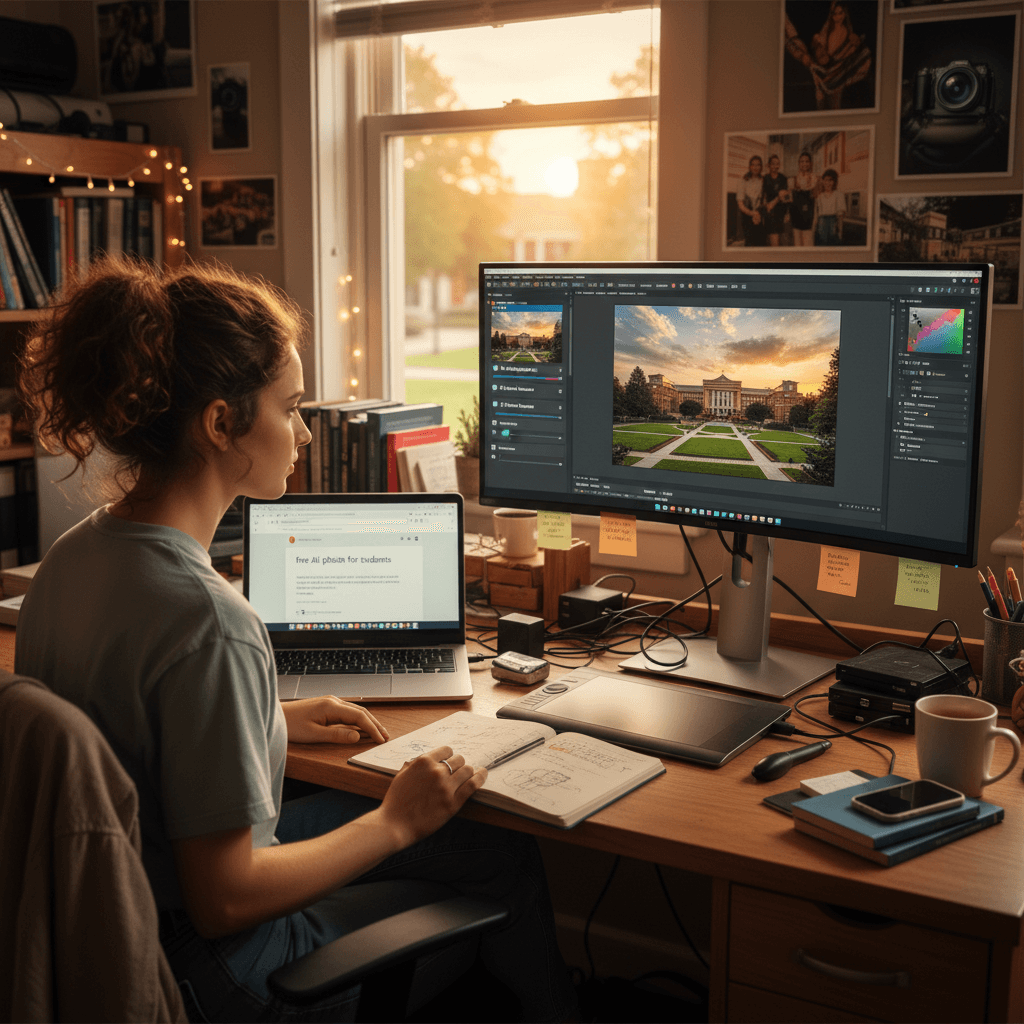
The average student has a $0 software budget. Adobe wants $19.99/month for a student plan. Canva wants $12.99. Seedream v4.0 Edit gives you 10 free credits at signup and charges $0.10 per edit after that - and the $25/month Creator plan's 300 credits cover most students' whole semester.
TL;DR
- 10 free credits on signup = 10 free edits, no credit card
- $0.10 per edit after - $10 = 100 edits
- Perfect for assignments, presentations, portfolios, and social posts
- Monthly plan credits refresh each billing cycle, and top-up credits never expire
- Sign up free at arteza.ai
Why Students Need AI Image Editing
Class projects, portfolios, slide decks, social content, fraternity flyers, club event posters - student life runs on images. You need them fast, cheap, and passable. You don't need Photoshop-level retouching. You need the minimum viable edit that looks good enough to submit or post.
Seedream v4.0 Edit is exactly that. It matches the lowest price in the Seedream family, with natural-language editing that needs no tutorial and no downloads. You type what you want, click a button, and save the result.
5 मुफ़्त जनरेशन · क्रेडिट कार्ड की आवश्यकता नहीं
What Students Use It For
Assignment photos
Biology lab report? History class presentation? Psychology class experiment? You probably need to clean up a photo before dropping it in a doc.
"Remove the background clutter and brighten the specimen"
"Replace the background with plain white for clarity"
Slide decks
Presentations benefit hugely from style-consistent images. Pick one style and apply it to every slide image:
"Apply clean minimalist aesthetic with neutral tones"
Now your slide deck looks intentional instead of haphazard.
Try Seedream v4.0 Edit - simple AI image editing
AI image editing at just $0.10 per edit. Free credits, no card needed.
Try Seedream v4.0 Edit FreePortfolio pieces
Design students, photography students, graphic art majors - your portfolio needs consistent, polished visuals. v4.0 Edit handles style transfer, background cleanup, and color grading at a price that fits a student loan.
Club and event posters
Running a student club? Flyers and posters need fresh images constantly. Edit stock photos or old club shots into new ones:
"Add festive lighting and a banner background"
"Remove the old date and make the composition cleaner"
Dorm room memes
Okay, it's not just academic. Students also edit memes. v4.0 Edit handles silly image remixes in 30 seconds for $0.10. See our memes guide for specifics.
Research visuals
Grad students and researchers editing figures for papers can use v4.0 Edit to clean up experimental photos, remove scale bars for presentation versions, and style-match visuals across a thesis.
Cost Math for a Full Semester
A typical semester involves:
- 4 classes × ~5 image-heavy assignments = 20 projects
- ~3 images per project = 60 edits
- 2 big presentations × 10 slide images = 20 edits
- Social media/club content = ~40 edits
- Buffer for experiments = ~20 edits
Total: ~140 edits per semester
Cost: 140 × $0.10 = $14 for an entire semester.
And that assumes you don't use the 10 free credits at signup. With those, it's $13.
Compare: one semester of Adobe Creative Cloud student plan is $119.94. You'd have to be using Photoshop constantly to justify that over Seedream v4.0 Edit.
Student-Friendly Features
No credit card at signup. Arteza doesn't ask for a card to get your free 10 credits. Just an email.
Monthly credits refresh each billing cycle. Top-up credits never expire. Don't use your top-up credits this semester? They're there next semester. No "use it or lose it" rush.
Browser-based. Runs on any laptop. No install, no download, works on school computers if they allow web access.
Commercial use allowed. If you're side-hustling with edits, you can sell the output. No student license restrictions.

10 free credits = 10 free edits. Open Seedream v4.0 Edit and try your first edit without a card.
Real Student Workflow
Here's how a junior marketing major uses Seedream v4.0 Edit during finals week.
Monday: Marketing presentation due. 12 slide images. Uses Seedream v4.0 Edit to style-match stock photos with prompt: "Apply clean corporate photo style with warm tones". 12 edits × $0.10 = $1.20. Time: 8 minutes.
Wednesday: Club fundraiser flyer. Needs a hero image. Uploads a group photo and runs: "Replace the background with a warm golden hour outdoor scene". One edit × $0.10 = $0.10. Time: 30 seconds.
Friday: LinkedIn profile refresh. Uses personal photo with: "Apply professional headshot style with neutral studio background". One edit × $0.10 = $0.10. Time: 30 seconds.
Total for the week: 14 edits. Cost: $1.40. Less than a coffee.
Start editing for free with no card
Free credits, no credit card, no trial countdown. Arteza is actually free to try.
Claim Free CreditsTips for Student Budgets
- Start with the free 10 credits. Don't buy anything until you've tested the model thoroughly.
- Batch edits before a deadline. Doing 10 edits in one sitting is faster than context-switching 10 times.
- Save successful prompts. Build a library for repeat use across assignments.
- Use the Starter plan. $5/month for 60 edits is the smallest commitment.
- Split with friends. The $25 Creator plan gives 300 monthly edits - plenty to share with classmates (if sharing accounts is allowed per the ToS).
What v4.0 Edit Can't Do
Be honest with yourself:
- Not for heavy scientific figures. Use dedicated research tools.
- Not a full design program. Need Canva for layout and typography.
- Not a photo app. Phone editing for selfies is still easier with built-in apps.
But for every task that benefits from AI-powered image editing - background changes, style transfer, object removal - v4.0 Edit is one of the cheapest options a student can find.
Related Reading
Final Word
Students don't need premium software. They need cheap, fast, good-enough tools that bill by the edit instead of by the seat. Seedream v4.0 Edit fits that profile perfectly. Sign up, use your 10 free credits, and see how much you can get done for $14 a semester.
Seedream v4.0 Edit का प्रयास करें - अभी
संपादन शुरू करने के लिए अपनी छवि बनाने वाले पृष्ठ पर अपलोड करें।
5 मुफ़्त जनरेशन · क्रेडिट कार्ड की आवश्यकता नहीं