Seedream v4.0 Edit API: Budget Image Editing Endpoint
Integrate AI image editing into your app for $0.10 per edit with the Seedream v4.0 Edit API. Complete guide to the fal-ai/bytedance/seedream/v4/edit endpoint.
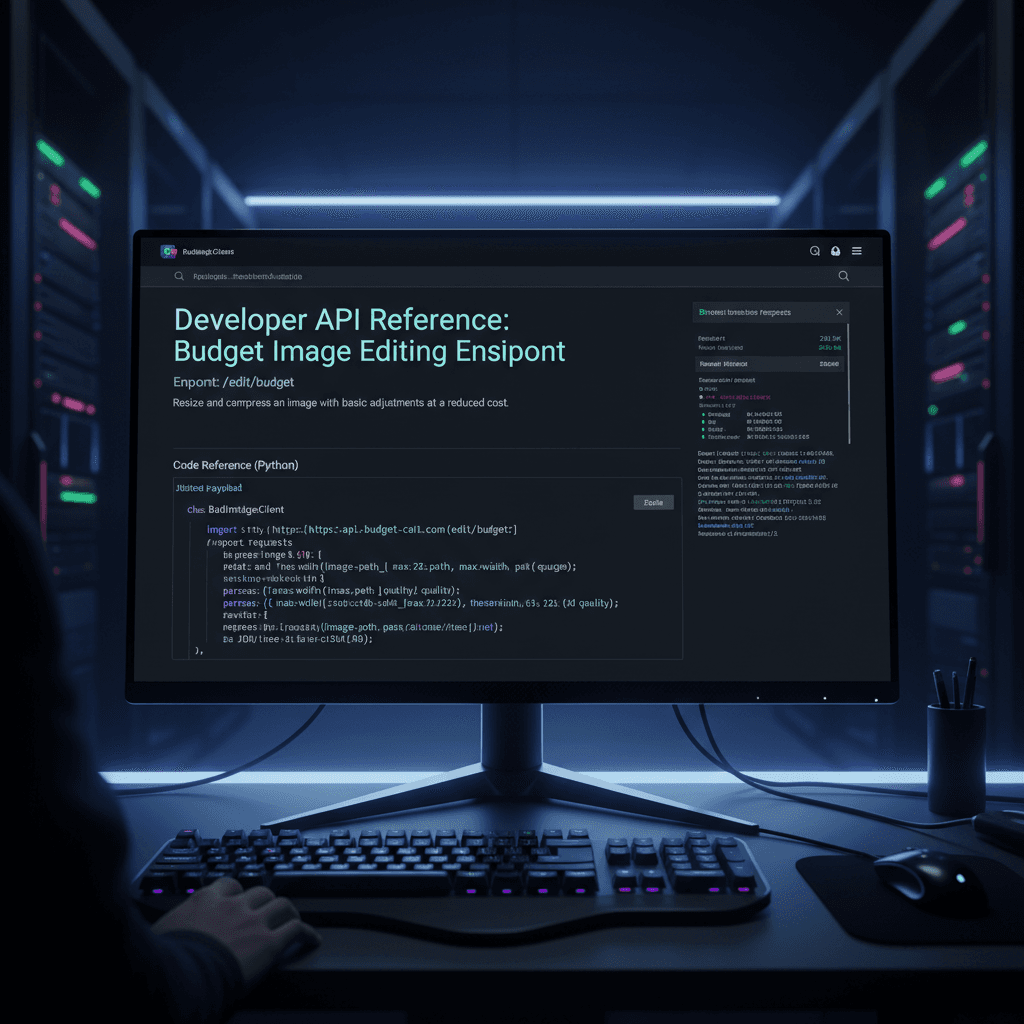
Ten cents per API call. That's the deal on the Seedream v4.0 Edit endpoint - the entry point into ByteDance's Seedream edit family. If you're building an app that needs AI image editing without eating your margins, this is the endpoint to start with.
TL;DR
- Endpoint:
fal-ai/bytedance/seedream/v4/edit - 1 credits ($0.10) per edit - the same rate as the rest of the Seedream edit family
- 20-40 second generation time
- Supports natural language editing, object removal, style transfer
- Same credit rate as the UI playground
- Sign up and start at arteza.ai
Why Use Seedream v4.0 Edit via API
Apps that need image editing features - photo apps, e-commerce tools, content platforms, design assistants - can't afford $0.10 per edit across millions of users. Margins disappear fast.
Seedream v4.0 Edit fits because it's:
- Cheap enough to pass through to end users or eat internally
- Reliable on common edit tasks (backgrounds, objects, styles)
- Simple to integrate - one endpoint, prompt-based input
- Consistent with the rest of the Seedream family if you want to upgrade later
For a startup with tight unit economics, it's often the only AI editing model that makes sense at scale.
5 generasi gratis · Tidak perlu kartu kredit
The Endpoint
fal-ai/bytedance/seedream/v4/edit
Parameters:
image_url- the source image (URL or base64)prompt- natural language edit instruction- Optional:
seed,num_images, and other standard parameters
Response includes the edited image URL and generation metadata.
Try Seedream v4.0 Edit - simple AI image editing
AI image editing at just $0.10 per edit. Free credits, no card needed.
Try Seedream v4.0 Edit FreeExample Request
A typical API call to v4.0 Edit looks like:
{
  "image_url": "https://example.com/source.jpg",
  "prompt": "Replace the background with a clean white studio"
}
Response:
{
  "images": [
    {
      "url": "https://fal.media/files/edited-output.png"
    }
  ],
  "seed": 42,
  "timings": {
    "inference": 28.3
  }
}
Generation time varies from 20 to 40 seconds for typical edits. Expect longer runs for complex multi-object edits.
Cost Math for Your App
API pricing is the same as the UI: 1 credits per edit. Here's what that looks like at various scales:
| Users | Edits per user | Edits per month | Monthly cost |
|---|---|---|---|
| 100 | 5 | 500 | $50 |
| 1,000 | 5 | 5,000 | $500 |
| 10,000 | 5 | 50,000 | $5,000 |
| 100,000 | 5 | 500,000 | $50,000 |
At that scale image editing is a real line item, so measure your app's actual per-user edit rate before you set your own pricing. The published plans run up to 1,800 credits a month on the $120 Studio plan.
Integration Patterns
Pattern 1: Direct user passthrough
Users upload an image, type a prompt, your app calls the API, returns the result. Charge users a markup (e.g., $0.25 per edit, pay Arteza $0.10, keep $0.15).
Pattern 2: Feature integration
Your app has a "remove background" or "change sky" button. On click, call the API with a pre-written prompt. Users never see the prompt - they just see the feature.
Pattern 3: Batch processing
Your backend receives a job to edit 500 product photos overnight. Queue the calls, run them sequentially or in parallel, store results. At $0.10 each, 500 photos = $50 - a rounding error for most commercial jobs.
Best Prompt Patterns for API Use
API prompts benefit from templating. Instead of freeform text, define structured prompts your app generates:
# Background replacement template
prompt = f"Replace the background with {background_type}, keep subject sharp"

# Object removal template
prompt = f"Remove the {object_name} from the {location}"

# Style transfer template
prompt = f"Apply {style_name} aesthetic with {mood} tones"
This gives users preset options while keeping prompts tight and predictable.

Integrate for 1 credit per edit. Open the Seedream v4.0 Edit playground and test the model first.
Handling Errors
Common API failure modes:
- Image too large: Compress or resize to 2048×2048 max before calling.
- Image URL unreachable: Use direct uploads if possible, not hotlinks.
- Prompt too vague: Pre-validate that prompts have at least a noun and a verb.
- Generation timeout: v4.0 is the slowest Seedream edit model. Budget for up to 45 seconds.
Retry logic should handle transient failures gracefully. Most users are okay with a 1-2 second retry rather than an error toast.
Speed vs Cost Trade-Off
If your app needs faster response times, consider the sibling models:
| Model | Endpoint | Price | Speed |
|---|---|---|---|
| v4.0 Edit | fal-ai/bytedance/seedream/v4/edit | $0.10 | 20-40s |
| v4.5 Edit | fal-ai/bytedance/seedream/v4.5/edit | $0.10 | 10-25s |
| 5.0 Edit | fal-ai/bytedance/seedream/v5/edit | $0.10 | 5-15s |
For user-facing interactive workflows, v5.0 and v4.5 return faster at the same price per edit. For batch jobs and overnight runs, where latency does not matter, v4.0 does the same work.
Credit Management
API calls draw from the same credit pool as the UI. You can:
- Top up credits manually through bundles
- Set up billing alerts to auto-notify when credits drop
- Track per-endpoint usage in your dashboard
- Grant team members API key access for shared workflows
Monthly plan credits refresh each billing cycle, and top-up credits never expire, so an unused balance carries into the next month instead of evaporating.
$0.10 per API call, plans from $5 a month
Start with free credits on signup. Test the endpoint without spending a cent.
Get StartedSecurity and Privacy
- Images processed via API are deleted after generation
- Arteza does not train models on user-uploaded images
- API keys are scoped and rotatable
- All traffic is TLS-encrypted
Check the platform's security documentation for the latest details on compliance and data handling.
When to Use v4.0 Edit API vs Others
Use v4.0 Edit API when:
- Cost per edit matters to your margins
- Your use case is background swaps, object removal, or style transfer
- Generation latency isn't critical (batch or async OK)
- You need consistent natural-language editing
Use v4.5 or v5.0 Edit API when:
- Interactive UX requires sub-15-second response times
- Fine detail preservation matters (luxury products, portraits)
- The extra $0.10 per call is justified by the deliverable
Related Reading
Final Word
The Seedream v4.0 Edit API is the most affordable way to add AI image editing to an app without sacrificing capability. Natural language editing, object removal, style transfer - all for $0.10 per call. Sign up, grab your API key, and start integrating.
Coba Seedream v4.0 Edit - Sekarang juga
Unggah gambar Anda di halaman buat untuk memulai pengeditan.
5 generasi gratis · Tidak perlu kartu kredit