Seedream 5.0 Edit API: Programmatic Image Editing
Developer guide to the Seedream 5.0 Edit API. Learn authentication, endpoints, request formats, code examples in Python and JavaScript, error handling, and batch editing workflows.
Web UIs are great for one-off edits. APIs are how you edit 10,000 images overnight. The Seedream 5.0 Edit API gives you programmatic access to the same natural-language editing model that powers the Arteza platform, at the same $0.10 per edit. This guide walks through authentication, endpoints, Python and JavaScript examples, batch patterns, and production best practices.
TL;DR
- Programmatic access to Seedream 5.0 Edit at $0.10 per edit (1 credits)
- REST API with JSON responses, 5–15 second generation
- Python and JavaScript examples included
- Built for batch workflows - process thousands of images per job
- 10 free credits for testing at arteza.ai
When to Use the API vs the Web UI
Use the web UI when:
- You're editing 1–20 images manually
- You want to iterate visually
- You're exploring creative directions
Use the API when:
- You're editing 50+ images
- You're building a product that edits images
- You need consistent prompts across a batch
- You want to integrate editing into an existing pipeline (Lightroom export, Shopify, CMS, etc.)
Edit your first photo with AI
No Photoshop skills needed. Just type what you want changed. $0.10 per edit.
Try Seedream 5.0 Edit Free5回の無料生成 · クレジットカード不要
Authentication
The API uses bearer token authentication. Get your API key from the Arteza dashboard after signing up.
# Store your key as an environment variable
export SEEDANCE_API_KEY="your_api_key_here"
Never commit API keys to git. Use environment variables, secret managers, or .env files.
The Edit Endpoint
Endpoint: POST https://api.arteza.ai/v1/edit
Required parameters:
| Parameter | Type | Description |
|---|---|---|
image | file / URL | Source image (JPEG, PNG, WebP) |
prompt | string | Natural-language edit instruction |
model | string | "seedream-5-lite-edit" |
Optional parameters:
| Parameter | Type | Description |
|---|---|---|
output_format | string | "png" (default) or "jpeg" |
seed | integer | For reproducible outputs |
strength | float | 0.1–1.0 edit intensity |
Each successful call deducts 1 credits.
Python Example
import os
import requests

API_KEY = os.environ["SEEDANCE_API_KEY"]
API_URL = "https://api.arteza.ai/v1/edit"

def edit_image(image_path: str, prompt: str) -> bytes:
    with open(image_path, "rb") as f:
        files = {"image": f}
        data = {
            "prompt": prompt,
            "model": "seedream-5-lite-edit",
            "output_format": "png",
        }
        headers = {"Authorization": f"Bearer {API_KEY}"}
        response = requests.post(
            API_URL, files=files, data=data, headers=headers, timeout=60
        )
        response.raise_for_status()
        return response.content

# Usage
edited = edit_image(
    "product.jpg",
    "Replace background with seamless white studio, add soft shadow"
)
with open("product_edited.png", "wb") as f:
    f.write(edited)
JavaScript / Node.js Example
import fs from "fs";
import FormData from "form-data";
import axios from "axios";

const API_KEY = process.env.SEEDANCE_API_KEY;
const API_URL = "https://api.arteza.ai/v1/edit";

async function editImage(imagePath, prompt) {
  const form = new FormData();
  form.append("image", fs.createReadStream(imagePath));
  form.append("prompt", prompt);
  form.append("model", "seedream-5-lite-edit");
  form.append("output_format", "png");

  const response = await axios.post(API_URL, form, {
    headers: {
      ...form.getHeaders(),
      Authorization: `Bearer ${API_KEY}`,
    },
    responseType: "arraybuffer",
    timeout: 60000,
  });

  return response.data;
}

// Usage
const edited = await editImage(
  "product.jpg",
  "Apply warm golden-hour cinematic color grade"
);
fs.writeFileSync("product_edited.png", edited);
cURL Example
curl -X POST https://api.arteza.ai/v1/edit \
  -H "Authorization: Bearer $SEEDANCE_API_KEY" \
  -F "image=@product.jpg" \
  -F "prompt=Replace background with clean white studio" \
  -F "model=seedream-5-lite-edit" \
  -o product_edited.png
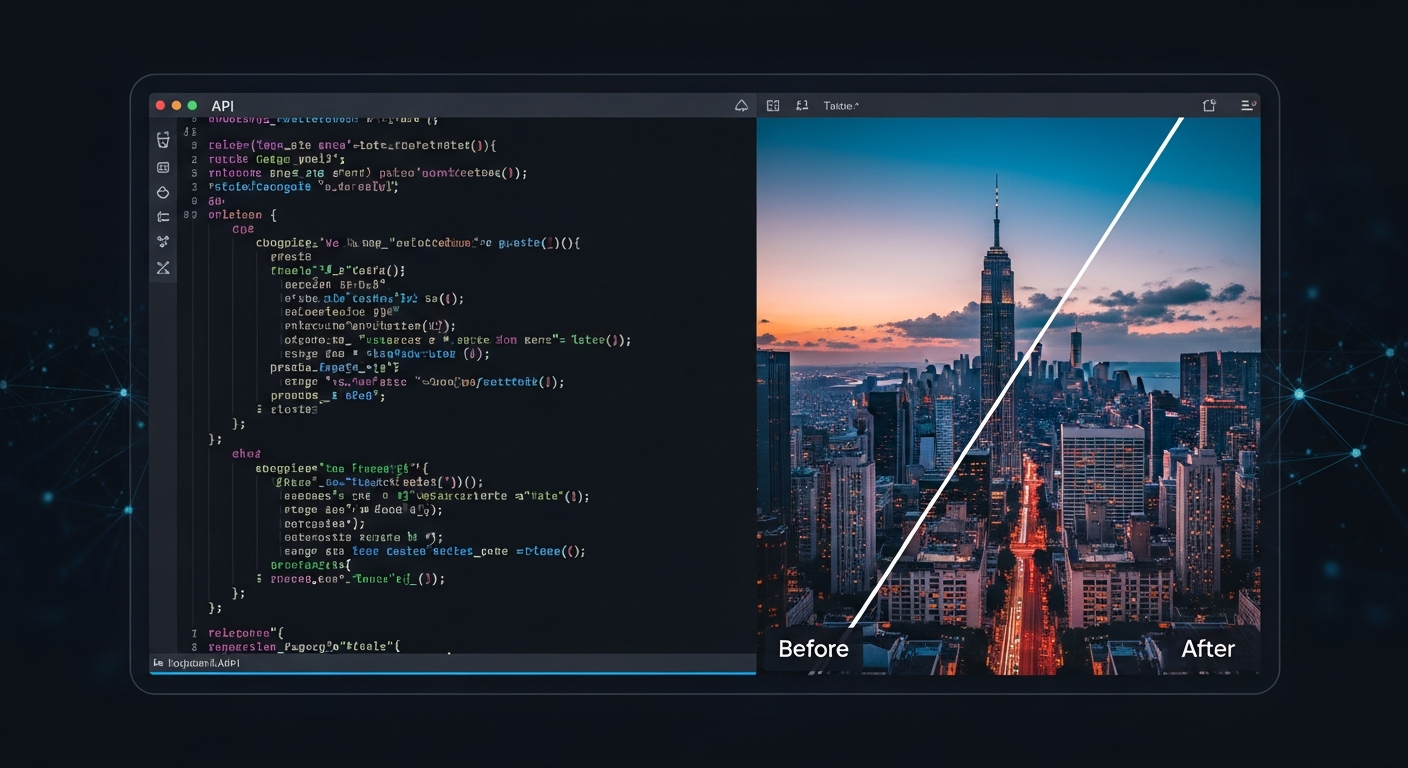
Want results like this? Try Seedream 5.0 Edit free →
Batch Processing Pattern
The killer use case for the API is batch. Here's a production-ready Python pattern:
import os
import concurrent.futures
from pathlib import Path

def process_batch(image_dir: str, prompt: str, output_dir: str, workers: int = 4):
    Path(output_dir).mkdir(parents=True, exist_ok=True)
    images = list(Path(image_dir).glob("*.jpg"))

    def process_one(img_path: Path):
        try:
            result = edit_image(str(img_path), prompt)
            output_path = Path(output_dir) / f"{img_path.stem}_edited.png"
            with open(output_path, "wb") as f:
                f.write(result)
            return (img_path.name, "success")
        except Exception as e:
            return (img_path.name, f"error: {e}")

    with concurrent.futures.ThreadPoolExecutor(max_workers=workers) as executor:
        results = list(executor.map(process_one, images))

    for name, status in results:
        print(f"{name}: {status}")

# Edit 100 product photos with the same prompt
process_batch(
    image_dir="./raw_products",
    prompt="Replace background with pure white studio, soft shadow beneath",
    output_dir="./edited_products",
    workers=4,
)
Performance: with 4 workers, 100 images take roughly 3–5 minutes total. Cost: 100 x 1 credit = 100 credits = $10 total.
Error Handling
The API returns standard HTTP status codes:
| Code | Meaning | Action |
|---|---|---|
| 200 | Success | Use the returned image |
| 400 | Invalid request | Check prompt and image format |
| 401 | Unauthorized | Check API key |
| 402 | Insufficient credits | Top up at pricing |
| 413 | Image too large | Resize under 2048px |
| 429 | Rate limited | Implement exponential backoff |
| 500 | Server error | Retry with backoff |
Retry Pattern
import time
import requests

def edit_with_retry(image_path: str, prompt: str, max_retries: int = 3):
    for attempt in range(max_retries):
        try:
            return edit_image(image_path, prompt)
        except requests.HTTPError as e:
            if e.response.status_code in (429, 500, 502, 503, 504):
                wait = 2 ** attempt  # exponential backoff: 1s, 2s, 4s
                time.sleep(wait)
                continue
            raise
    raise Exception("Max retries exceeded")
Webhook Workflow for Large Batches
For jobs with thousands of images, use webhooks to avoid long polling:
# Submit a job with a webhook URL
response = requests.post(
    f"{API_URL}/batch",
    json={
        "model": "seedream-5-lite-edit",
        "images": ["s3://bucket/img1.jpg", "s3://bucket/img2.jpg", ...],
        "prompt": "Replace background with white studio",
        "webhook": "https://yourapp.com/webhook/seedance",
    },
    headers={"Authorization": f"Bearer {API_KEY}"},
)
job_id = response.json()["job_id"]

# Arteza will POST results to your webhook when the job completes
Rate Limits
| Plan | Concurrent requests | Requests per minute |
|---|---|---|
| Free (trial) | 2 | 30 |
| Starter | 4 | 60 |
| Popular | 8 | 120 |
| Pro | 16 | 240 |
| Max / Enterprise | 32+ | 480+ |
If you need higher limits, contact support from your dashboard.
Common Production Patterns
1. Shopify Product Pipeline
# Pull new products from Shopify → edit → push back
for product in new_products:
    for image_url in product.images:
        edited = edit_image_url(image_url, BRAND_PROMPT)
        upload_to_shopify(product.id, edited)
See the product photos guide for prompt ideas.
2. Real Estate Listing Automation
# Auto-enhance new listing photos
for photo in listing.photos:
    if photo.type == "exterior":
        edited = edit_image(photo.path, "Replace sky with blue clear sky, brighten")
    elif photo.type == "interior_empty":
        edited = edit_image(photo.path, "Stage in modern Scandinavian style")
    save_to_mls(edited)
See the virtual staging guide for prompt templates.
3. Social Media Content Pipeline
# Generate multi-platform variants of each post
for source_image in incoming_posts:
    instagram = edit_image(source_image, "Bright airy Instagram aesthetic")
    tiktok = edit_image(source_image, "High-energy saturated TikTok look")
    linkedin = edit_image(source_image, "Clean corporate LinkedIn tones")
    publish_to_platforms(instagram, tiktok, linkedin)
See the social media guide.
Edit 10,000 images overnight
Natural language prompts, programmatic scale. The same $0.10-per-edit pricing, whether you run it once or a million times.
Get Your API Key FreeCost Tracking
Each API call deducts 1 credits. Track your spend programmatically:
def get_credit_balance():
    response = requests.get(
        "https://api.arteza.ai/v1/account/credits",
        headers={"Authorization": f"Bearer {API_KEY}"},
    )
    return response.json()["balance"]

print(f"Credits remaining: {get_credit_balance()}")
Pricing
| Plan | Credits | Price | Edits |
|---|---|---|---|
| Starter | 60 | $5 | 60 |
| Creator | 300 | $25 | 300 |
| Pro | 700 | $50 | 700 |
| Studio | 1,800 | $120 | 1,800 |
Monthly credits refresh each billing cycle. Top-up credits never expire. Full pricing.
Production Checklist
- API key stored securely (env var or secret manager)
- Retry logic with exponential backoff
- Error logging and alerting
- Credit balance monitoring
- Rate-limit-aware concurrency
- Input image size validation (<2048px)
- Output storage (CDN, S3, etc.)
- Prompt templates versioned in git
Next Steps
- Complete Seedream 5.0 Edit guide
- Product photography workflows
- Real estate automation
- Creating variations at scale
Get your API key free → - free credits on signup, no card required.
Seedream 5.0 Edit を今すぐ試す
編集を開始するには、作成ページに画像をアップロードしてください。
5回の無料生成 · クレジットカード不要