Seedance 2.0 Reference Pricing: Multi-Modal Video Generation Costs
Seedance 2.0 Reference costs $1.90 to $35.10 per clip on plans from $5 a month. Here's the complete pricing breakdown and how it compares to alternatives.
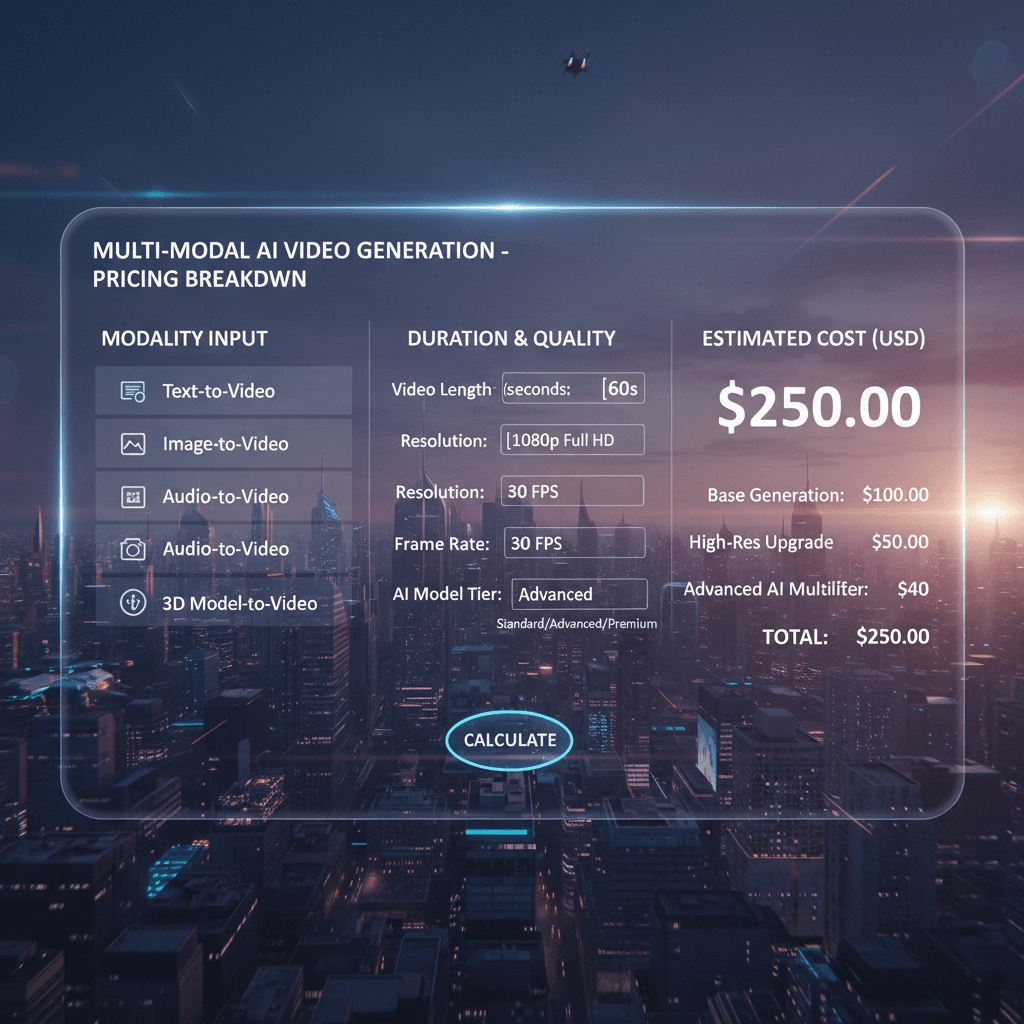
$1.90 to $35.10 per video clip, on plans from $5 a month. That's the full Seedance 2.0 Reference pricing in one sentence. Pay per generation, with credits that refresh each cycle.
This is the full breakdown - per-second economics, subscription tiers, volume scenarios, and how the costs stack against the alternatives.
TL;DR
- Dynamic per-second pricing that scales with clip length
- 19-69 credits per clip ($1.90-$6.90)
- Monthly subscription tiers starting at $5/month
- 10 free credits on signup, no card required
- Cheapest per-clip pricing of any major multi-modal AI video tool
- Start with 10 free credits
The Pricing Model in Plain English
Seedance 2.0 Reference charges by output duration. You pay for the seconds of video you generate - nothing else. References are free. Extra input types are free. You only pay for the final clip length.
Pricing scales by duration, and each credit is worth $0.10. A 5-second clip uses 15 credits. A 10-second clip uses 29. A 15-second clip uses 44.
5 gratis genereringer · Intet kredittkort nødvendig
The Per-Clip Cost Table
| Duration | Credits | USD |
|---|---|---|
| 4 seconds | 19 | $1.90 |
| 5 seconds | 23 | $2.30 |
| 6 seconds | 28 | $2.80 |
| 7 seconds | 32 | $3.20 |
| 8 seconds | 37 | $3.70 |
| 9 seconds | 41 | $4.10 |
| 10 seconds | 46 | $4.60 |
| 12 seconds | 55 | $5.50 |
| 15 seconds | 69 | $6.90 |
That's the full range. There are no surprise fees, no "premium" mode surcharges, just the credit price of the clip.
Subscription Tiers Available
You subscribe to a monthly tier. Annual billing lowers the effective monthly price on every tier.
| Tier | Price | Credits/month | Yearly price |
|---|---|---|---|
| Starter | $5 | 60 | $45 |
| Creator | $25 | 300 | $225 |
| Pro | $50 | 700 | $450 |
| Studio | $120 | 1,800 | $1,080 |
The Studio tier gives the most credits per month. For any ongoing production, the Pro or Studio tier is the most economical choice. See full pricing details.
What 10 Free Credits Actually Gets You
New accounts get 10 free credits automatically. That's not quite enough for a full Seedance 2.0 Reference generation (minimum 19 credits for a 4-second clip), but it's enough to try the platform, explore the interface, and test Seedream image generation.
To run your first Reference mode video, the Starter tier at $5/month (60 credits) covers about 5 short clips at 4 seconds each or a few longer ones.

See what 10 credits unlocks. Sign up free and explore the platform before committing to a plan. Start free.
Cost Scenarios by Use Case
Scenario 1: Testing the model (2-3 clips)
- Cost: ~$3-$5
- Right tier: 10 free credits + Starter $5
Scenario 2: Small marketing campaign (5 clips at 5 sec)
- Cost: $1.90-$35.10
- Right tier: Starter $5, or Creator $25
Scenario 3: Full brand video series (10 clips at 8 sec)
- Cost: ~$23
- Right tier: Creator $25
Scenario 4: Music video production (30 clips, mixed lengths)
- Cost: ~$70
- Right tier: Pro $50
Scenario 5: Ecom catalog video rollout (100 product clips at 5 sec)
- Cost: ~$150
- Right tier: Studio $120
| Project Size | Cost Range | Recommended Tier |
|---|---|---|
| Test (1-3 clips) | $1.50-$5 | Starter |
| Small (5-10 clips) | $7.50-$30 | Creator / Pro |
| Medium (20-40 clips) | $30-$100 | Pro / Studio |
| Large (50+ clips) | $100+ | Studio |
What References Cost (Nothing)
This trips up new users: you pay for output, not input. Uploading 9 images, 3 videos, and 3 audio clips costs exactly the same as uploading 1 image. The reference processing is free.
What this means practically: always use the references you need. Don't worry about "saving" on references to keep costs down - it's not a lever. The only cost lever is output duration.
Why Simple Subscription Tiers?
Arteza uses straightforward monthly subscription tiers with no confusing token math.
The tier model works well because:
- Your credits refresh every billing cycle, so your budget is predictable
- Annual billing lowers the effective monthly price
- Top-up credits you add never expire
- The same balance works across every model on the platform
Pick the tier that matches your monthly volume, and step up when you consistently need more.
Try Seedance 2.0 Reference - multi-modal video generation
Affordable plans from $5/month. 10 free credits, no card required.
Try Seedance 2.0 Reference FreeComparing to Alternatives
vs Runway Gen-4: Runway is subscription-based ($15-$95+/month). For light-to-moderate users, Arteza's lower-priced tiers are cheaper. For heavy users with consistent monthly volume, Runway may pencil out comparably. See the full vs Runway comparison.
vs Pika Labs: Pika offers limited free tier plus subscription tiers. Quality and input sophistication differ. Seedance 2.0 Reference offers more reference input bandwidth.
vs standard Seedance 2.0: Essentially the same per-second cost. The difference is what you can feed the model, not what you pay.
vs Sora (when available): Pricing and access vary. Arteza is generally available today with no waitlist.
| Tool | Pricing Model | Typical Monthly Cost (20 clips) |
|---|---|---|
| Seedance 2.0 Reference | Subscription | ~$30 |
| Runway Gen-4 | Subscription | $35-$95 |
| Pika Labs | Subscription | $35-$75 |
| Standard Seedance 2.0 | Subscription | ~$30 |
Hidden Costs (There Aren't Any)
Worth stating explicitly: there are no hidden fees in Arteza pricing.
- No fees for uploading references
- No fees for different reference types
- No fees for aspect ratio choices
- No fees for downloads
- No fees for storage (your work persists in your gallery)
- No fees for re-generating with the same prompts
- No API setup fees (if you use the Seedance 2.0 Reference API, same per-second pricing applies)
The only thing you pay for is output duration. Everything else is included.
Credit Expiration and Refunds
Top-up credits don't expire. Any credits you add on top of your plan stay in your account until you use them. Monthly plan credits refresh each billing cycle.
Refunds are handled case-by-case through support for unused credit balances. Generated content follows standard platform terms.
Check the pricing page for current terms and any promotional updates.
Cost-Saving Tips
Start with shorter clips. A 4-second test clip costs $1.90. A 15-second clip costs $4.40. For style and prompt testing, use 4-5 second generations until your setup works, then commit to longer durations for final output.
Re-use reference bundles. Once you build a bundle that produces the style you want, re-use it across your whole series. You avoid reference-curation time and the style stays consistent.
Iterate on prompts, not references. If an output isn't right, change the prompt before swapping references. Prompt changes are usually faster fixes.
Batch your work. Generate multiple clips in one session rather than spreading over weeks. You'll use your creative momentum and catch issues faster.
Pick the right tier. For ongoing production, Pro or Studio tiers offer better per-dollar value. Starter is fine for testing; don't use it for production.
Annual Budget Planning
For teams planning AI video spend annually:
| Team Size / Volume | Estimated Annual Spend |
|---|---|
| Solo creator, ~10 clips/month | $180-$300 |
| Small team, ~30 clips/month | $540-$700 |
| Agency, ~100 clips/month | $1,800-$2,400 |
| Enterprise, 500+ clips/month | $9,000+ |
These are real production budgets but tiny compared to traditional video spending. For most creative teams, switching a portion of their video work to Reference mode frees substantial budget that can go elsewhere.
Next Reads
For the full feature breakdown, read the Seedance 2.0 Reference complete guide. For comparing variants, see Reference vs Standard. For competitive comparisons, see Reference vs Runway.
The pricing is simple on purpose. Pay one monthly rate, get fresh credits each cycle, upgrade tiers when volume justifies it.
Start with 10 free credits
No card required. Explore the platform before committing. 10 free credits.
Start FreePrøv Seedance 2.0 - Akkurat nå
5 gratis genereringer · Intet kredittkort nødvendig