Seedream 5.0 Edit vs Photoshop AI: Automated Editing Compared
A detailed comparison of Seedream 5.0 Edit and Adobe Photoshop's AI features. We break down capabilities, pricing, ease of use, and output quality to help you choose the right tool.
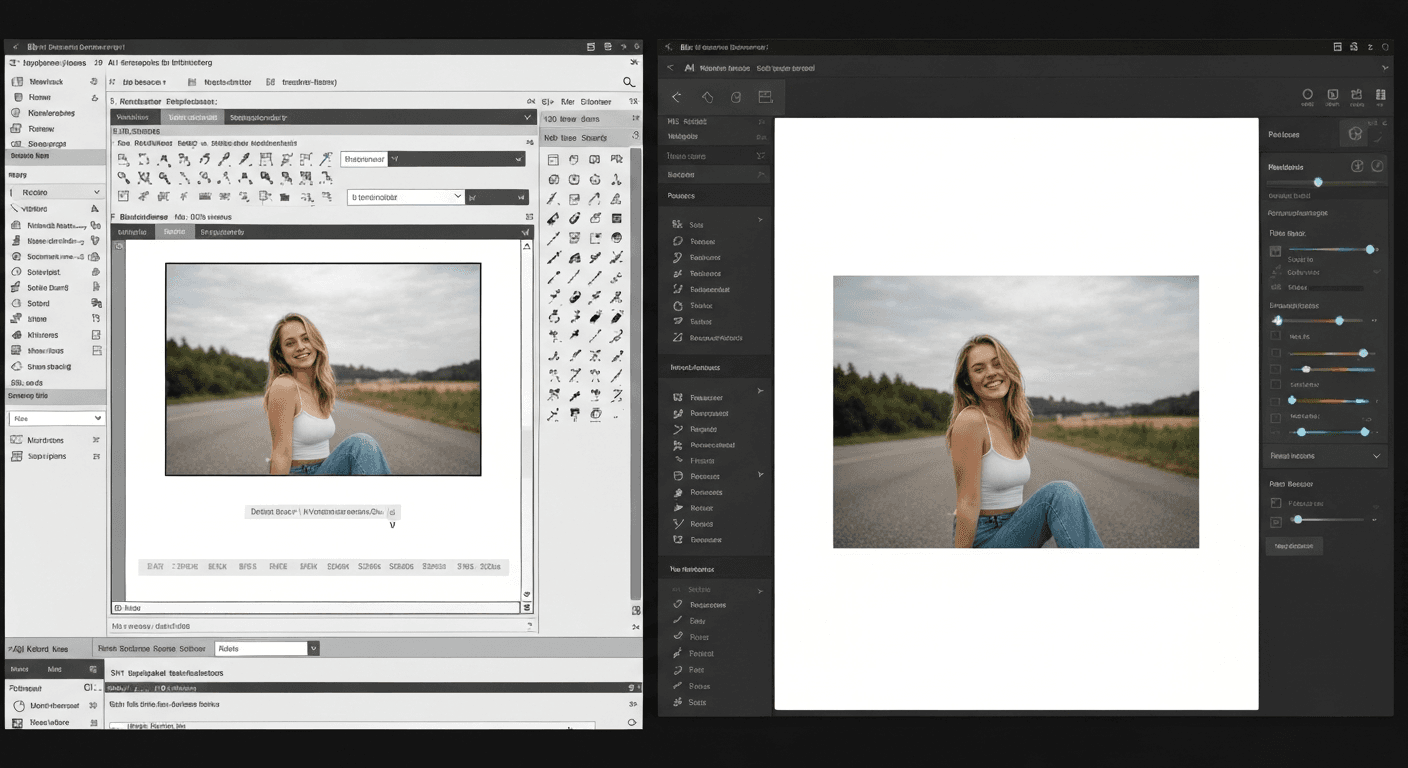
Photoshop costs $22.99 a month. Seedream 5.0 Edit costs $0.10 per edit. For the price of one month of Photoshop, you get 229 AI edits on Arteza - and zero subscription lock-in. But cost is only half the story. Here's how the two tools actually stack up for real work.
TL;DR
- Photoshop AI wins on precision control, layered workflows, and print prep
- Seedream 5.0 Edit wins on speed, price, and natural-language ease
- Photoshop: $22.99/month minimum. Seedream 5.0 Edit: $0.10 per edit, plans from $5 a month
- Most users get Photoshop-quality results for 90% of common edits at 0.4% of the cost
- 10 free credits (10 edits) on signup at arteza.ai
The Side-by-Side
| Seedream 5.0 Edit | Photoshop (with AI) | |
|---|---|---|
| Pricing | $0.10 per edit | $22.99/month (Photography Plan) |
| Subscription | None - monthly credits refresh each billing cycle. Top-up credits never expire | Required |
| Natural language editing | Full, primary interface | Limited to Generative Fill |
| Learning curve | Minutes | Weeks to months |
| Inpainting quality | Excellent | Excellent |
| Style transfer | Native, text-prompted | Manual (filters, plugins) |
| Background replacement | One sentence | Select subject, mask, refine edges |
| Batch editing | API + prompts | Actions/scripts |
| Speed per edit | 5–15 seconds | 2–30+ minutes (manual) |
| Offline use | No (cloud) | Yes |
| File format output | PNG | PSD, PNG, JPG, TIFF, and more |
| Layer control | No | Full |
| Non-destructive editing | No (iterate with new passes) | Yes |
| Free tier | 10 credits on signup | 7-day trial only |
Edit your first photo with AI
No Photoshop skills needed. Just type what you want changed. $0.10 per edit.
Try Seedream 5.0 Edit Free5 бесплатных генераций · Без карты требуется
Where Photoshop Still Wins
Photoshop has been the industry standard for 35 years for a reason. These are the cases where it's still the better call:
- Print production: CMYK workflows, color profiles, and press-ready output
- Pixel-perfect compositing: multi-layer designs with blend modes and masks
- Type and vector work: full typography and shape-layer controls
- Frame-accurate retouching: frequency separation, dodge/burn, skin work at ultra-high resolution
- Offline work: no internet? Photoshop still runs
If you're a working retoucher cleaning up beauty campaigns at 16-bit depth, Photoshop is your tool. That hasn't changed.
Where Seedream 5.0 Edit Crushes It
The gap closes fast the moment your workflow is about outcomes, not tooling mastery.
Speed
A background swap in Photoshop takes 2–8 minutes of selecting, masking, refining edges, and blending. In Seedream 5.0 Edit:
"Replace the background with a soft-focus autumn park"
Result in 10 seconds. That's 12–48x faster.
Price
Do the math on a year of editing:
| Workload | Photoshop (year) | Seedream 5.0 Edit (year) |
|---|---|---|
| 50 edits/month | $275.88 | $60 |
| 200 edits/month | $275.88 | $240 |
| 500 edits/month | $275.88 | $600 |
Under ~230 edits/month, Seedream 5.0 Edit is cheaper. For most freelancers and small teams, that threshold is hard to hit.
Zero learning curve
A new hire can run Seedream 5.0 Edit in 60 seconds. A Photoshop hire takes weeks to ramp. If you're onboarding marketing assistants, social media managers, or e-commerce staff, the training delta is enormous.
Natural language is faster than menus
Photoshop's Generative Fill added a text box in 2023, but you still have to select, mask, and then prompt. Seedream 5.0 Edit removes two of those three steps. For the full natural-language workflow, see our photo editing tutorial.
Ready to try Seedream 5.0 Edit? Start creating free →
The Honest Quality Verdict
We ran the same five edits through both tools. Results:
| Task | Seedream 5.0 Edit | Photoshop AI |
|---|---|---|
| Background replacement | Natural, seamless | Requires edge refinement |
| Remove object (clean bg) | Flawless | Flawless |
| Remove object (cluttered bg) | Very good | Excellent with patience |
| Style transfer to oil painting | Native, 10s | Needs third-party plugin |
| Portrait skin smoothing | Good, soft look | Better for pro beauty work |
For 9 out of 10 common edits, Seedream 5.0 Edit matches or beats Photoshop's output - and does it in seconds. Photoshop still pulls ahead for surgical work on hero assets.

Want results like this? Try Seedream 5.0 Edit free →
When to Use Which
Use Photoshop when:
- You need CMYK, print output, or 16-bit color
- You're building multi-layer composites
- You're doing high-end beauty retouching
- You need precise typography layout
- You work offline frequently
Use Seedream 5.0 Edit when:
- You need edits done in seconds, not minutes
- You're editing at volume (e-commerce, social media, real estate)
- You don't want a monthly subscription
- You want non-designers on your team producing pro-level edits
- You need API-driven batch editing
The Hybrid Approach Most Pros Actually Use
The smartest workflow isn't either/or. Use Seedream 5.0 Edit for the heavy lifting - backgrounds, style transfer, color grading, object removal - then finish in Photoshop for the 5% that needs pixel-level control.
This cuts editing time by 70–90% on most projects while preserving the option to hand-tune hero shots.
Skip the 20-year learning curve
Photoshop takes weeks to master. Seedream 5.0 Edit takes one sentence. Type what you want - it handles the rest.
Start Editing in 60 SecondsPricing Breakdown
Photoshop Photography Plan: $22.99/month ($275.88/year) - includes Lightroom and 20GB storage.
Seedream 5.0 Edit on Arteza: 1 credit ($0.10) per edit. Monthly plans:
| Plan | Credits | Price | Edits |
|---|---|---|---|
| Starter | 60 | $5 | 60 |
| Creator | 300 | $25 | 300 |
| Pro | 700 | $50 | 700 |
| Studio | 1,800 | $120 | 1,800 |
Monthly credits refresh each billing cycle. Top-up credits never expire. See full pricing.
The Bottom Line
Photoshop is a professional workstation. Seedream 5.0 Edit is a professional outcome. For most people most of the time, the outcome is what you're paying for.
If you're editing a wedding photo book next year, keep Photoshop. If you're editing 40 product shots this afternoon, start with Seedream 5.0 Edit - your first 10 credits are free.
Related Comparisons
Попробуйте Seedream 5.0 Edit - прямо сейчас
Загрузите ваше изображение на страницу создания, чтобы начать редактирование.
5 бесплатных генераций · Без карты требуется