Seedream v3: Complete Guide to ByteDance's AI Image Generator
Everything you need to know about Seedream v3 - ByteDance's affordable AI image generation model. Learn features, pricing, prompt tips, quality settings, and how to get the best results on the Arteza platform.
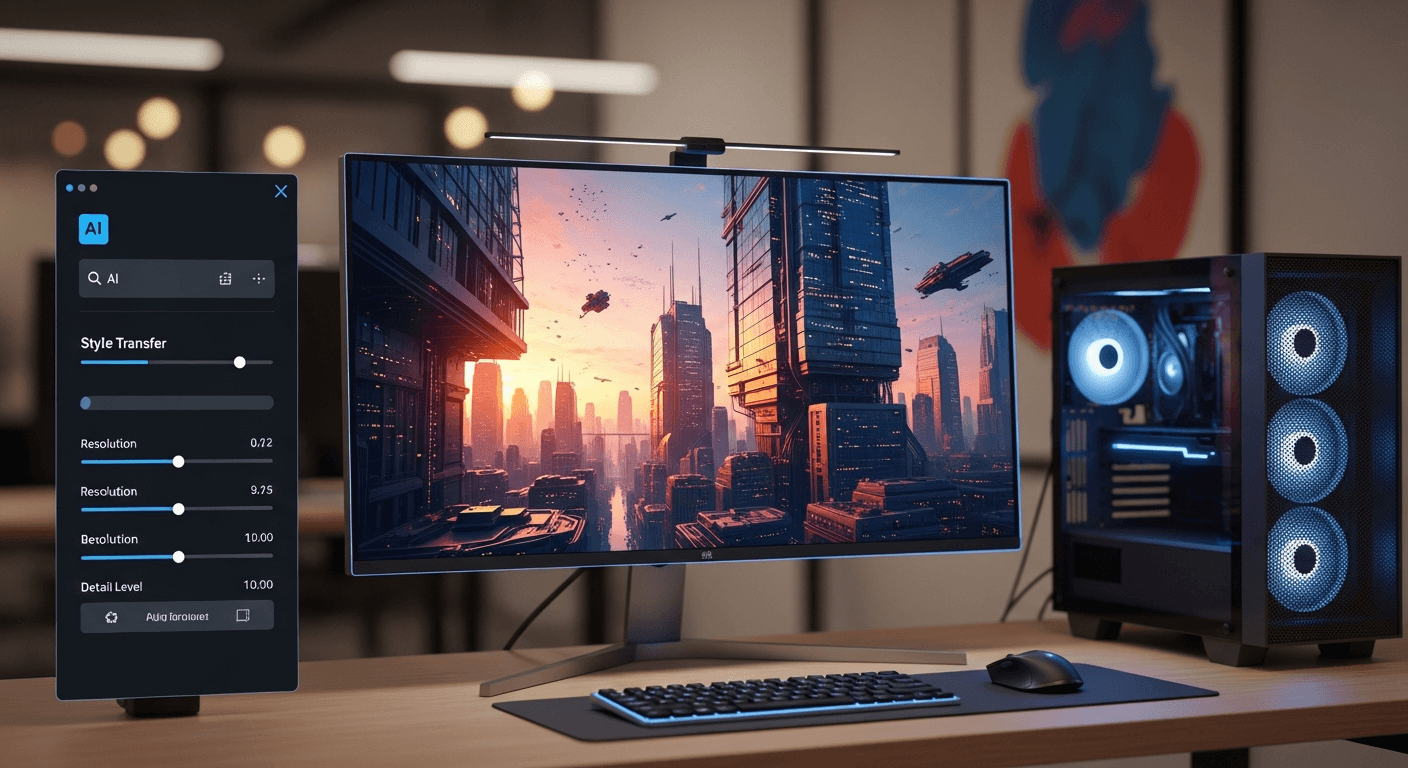
Ten cents. That is what a single Seedream v3 image costs you on Arteza - roughly the price of a piece of gum for a studio-quality generation you own outright. Affordable plans from $5/month, no queue, no Discord commands to memorize.
This guide covers everything Seedream v3 actually does, how to squeeze the most quality out of it, and where it fits against the bigger names.
TL;DR
- Seedream v3 costs 1 credit (~$0.10) per image on plans from $5 a month
- Outputs up to 2048px, supports batch generation of 1-4 images, and exposes seeds for reproducibility
- Adjustable
guidance_scalegives you direct creative control - rare among hosted models - Every new account gets 10 free credits (10 images) on signup
- Part of a broader ecosystem including Seedance 2.0 video and Seedream 5.0 Edit
What Makes Seedream v3 Different
Seedream v3 is ByteDance's text-to-image model, built on the same diffusion transformer backbone that powers the entire Seed family. What sets it apart is not a specific benchmark score - it is the economics and control.
Most hosted image generators lock you into a monthly subscription ($10-$30) regardless of usage. Seedream v3 operates on pay-per-generation credits. Generate ten images this month, two next month - you pay only for what you create.
And unlike DALL-E 3 or Midjourney, you get direct access to the guidance_scale parameter, seed values, and batch controls. That matters when you are iterating toward a specific result.
Your first image in 10 seconds
Skip the setup. Generate studio-quality AI images for $0.10 each - free credits, no card required.
Try Seedream v3 Free5 lần tạo miễn phí · Không cần thẻ tín dụng
Key Capabilities at a Glance
| Capability | Details |
|---|---|
| Cost | 1 credit (~$0.10) per image |
| Generation time | ~5-15 seconds per image |
| Max resolution | 2048px on the longest side |
| Batch size | 1-4 images per request |
| Guidance scale | Fully adjustable |
| Seed control | Yes, reproducible |
| Aspect ratios | Square, 4:3, 16:9 (portrait and landscape) |
| Free tier | 10 credits on signup, no card required |
Guidance Scale: The Control You Did Not Know You Needed
The guidance_scale parameter (also called CFG) is the single biggest lever you have over your output. It controls how strictly the model follows your prompt versus how much creative latitude it takes.
Think of it as a dial between "follow my instructions exactly" and "use your best artistic judgment."
| Scale | Best For | Character |
|---|---|---|
| 3-5 | Abstract art, exploratory work | Creative, varied, soft |
| 6-8 | Photorealism, general-purpose | Balanced, natural |
| 9-12 | Product shots, precise layouts | Literal, sharp |
| 13-15 | Highly specific compositions | Rigid, risk of artifacts |
Start at 7. If the result feels oversaturated or plastic, drop to 6. If the model is ignoring part of your prompt, nudge it to 8 or 9. Going above 12 almost always produces the dreaded "HDR look" - artificial sharpness and blown highlights.
Pro tip: Photorealistic images love 6-8. Graphic design, vector art, and pop-art styles can handle 9-11 without looking synthetic.
How to Actually Use It
Getting from signup to your first generation takes under two minutes.
- Sign up. Visit arteza.ai, enter an email, and you have 10 credits. No card.
- Select Seedream v3 in the model picker on the create page.
- Write your prompt. Be specific about subject, style, lighting, and mood. Our prompt guide breaks down what works.
- Dial in settings. Pick a size, set guidance to 7, batch of 4 for exploration.
- Generate. Results land in ~8 seconds for a single image.
Ready to try Seedream v3? Start creating free →
Batch Generation: Your Speed Multiplier
AI image generation is inherently probabilistic - the same prompt produces different results every run. Seedream v3 lets you generate up to 4 images in a single request, which is the single fastest way to find a winning composition.
A 4-image batch costs 4 credits (~$0.40). That is less than a third of a single stock photo license, and you walk away with four custom variations to choose from.
When to batch: New prompts, exploratory work, any time you are not sure exactly what you want.
When to go single: After you have locked in a prompt that works and want to iterate with seed control.
Seed Reproducibility: The Iterative Workflow
Every Seedream v3 generation exposes a seed value - a number that, combined with your exact prompt and settings, produces that specific image. Reuse the seed, and you reproduce the result.
This unlocks a workflow most hosted generators cannot match:
- Run a batch of 4, find the image closest to your vision
- Copy its seed
- Change one element of your prompt - the lighting, a color, the pose
- Regenerate with the same seed
You will see exactly how that single change affected the output, with no random variation muddying the comparison. It is the difference between "throwing darts" and "actually iterating."
Image Sizes and When to Use Them
Seedream v3 supports resolutions up to 2048px on the longest side, and every size costs the same 1 credits. Always generate at your target resolution - do not shrink later.
| Preset | Dimensions | Best For |
|---|---|---|
square_hd | 1024 x 1024 | Instagram, product shots, thumbnails |
portrait_4_3 | 1024 x 1280 | Blog cards, profile portraits |
portrait_16_9 | 1024 x 1536 | Pinterest, book covers, stories |
landscape_4_3 | 1280 x 1024 | Presentation slides, documents |
landscape_16_9 | 1536 x 1024 | Blog headers, website banners |
For a full breakdown, see the image sizes reference.

Want results like this? Try Seedream v3 free →
Pricing Math That Actually Matters
Seedream v3 uses straightforward credit packs. No recurring charges, no expiring balances, no surprise bills.
| Pack | Price | Credits | v3 Images | Effective Cost |
|---|---|---|---|---|
| Starter | $5 | 60 | 60 | $0.083 |
| Creator | $25 | 300 | 300 | $0.083 |
| Pro | $50 | 700 | 700 | $0.071 |
| Studio | $120 | 1,800 | 1,800 | $0.067 |
At the $120 Studio plan, you are paying under 7 cents per image - cheaper than any subscription-based competitor on a cost-per-image basis. Visit the pricing page for the full breakdown, or start with the 10 free credits every account gets.
Where Seedream v3 Shines (and Where It Does Not)
Seedream v3 is strong at:
- Natural color reproduction - no oversaturated "AI look"
- Texture and material detail - fabric, skin, metal, glass
- Lighting control - responds well to specific lighting descriptions
- Single-subject compositions - portraits, products, landscapes
- Speed - the fastest model in the Seedream family
Where newer versions earn their higher cost:
- Complex multi-subject scenes - Seedream v4.5 handles these more reliably
- Readable text in images - Seedream 5.0 Lite is the only Seed model that nails this
- Ultra-high resolution - v4.5 goes up to 4MP for print work
For 80% of everyday use cases, v3 is the right default.
Prompt Strategies That Work
Effective prompts follow a pattern. For Seedream v3 specifically:
Be specific about what you want. "A cat" is almost useless. "A fluffy orange tabby sitting on a windowsill, morning sunlight streaming through sheer curtains, shallow depth of field, warm tones" gives the model something to work with.
Describe the lighting. Lighting transforms images. "Golden hour," "dramatic side lighting," "soft diffused window light," "neon glow" - each produces dramatically different output.
Use style keywords. "Cinematic," "studio photography," "watercolor," "flat vector illustration," "oil painting." Anchor the aesthetic explicitly.
Skip the negative hack. Seedream v3 has no dedicated negative prompt field, but phrasing like "clean background, no clutter" steers well enough.
For the full deep-dive, read our Seedream v3 prompt guide and the specialized photorealistic guide.
Stop reading. Start creating.
Every tip in this guide is one prompt away from becoming your image. Free credits, no credit card.
Generate Your First ImageHow It Stacks Up
| Feature | Seedream v3 | Midjourney | DALL-E 3 | SDXL |
|---|---|---|---|---|
| Cost per image | $0.10 | ~$0.04-0.08 | ~$0.04-0.08 | Free (self-hosted) |
| Subscription | No | Yes ($10/mo) | Via ChatGPT Plus | No |
| Max resolution | 2048px | 2048px | 1792px | 1024px native |
| Batch generation | Up to 4 | Up to 4 | 1 | Hardware-limited |
| Guidance scale | Yes | --stylize only | No | Yes |
| Seed control | Yes | Yes | No | Yes |
| Setup required | None | Discord/web | None | Technical |
Head-to-head breakdowns: vs Midjourney, vs DALL-E 3, vs Stable Diffusion XL, vs Flux.
Who Actually Uses This
- Marketers churning out social media graphics and campaign materials at scale
- E-commerce teams generating product shots and catalog images for $0.10 instead of $50+
- Indie authors creating book covers without hiring illustrators
- Restaurants building visual menus without a photographer
- Creators exploring art styles and portrait work
FAQ
Is Seedream v3 actually free to try? Yes. Every new account gets 10 credits - 10 full-resolution images - without a credit card. Full commercial rights, no watermarks. See the free guide for strategies to stretch those credits.
Should I use v3 or v4.5? v3 and v4.5 both cost 1 credit per image, so price is a wash. v3 handles straightforward compositions (one subject, clean scene) with nearly identical quality. Move to v4.5 for complex multi-element scenes or when you need 4MP output. Full version comparison here.
Can I use the images commercially? Yes, under the Arteza platform terms of service. Free-credit images and paid-credit images have identical rights.
How fast is generation? A single image lands in roughly 8 seconds. A 4-image batch takes 15-20 seconds total - still faster than four sequential single generations.
Can I edit images after generation? For edits, Seedream 5.0 Edit handles text-based editing, inpainting, and style transfer at 1 credit per operation.
Seedream v3 is the most accessible entry point into the Arteza ecosystem - fast enough to iterate quickly, cheap enough to experiment without guilt, and powerful enough to produce commercial work. At $0.10 per image with 10 free credits on signup, there is no reason not to try it.
Thử Seedream v3 - Ngay bây giờ
5 lần tạo miễn phí · Không cần thẻ tín dụng