Seedream v4.5 Edit vs Seedream 5.0 Edit: Which Editor to Choose?
Seedream 5.0 Edit is newer. Seedream v4.5 Edit is the proven 4MP workhorse. Both cost $0.10 per image. We break down the real-world differences and help you pick the right model for your workflow.
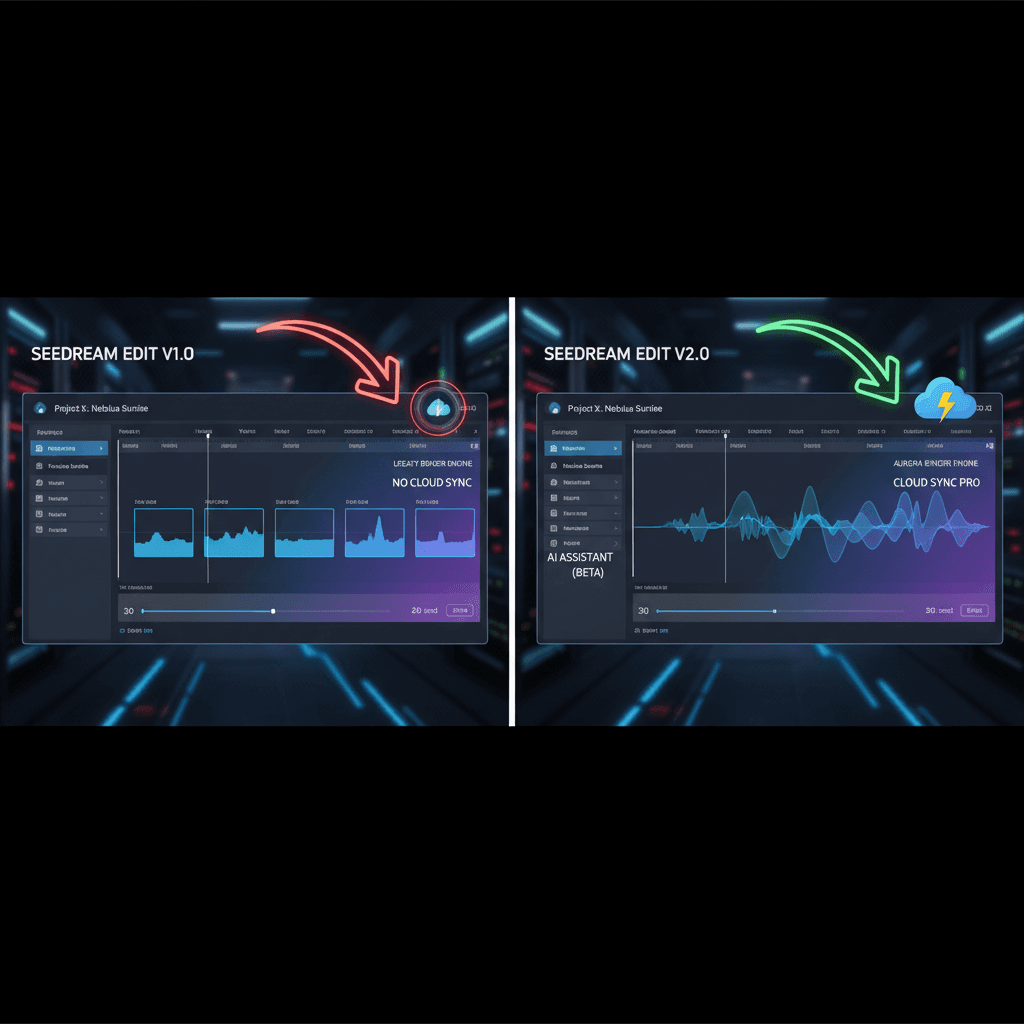
Two names, one family, a real decision. Seedream 5.0 Edit is the newer flagship from ByteDance. Seedream v4.5 Edit is the proven 4MP workhorse. Both cost $0.10 per image. They sit on the same tool picker inside Arteza, they look similar at a glance, and picking the wrong one wastes time and credits. Here is a clean comparison so you stop guessing.
TL;DR
- Seedream 5.0 Edit is the newer flagship at 1 credits ($0.10) per image
- Seedream v4.5 Edit is the workhorse at 1 credits ($0.10) per image
- 5.0 has stronger physics and edge-case reasoning; v4.5 has faster turnaround and is battle-tested on product workflows
- Both accept up to 10 input images and output 4MP
- Most teams default to v4.5 and escalate to 5.0 only when it struggles
The Short Answer
Use v4.5 Edit as your daily driver. Escalate to 5.0 Edit only when v4.5 fails a specific shot - usually on complex physics (fabric folds, reflections, glass), unusual lighting, or when you need the absolute latest identity preservation.
That is the whole decision tree for most teams. The rest of this post explains why.
5 lần tạo miễn phí · Không cần thẻ tín dụng
Side-by-Side Specs
| Spec | Seedream v4.5 Edit | Seedream 5.0 Edit |
|---|---|---|
| Price per image | 1 credit ($0.10) | 1 credit ($0.10) |
| Resolution | 4MP (2048×2048) | 4MP (2048×2048) |
| Max input images | 10 | 10 |
| Average speed | 30–60 seconds | 45–90 seconds |
| Release | Mature, battle-tested | Newer flagship |
| Physics & reflections | Strong | Stronger |
| Identity preservation | Strong | Slightly stronger |
| Prompt adherence | High | Highest |
| Credits to use | 1 | 1 |
Note that price is not a tiebreaker here: both models cost the same per run. Speed and predictability are what actually separate them.
Where v4.5 Edit Wins
Speed
30–60 seconds vs 45–90 seconds. For iterative work where you are tweaking a prompt across 5–10 variants, v4.5 saves real minutes per session. When you are hunting for the right phrasing, those minutes add up.
Predictability
v4.5 has been in production for months. Prompt patterns are well-documented, edge cases are mapped, and its quirks are known. 5.0 is newer and teams are still learning its behavior.
Product Photography
For clean product shots on simple backgrounds, v4.5 is essentially indistinguishable from 5.0. At an identical price, the tiebreaker is trusting the model will not surprise you mid-batch.
Try Seedream v4.5 Edit - high-res AI editing
4MP output, up to 10 input images, $0.10 per edit. Free credits, no card.
Try Seedream v4.5 Edit FreeWhere 5.0 Edit Pulls Ahead
Complex Physics
Glass reflections, fabric drape, water refraction, shiny metal - anything where the model has to reason about how light and surfaces interact benefits from 5.0's newer training.
Tough Identity Cases
When you are compositing the same subject across 5+ scenes, 5.0 holds facial identity and skin tone slightly better. Enough that creators doing character-driven work often keep it as a dedicated tool.
The Absolute Latest Prompt Adherence
5.0 is marginally better at following long, multi-part instructions. If your prompt has 6+ constraints and you are frustrated that v4.5 is ignoring one, 5.0 usually catches it.
A Real Test: Five Prompts Across Both
We ran the same prompt batch across both models on the same source images. Here is what we found:
Test 1: Background swap (studio cyclorama). Both produced indistinguishable results. Winner: tie. Default to v4.5 for speed.
Test 2: Product replacement (sneaker on wood). Both held the sneaker's identity. 5.0 had a slightly more realistic cast shadow. Winner: 5.0 by a hair.
Test 3: Style transfer (editorial mood). Both applied the style; v4.5 was more conservative about preserving the original structure. Winner: depends on taste.
Test 4: Glass product composite. 5.0 clearly rendered refractions better. Winner: 5.0.
Test 5: 6-image composite (flat lay). Both handled it; 5.0 had cleaner overlap edges. Winner: 5.0 by a small margin.
In 3 of 5 cases you could not tell the difference at normal viewing distance. In 2 cases 5.0's extra physics reasoning showed up. Neither model failed outright.

Run your own A/B: Open Seedream v4.5 Edit with your source images.
Cost Math Over 1,000 Edits
- v4.5: 1,000 credits (inside the $120 Studio plan's 1,800 a month)
- 5.0: 1,000 credits (the same plan, the same spend)
There is no delta at any volume. For a team producing 1,000 edits per month, the only thing that moves is time: if v4.5's faster turnaround saves 15 seconds per iteration × 5 iterations × 1,000 runs, that is ~20 hours per month for the same money.
Prompt Example That Works on Both
Replace the background with a sunlit Mediterranean terrace at golden hour.
Keep the subject's pose, outfit, and facial expression exactly the same.
Match warm directional light coming from camera-left. Add soft cast shadows
consistent with late afternoon sun. Output at 2048x2048.
Both models handle this well. If the output looks right on v4.5, ship it. If the lighting direction is off or shadows look flat, re-run on 5.0.
The Decision Tree
Ask yourself these questions in order:
- Is this product photography on a simple background? Use v4.5.
- Are you iterating on prompts and want fast turnaround? Use v4.5.
- Does the scene involve glass, water, fabric folds, or complex reflections? Use 5.0.
- Are you composing 5+ references with the same subject and need identity lock? Try v4.5 first; escalate to 5.0 if identity drifts.
- Have you already run v4.5 twice and the result is close but wrong? Switch to 5.0.
Most edits start here - v4.5 Edit
Fast, reliable, 4MP output. 1 credit per image. Free credits on signup.
Open Seedream v4.5 EditWorkflow Recommendation
Treat v4.5 as your default and 5.0 as your escalation path. Most Arteza power users report that v4.5 handles 80%+ of jobs cleanly. The remaining 20% are edge cases where 5.0's extra reasoning shows up, and escalating costs you nothing extra.
For broader context on the v4 family, see the complete v4.5 Edit guide, our pricing breakdown, or the Arteza pricing page.
Final Verdict
- Pick Seedream v4.5 Edit if you want the reliable default at 4MP with fast turnaround and documented behavior.
- Pick Seedream 5.0 Edit if you hit an edge case v4.5 cannot solve and you can spare the extra seconds per run.
Both models are available right now in your Arteza account. Start with v4.5, and if an edit stumps it, re-run on 5.0 without rewriting your prompt. That is the two-minute optimization most teams should adopt immediately.
Thử Seedream v4.5 Edit - Ngay bây giờ
Tải ảnh của bạn lên trang tạo để bắt đầu chỉnh sửa.
5 lần tạo miễn phí · Không cần thẻ tín dụng