Seedream v4.0 Edit for Memes: Quick Image Modifications
The meme economy runs on fast, weird image edits. Seedream v4.0 Edit handles them for $0.10 each. Here's how to remix, repurpose, and modify images for maximum shareability.
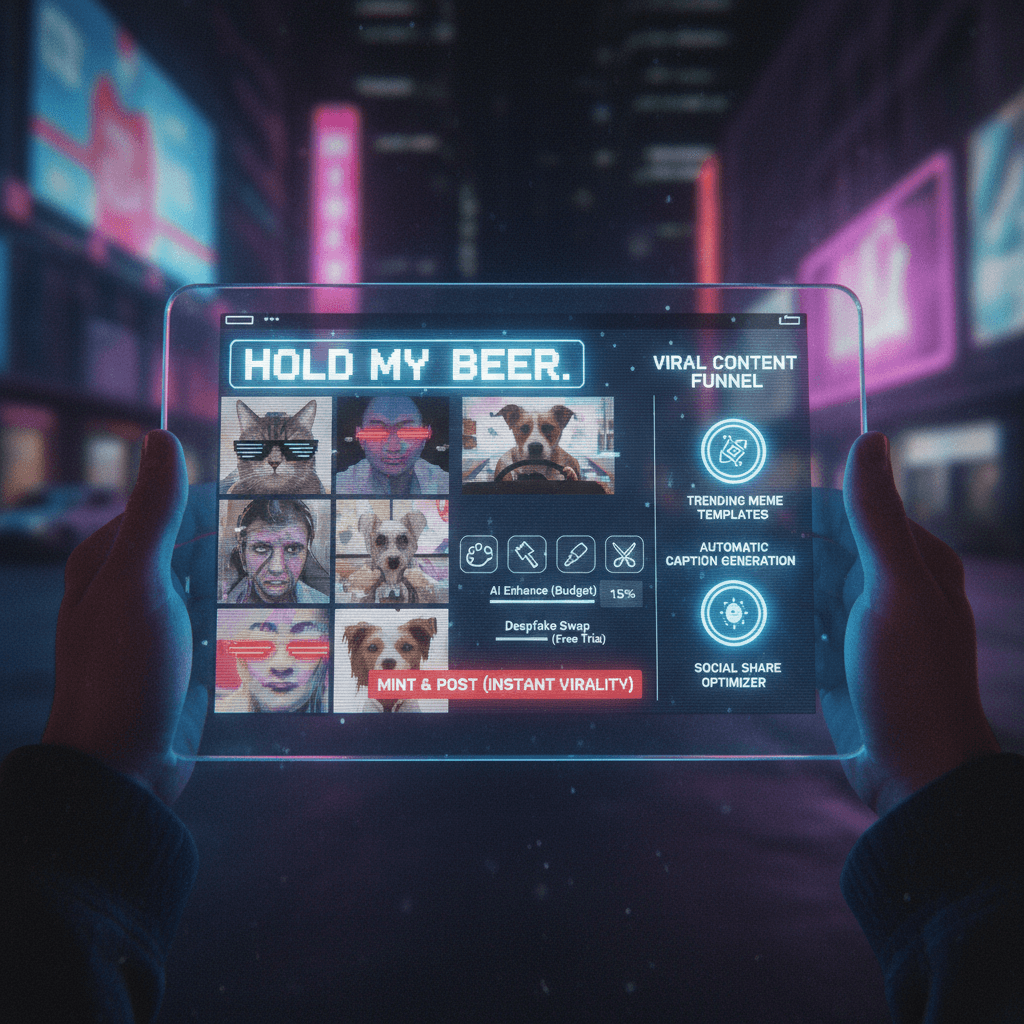
Memes move fast. By the time a manual editor has opened Photoshop, the meme cycle has already ended. Seedream v4.0 Edit fixes that. Type what you want changed. Wait 30 seconds. Post while the trend is still hot. Total cost: $0.06.
TL;DR
- $0.10 per meme edit - a handful of memes for the price of a pack of gum
- 20-40 seconds per edit, fast enough for live meme cycles
- Remix, recolor, swap backgrounds, or turn any photo into meme fodder
- No watermarks, commercial usage OK
- Start with 10 free edits at arteza.ai
Why Speed Matters for Memes
Memes have a half-life measured in hours. If you're part of a Discord server, Twitter reply chain, or Reddit thread trying to riff on a current moment, a 20-minute Photoshop edit is functionally useless. The joke is gone by the time you're done.
Seedream v4.0 Edit fits the meme workflow because it's:
- Fast enough to ship while a trend is live
- Cheap enough to run five variants and pick the best
- Simple enough to use one-handed while scrolling
- Output is watermark-free for unlimited sharing
5 lần tạo miễn phí · Không cần thẻ tín dụng
Meme Edit Patterns
Pattern 1: Reaction face swap
Take a photo of yourself or a friend and turn it into a reaction image.
"Turn this photo into an exaggerated shocked expression meme style"
"Apply heavy distortion and meme compression aesthetic"
Pattern 2: Background remix
Put a subject into a weird setting for comedic effect.
"Replace the background with a medieval castle throne room"
"Put this person on the surface of Mars"
Try Seedream v4.0 Edit - simple AI image editing
AI image editing at just $0.10 per edit. Free credits, no card needed.
Try Seedream v4.0 Edit FreePattern 3: Object substitution
Swap one object for another for absurdity.
"Replace the coffee cup with a giant rubber duck"
"Turn the dog into a tiny dragon"
Pattern 4: Style transfer for jokes
Turn any photo into a renaissance painting or oil portrait for instant meme energy.
"Turn this into a dramatic renaissance oil painting"
"Turn this into a 1600s aristocrat portrait"
Pattern 5: Time-traveling
Move a modern photo into a different era.
"Make this photo look like it's from 1985 with VHS grain"
"Make this look like a 1920s black and white photo"
Example: The 5-Minute Meme
Here's a real meme workflow.
Minute 1: Screenshot something dumb from a group chat.
Minute 2: Upload to Seedream v4.0 Edit.
Minute 3: Type: "Turn this into a dramatic renaissance oil painting".
Minute 4: Wait for generation. Download.
Minute 5: Post in the chat.
Cost: $0.10. Result: a meme that would have taken 30 minutes in Photoshop.
Cost for Meme-Heavy Users
If you ship 5 memes a week:
| Timeframe | Edits | Cost |
|---|---|---|
| 1 week | 5 | $0.50 |
| 1 month | 20 | $2.00 |
| 6 months | 120 | $12.00 |
| 1 year | 260 | $26.00 |
Half a year of casual meme production for $12. The $5 Starter plan's 60 credits a month covers three times that posting pace.

Ship memes while they're hot. Open Seedream v4.0 Edit and remix your first image.
Prompt Ideas for Viral Memes
Copy-paste these for quick meme generation:
"Turn this into a dramatic renaissance oil painting"
"Make this look like a medieval tapestry"
"Apply heavy meme compression and lens flare"
"Turn this into a stock photo of corporate handshakes"
"Make this look like a 1990s TV commercial still"
"Apply deep fried meme aesthetic with oversaturation"
"Turn this into a ancient cave painting style"
"Make this look like a Wes Anderson film still"
"Apply cursed image aesthetic with weird lighting"
"Turn this into a vaporwave synthwave scene"
Each runs in 30 seconds for 6 cents. Try them all for 60 cents.
Tips for Meme Prompts
- Exaggerate. "Heavy distortion" beats "slight distortion." "Extreme lighting" beats "nice lighting."
- Reference specific aesthetics. Renaissance, vaporwave, deep fried, cursed, stock photo - these terms trigger specific visual patterns.
- Keep subjects recognizable. If the meme is about a person, don't destroy their face. Style the background heavily instead.
- Run 3 variants. Pick the funniest. $0.30 for three options is a steal.
Meme Ethics Reminder
- Don't edit photos of people without their consent, especially for deepfake-adjacent memes
- Don't produce content that defames or harasses
- Don't violate copyright on source material you're remixing commercially
Keep it funny, not harmful.
What v4.0 Edit Doesn't Do for Memes
- Adding text captions. Use dedicated meme generators or Photoshop for typography.
- Animated memes / GIFs. v4.0 is still image only.
- Exact face swaps. Output is AI-interpreted, not perfectly replicated.
For all of those, combine v4.0 Edit with a free meme text tool like Imgflip.
Related Reading
- Seedream v4.0 Edit complete guide
- Quick object removal with Seedream v4.0
- Seedream v4.0 Edit for social media
Final Word
Memes are about speed and weirdness. Seedream v4.0 Edit delivers both for $0.10. Open the playground, upload the dumbest photo on your phone, and type something absurd. That's the entire workflow.
Thử Seedream v4.0 Edit - Ngay bây giờ
Tải ảnh của bạn lên trang tạo để bắt đầu chỉnh sửa.
5 lần tạo miễn phí · Không cần thẻ tín dụng