Seedream v4.0 Edit vs Free Online Editors
Are free online photo editors actually free? Compare Seedream v4.0 Edit at $0.10 per edit to the hidden costs of free browser tools like Pixlr, Fotor, and Photopea.
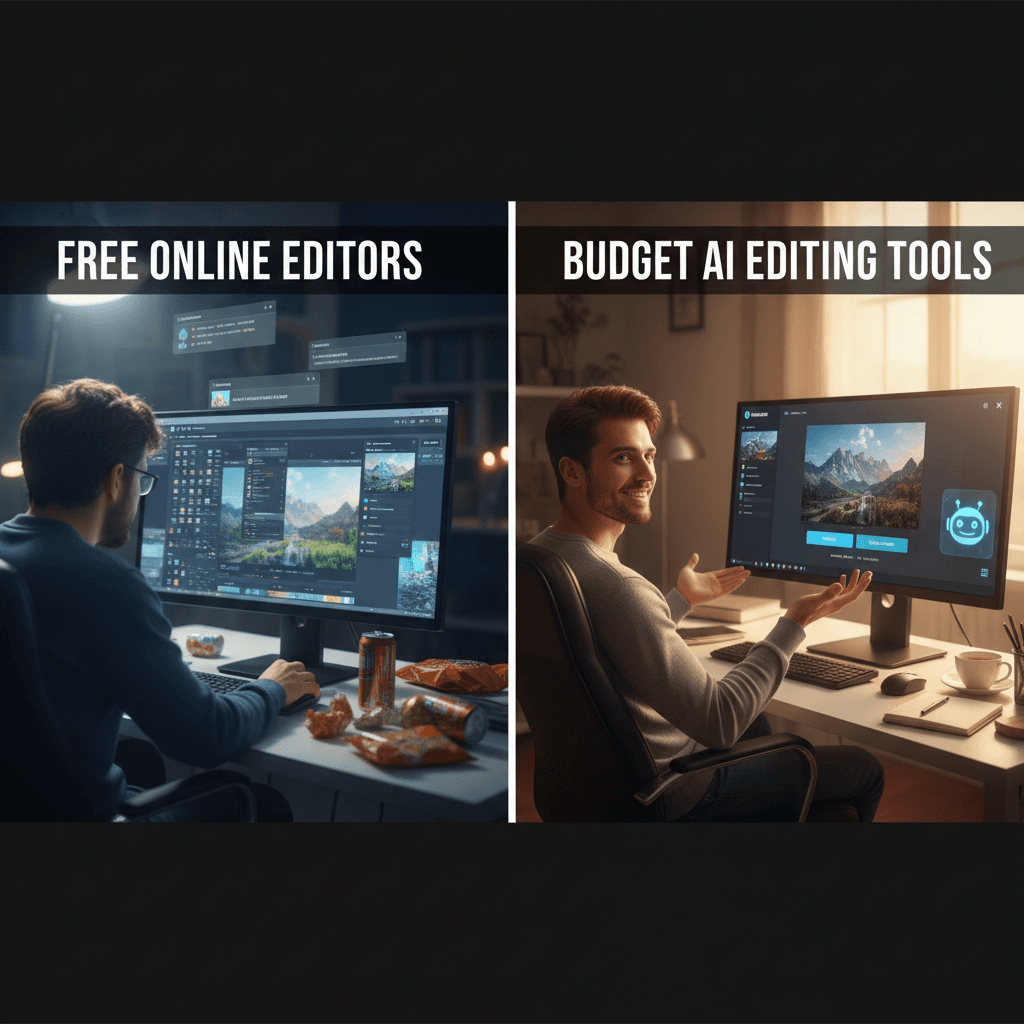
Free photo editors aren't free. They charge you in watermarks, export limits, ads, popups, account gates, and quality caps. Seedream v4.0 Edit charges 1 credits - $0.10 - and gives you a clean, unrestricted result. Let's see how that trade plays out.
TL;DR
- Free editors trade features for watermarks, ads, and export limits
- Seedream v4.0 Edit costs $0.10 per edit, no watermarks, no limits
- AI-powered natural language editing beats manual layer work
- 10 free credits on signup means 10 free edits before paying a cent
- Try it free at arteza.ai
What "Free" Really Means
Free online editors like Pixlr, Fotor, BeFunky, and Photopea all follow the same playbook:
- Free tier with watermarks or low export quality
- Ads covering half the interface
- AI features locked behind a paid upgrade
- File size limits that cut off anything over ~5MB
- Required account signup after a few edits
- Cloud-stored files you can't delete cleanly
You can absolutely make edits for free. But you pay in time, friction, and quality. And the moment you want something better - higher resolution, no watermark, AI features - the "free" editor becomes a $10–$15/month subscription.
5 次免费生成 · 无需信用卡
What Seedream v4.0 Edit Costs
Seedream v4.0 Edit is transparent. 1 credit per edit. $0.10 per image. You get 10 free credits on signup, which buys 10 free edits before you spend anything. Plans start at $5 a month, monthly plan credits refresh each billing cycle, and top-up credits never expire.
No watermarks, no export limits, no ads, no feature gates. Every edit is the full product.
Try Seedream v4.0 Edit - simple AI image editing
AI image editing at just $0.10 per edit. Free credits, no card needed.
Try Seedream v4.0 Edit FreeFeature Comparison
| Feature | Free Editors | Seedream v4.0 Edit |
|---|---|---|
| Natural language editing | Rarely / locked | Yes |
| Object removal | Basic or paid | Yes, AI-powered |
| Style transfer | Usually paid | Yes |
| Watermark-free export | Paid tier only | Always free of watermarks |
| File size limits | Yes (~5MB) | Large files supported |
| Ads in interface | Usually yes | No ads |
| Setup time | Sign up + tutorials | Type and click |
| Price per usable edit | $0 + subscription upsell | $0.10 |
Where Free Editors Actually Work
Free editors are fine for simple, one-off tasks:
- Cropping and resizing
- Basic brightness or contrast tweaks
- Adding text overlays
- Rotating or flipping
- Exporting to a different format
If that's all you need, free tools are a reasonable choice. No argument here.
Where They Fall Apart
Where free editors break down is anywhere that needs AI:
- "Remove the person behind me" - free tools want you to mask manually
- "Change the sky to golden hour" - usually a paid feature
- "Turn this into a watercolor" - style transfer is premium
- "Replace the background with a studio" - manual masking again
- "Make the dress red instead of blue" - color replacement requires layers
Every one of these edits takes seconds in Seedream v4.0 Edit. You type what you want. The model does the rest.
Time Is Money
Let's say a manual edit in Photopea takes 8 minutes - masking, adjusting, blending, exporting. Seedream v4.0 Edit does the same job in 30 seconds.
If your time is worth even $15/hour, the 8-minute manual edit costs $2 in labor. The AI edit costs $0.10 plus 30 seconds of your attention. You'd need to do 20 edits before Seedream v4.0 Edit costs as much as one manual edit in wages.

Save hours on manual editing. Open the Seedream v4.0 playground and edit in plain English.
Real-World Example Prompts
Here's what you can do in Seedream v4.0 Edit that's either impossible or painful in free editors:
"Remove the power lines and the car in the background"
"Change the sky from cloudy to a dramatic sunset"
"Turn this photo into a 1950s vintage film look"
"Replace the cluttered desk with a clean white one"
"Make the water reflections more dramatic"
Each of these runs in 20-40 seconds for $0.10. None of them are practical in free browser editors without AI.
The Hidden Cost of Free
Free editors monetize you with ads, upsells, and data. Seedream v4.0 Edit monetizes you with credits you pay for - and nothing else. No ads track you across the web. No email drip campaigns. No "upgrade to unlock HD export" popup.
You show up, you edit, you leave. That's the deal.
When to Stick With Free Tools
Use free editors when:
- You only need crop, resize, or rotate
- You're on a device that can't run a modern browser smoothly
- The edit is a one-time task
- You don't care about watermarks
Use Seedream v4.0 Edit when:
- You need AI editing (object removal, style transfer, etc.)
- You make edits regularly
- Watermarks are a dealbreaker
- You want results in 30 seconds instead of 8 minutes
Bigger Picture
Free editors are a race to the bottom. Every feature that matters is behind a paywall, and the interfaces have been optimized for advertising, not editing. Seedream v4.0 Edit flips it - all features unlocked, monthly credits that refresh automatically, and no paywalled tools.
At $0.10 per edit, the math favors paying for nearly any serious use case. And with 10 free credits on signup, you can test drive it without spending anything.
For more context, see our complete guide to Seedream v4.0 Edit or compare it to the premium option in v4.0 Edit vs v4.5 Edit.
Bottom Line
Free isn't free. Six cents is cheap. Your time is expensive. For anything beyond basic crop-and-resize, Seedream v4.0 Edit wins on every axis that matters.
立即试用 Seedream v4.0 Edit
在创作页面上传您的图片以开始编辑。
5 次免费生成 · 无需信用卡