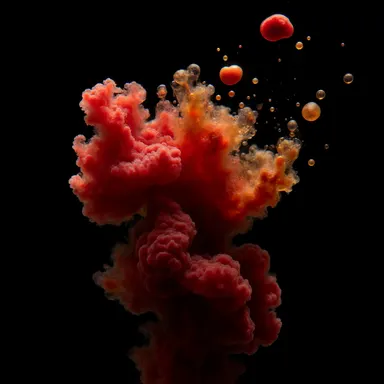
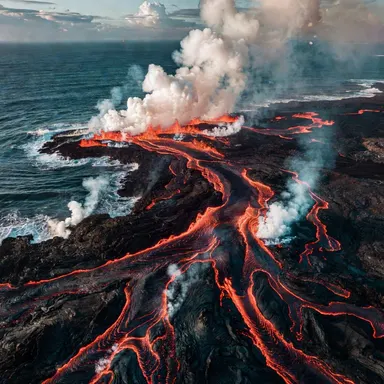
Made with this app
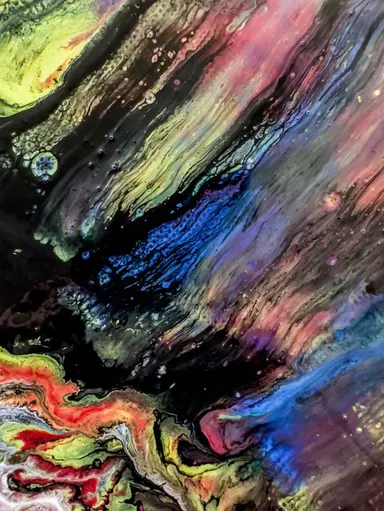



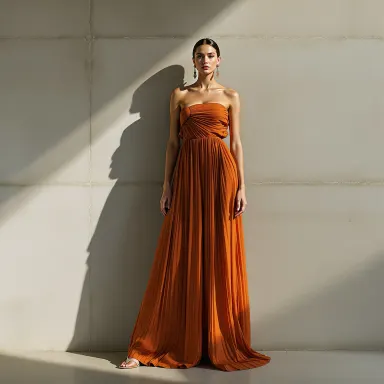


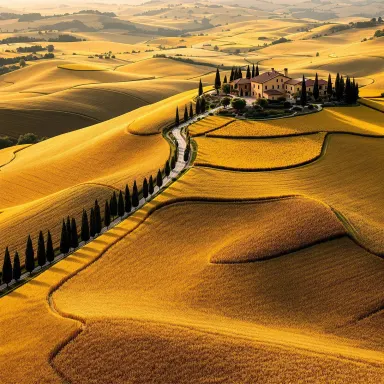


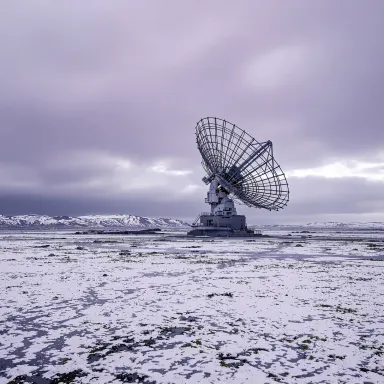
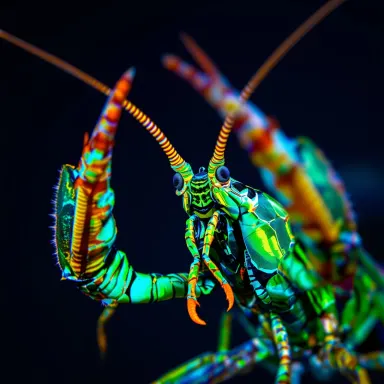
FLUX Pro Ultra is a professional-grade text-to-image app built on FLUX Pro v1.1 Ultra, the highest quality model in the FLUX family. It generates images at up to 2K resolution (2048x2048) with exceptional detail, making it the right tool for designers, photographers, art directors, and anyone whose work ends up in print, on large screens, or in client deliverables. If image quality is non-negotiable, this is where you work.
How to use this app
- 1
Describe what you want to create, or upload your source file.
- 2
Pick your options, then press Generate.
- 3
Watch your result appear in the gallery within moments.
- 4
Download, share, or generate again with a new idea.
What you can make
Editorial and Print Campaigns
When an image needs to hold up at large print sizes, the 2K output from FLUX Pro Ultra gives you the pixel depth to crop, reframe, and scale without visible degradation. Art directors preparing hero images for magazine spreads or billboard concepts will find the detail retention especially useful.
Product and Brand Photography
Generate polished, photorealistic product scenes with precise surface detail, lighting gradients, and material texture. The ultra quality tier captures the kind of specificity that distinguishes a convincing product shot from a generic render, useful for mockups, pitch decks, and e-commerce visuals.
Concept Art and Illustration
Use the reference image support to anchor a generation to an existing visual direction, then let FLUX Pro Ultra build on it at full resolution. This makes it practical for developing a consistent visual identity across a project rather than starting from scratch with each iteration.
Architectural and Interior Visualization
Describe a space with precise material, light, and proportional language, and the model renders it with enough fine detail to communicate spatial quality to clients. The 21:9 aspect ratio option suits wide panoramic interior views particularly well.
Commercial Deliverables
FLUX Pro Ultra comes with a commercial license, so the images you generate can go directly into client work, advertising materials, or products for sale. That removes a step from the workflow that typically requires additional rights clearance on other generators.
Prompt ideas to try
Why creators use this app
- Up to 2K resolution
- Exceptional detail
- Reference image support
- Commercial license
Tips for better results
Match Aspect Ratio to Output Format
Before generating, select the aspect ratio that matches your intended canvas. Use 16:9 for landscape hero images, 9:16 for vertical social formats, and 21:9 for cinematic or panoramic compositions. Getting this right at the start avoids cropping that sacrifices detail.
Use Reference Images Deliberately
FLUX Pro Ultra supports reference image input. Supply a reference that captures your intended lighting, palette, or compositional structure rather than using it as a style shortcut. The more targeted the reference, the more useful the generation is as a starting point for finished work.
Write Specific Material and Light Descriptions
At 2K resolution, surface qualities become visible. Describe textures, materials, and light sources precisely: brushed stainless steel, diffused overcast light, translucent resin. Vague prompts produce technically sharp images that lack visual specificity, which wastes the resolution advantage.
Lock Seeds for Consistent Iteration
When you find a generation with the composition or mood you want, record its seed value and reuse it. Keeping the seed stable while refining your prompt lets you iterate on the same underlying image structure rather than restarting from a random result each time.
When to choose this app
Choose FLUX Pro Ultra when the image itself is the deliverable and resolution, detail, and commercial usability all matter together. AI Logo Maker is built to return a finished brand mark quickly from a typed name, and AI Book Cover is structured around titles and cover layouts. FLUX Pro Ultra is different: it gives you open-ended generation at the highest quality tier available, with no template constraints, up to 2K output, and a commercial license that lets the result go straight into professional work.
Frequently asked questions
What does 2K resolution actually mean for my images?
FLUX Pro Ultra generates images at up to 2048x2048 pixels. That is enough resolution to use an image as a full-bleed print at standard dpi without visible pixelation, to crop aggressively without losing sharpness, or to supply a client deliverable that holds up on large displays.
How does reference image support work in this app?
You can supply a reference image alongside your text prompt. FLUX Pro Ultra uses it to guide the generation toward a particular visual direction, whether that is a lighting setup, a color palette, or a compositional approach. It does not copy the reference; it treats it as a creative anchor.
What kinds of prompts get the most out of ultra quality output?
Prompts that describe specific materials, surfaces, light conditions, and spatial relationships tend to produce the most rewarding results at this quality tier. The model has enough resolution to render fine detail, so giving it precise language to work with makes that resolution meaningful rather than just technically present.
Can I generate multiple variations of the same concept to compare them?
Yes. Use the Number of Images control to generate several results from the same prompt in a single run. This is practical when you want to evaluate different interpretations before committing to a direction, rather than running separate generations one at a time.
Which aspect ratio should I use for social media content?
For vertical formats such as Instagram Stories or TikTok, select 9:16. For standard landscape posts and YouTube thumbnails, 16:9 works well. For square formats common on Instagram feeds, use 1:1. The control sets the composition from the start, so the model generates into that frame rather than cropping a wider image.
Is there a way to reproduce a result I liked from an earlier session?
If you recorded the seed value from that generation, enter it into the Seed control and use the same prompt and aspect ratio settings. The seed does not guarantee a pixel-perfect reproduction but it significantly increases the likelihood of recovering the same underlying structure and mood.
How much does it cost?
Each generation costs 1 credit. New accounts get free credits to try it out.
Which AI model powers this app?
This app runs on FLUX Pro Ultra, available through Arteza with no separate account or setup.
Can I use the results commercially?
Yes. Content you generate is yours to use, subject to our content licenses.
How long does a generation take?
Most generations finish in under a minute, and you can watch progress live in the gallery.