Batch Quick Edits with Seedream v4.0 Edit
How to process multiple images efficiently with Seedream v4.0 Edit. Workflow tips, prompt templates, and cost math for batches of 10, 50, or 500 photos.
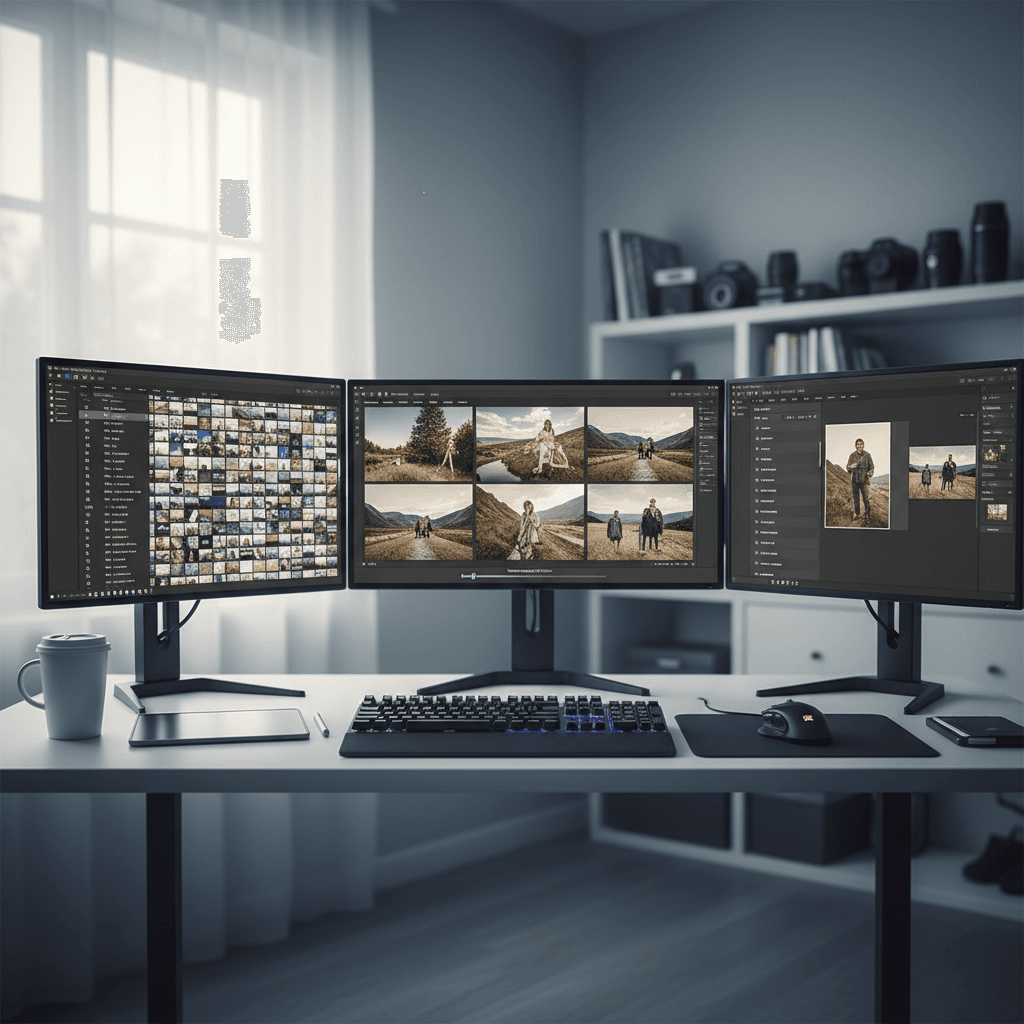
Five hundred photos. One prompt. Thirty dollars. That's the math for a large batch run on Seedream v4.0 Edit. Compare that to manual Photoshop work (roughly 40 hours) or a freelance retoucher ($500+) and the choice becomes obvious. Here's how to actually run batch edits efficiently.
TL;DR
- $0.10 per edit = $10 per 100 images, $100 per 1,000
- Best for uniform edits across many images (same background, same style, same color fix)
- 20-40 seconds per image
- Keep prompts short and consistent across the batch
- Start with 10 free credits at arteza.ai
When Batch Editing Makes Sense
Batch editing is most efficient when you're making the same change to many images. Examples:
- Product catalogs - replace 200 cluttered backgrounds with white studios
- Event photos - apply one color grade across 300 shots
- Social media feeds - convert 50 photos to a single aesthetic
- Blog libraries - clean up 100 old post images
- Real estate listings - brighten and color-correct 20 property shots
What you don't want to batch is unique, one-off edits that each need different prompts. That's still doable but you lose the efficiency advantage.
5 বিনামূল্যে প্রজন্ম · ক্রেডিট কার্ডের প্রয়োজন নেই
The Batch-Friendly Prompt
A good batch prompt is generic enough to work on every image in the set but specific enough to produce the intended result.
Too specific (breaks on different source photos):
"Remove the person on the left side of the beach"
Too generic (vague results):
"Clean this up"
Batch-friendly:
"Replace background with clean white studio, add subtle shadow"
This kind of prompt applies predictably to any product photo regardless of what the source looks like.
Try Seedream v4.0 Edit - simple AI image editing
AI image editing at just $0.10 per edit. Free credits, no card needed.
Try Seedream v4.0 Edit FreeWorkflow for a 100-Image Batch
Step 1: Organize the source folder.
Put all 100 images in one folder. Rename them sequentially (01.jpg, 02.jpg, etc.) so outputs stay organized.
Step 2: Write and test your prompt.
Pick 3 representative images. Run your prompt on each. If all three produce clean results, the prompt is batch-ready. If one fails, refine and retest.
Step 3: Run the batch.
Open Seedream v4.0 Edit. Upload, prompt, generate, download. Repeat. At 30 seconds per image, 100 edits takes about 50 minutes of attended time.
Step 4: Review and re-edit misses.
Out of 100, expect a handful (maybe 3-8) that need a tweak or a different prompt. Burn a few extra credits on those.
Total cost: 100 edits × $0.10 = $10. Add 5% rework = ~$10.50. Call it $11 for comfort.
Cost Math for Various Batch Sizes
| Batch Size | Base Cost | With 10% Rework |
|---|---|---|
| 10 | $1.00 | $1.10 |
| 50 | $5.00 | $5.50 |
| 100 | $10.00 | $11.00 |
| 250 | $25.00 | $27.50 |
| 500 | $50.00 | $55.00 |
| 1,000 | $100.00 | $110.00 |
A freelance editor would charge $1,000+ for the same 1,000-image batch and take 2 weeks. Seedream v4.0 Edit does it for $110 and a long afternoon.
Prompts That Batch Well
Here are prompt templates that work reliably across diverse source images:
Background replacement:
"Replace background with clean white studio, keep subject sharp"
"Replace background with solid neutral gray"
"Replace background with soft blurred outdoor scene"
Style transfer:
"Apply warm film photo aesthetic"
"Turn this into a 1990s polaroid style"
"Apply soft pastel cottagecore aesthetic"
Color grading:
"Warm up the tones and brighten the foreground"
"Apply a cool moody color grade"
"Boost saturation and add subtle contrast"
Cleanup:
"Remove any clutter in the background"
"Remove visible text and logos"
"Remove people in the background"

Process a full batch for pocket change. Open Seedream v4.0 Edit and start your run.
Time Math
A batch run is bounded by the model's generation time, not by your effort. Here's how long each batch takes:
| Batch size | Generation time | Your attended time |
|---|---|---|
| 10 | ~5 min | ~10 min |
| 50 | ~25 min | ~40 min |
| 100 | ~50 min | ~80 min |
| 500 | ~4 hours | spread across a day |
| 1,000 | ~8 hours | spread across two days |
For larger batches, run in chunks of 50-100 and take breaks. The model doesn't care about gaps between generations, so batches can be paused and resumed freely.
Staying Organized
Batch runs get chaotic fast if you don't track them. Use this system:
- Source folder → original images only
- Working folder → currently editing
- Output folder → finished edits
- Reject folder → images that need a different prompt
When you're done, the source folder is untouched and the output folder has your finished batch.
Mistakes to Avoid
Mistake 1: Changing prompts mid-batch. Pick one prompt and stick with it for the entire batch. Tweaking partway through creates inconsistency.
Mistake 2: Running uneven source material. If your sources vary wildly in lighting or composition, the batch won't produce consistent outputs. Pre-sort by similarity.
Mistake 3: Not testing the prompt first. Always test on 3 representative images before committing to 100. A bad prompt wastes 100 × $0.10 = $10.
Mistake 4: Ignoring the reject pile. The 5-10 images that failed need a different approach, not the same prompt retried. Iterate.
Start your first batch for $2
Edit 20 images for $2. Or use your 10 free signup credits to run 10 edits free.
Start Batch EditingWhen to Step Up
If your batch is for client-facing high-end work - fine art prints, luxury brand catalogs, magazine editorials - consider Seedream 5.0 Edit for better detail preservation at the same $0.10 per edit. It costs nothing extra across 1,000 images, so the only tradeoff is a slower return.
For everyday volume work, v4.0 Edit stays the right tool.
Related Reading
Wrap-Up
Batch editing is where Seedream v4.0 Edit shines brightest. The low per-edit cost compounds across hundreds of images, and the natural-language interface means you only need to get one prompt right to process the whole batch. Grab your free credits, line up your first 20-image batch, and watch what $2 can produce.
Seedream v4.0 Edit চেষ্টা করুন - এখনই
সম্পাদনা শুরু করতে আপনার ছবি তৈরি করার পৃষ্ঠায় আপলোড করুন।
5 বিনামূল্যে প্রজন্ম · ক্রেডিট কার্ডের প্রয়োজন নেই