How to Make AI TikTok & Instagram Reels with Arteza
Learn how to create viral-worthy TikTok and Instagram Reels using AI video generation. Covers vertical video creation, short-form content strategies, aspect ratios, and platform-specific optimization.
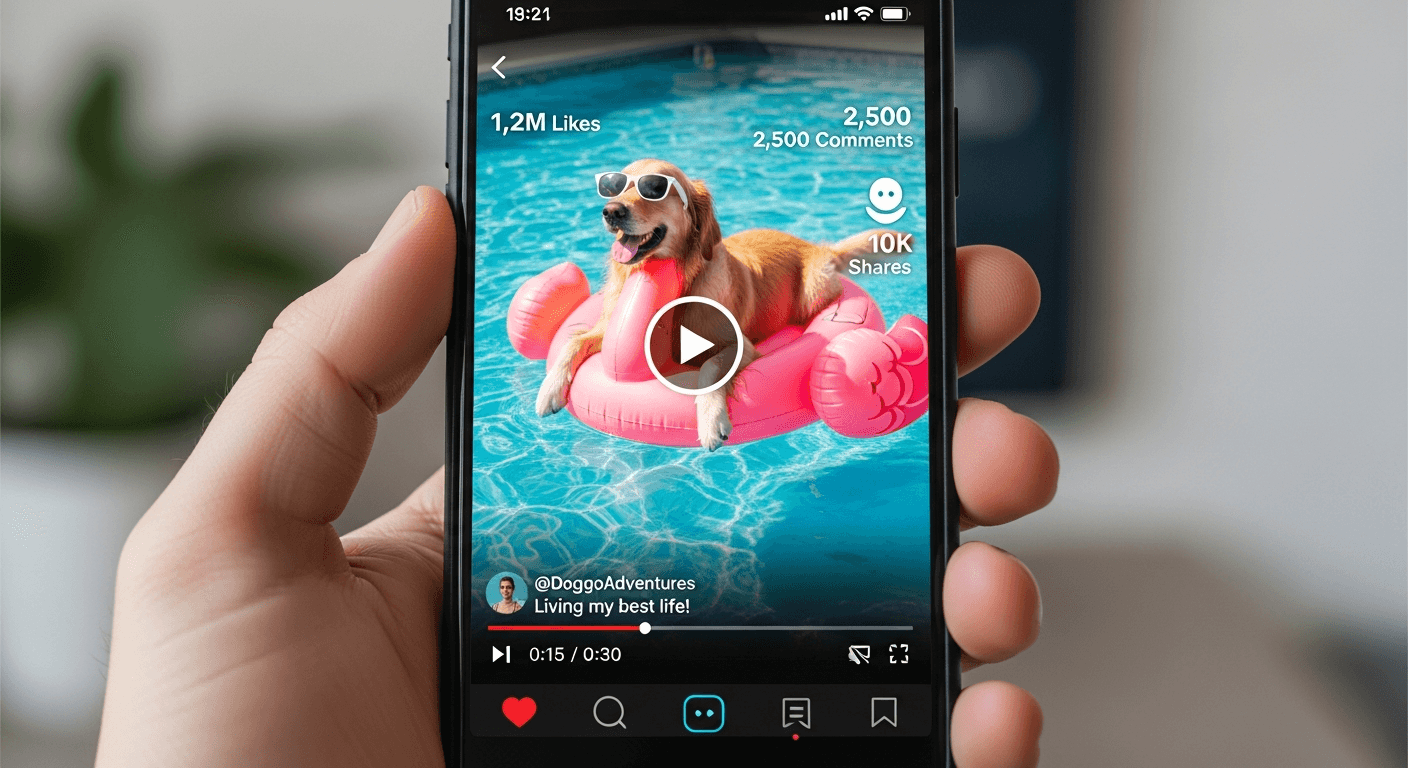
Top TikTok creators post 3-7 videos a day. That is not a vanity stat - that is the actual posting cadence the algorithm rewards with sustained reach. Try to hit that pace with a camera, a tripod, and manual editing and you will burn out in a week.
AI video solves the content velocity problem. With Seedance 2.0 you can generate a scroll-stopping vertical clip in under three minutes, which means a full week of posts can be batched in a single afternoon.
TL;DR
- Always generate in 9:16 - universal vertical format for TikTok, Reels, and Shorts
- 4-8 second clips are the sweet spot for short-form pacing
- Seedance 2.0 costs ~$3 per generation - cheaper than one Starbucks per piece of content
- Safe zone: keep key visuals in the middle 70% of the frame to avoid UI overlays
- Batch seven posts in one session for a full week of daily content
5 次免费生成 · 无需信用卡
Why AI Video Is Built for Short-Form
The economics of short-form content have flipped. Here is why AI generation makes strategic sense for TikTok, Reels, and Shorts specifically.
Volume wins the algorithm. Posting daily is not optional if you want sustained reach. AI generation makes daily cadence sustainable without burning out.
Novelty grabs attention. AI-generated video has a distinctive, hyper-polished aesthetic that stops thumb-scrolls in the first second. That is half the battle in short-form.
Speed to trend. When a sound goes viral you have about 48 hours to ride the wave. AI lets you produce trend-responsive visuals in minutes, not days.
Zero production overhead. No camera, no location, no wardrobe, no lighting rig. A browser is the entire studio.
Cost per post is trivial. One Seedance 2.0 generation runs roughly $3. Compare that to even a "free" self-shoot that burns two hours of your life per post.
Batch a week of Reels in one sitting
Your first credits are on us - no card, no trial clock. Generate your first vertical clip in under 3 minutes.
Try Seedance 2.0 FreePlatform Specs You Actually Need to Know
Vertical is universal. The rest is fine-tuning.
| Spec | TikTok | Instagram Reels | YouTube Shorts |
|---|---|---|---|
| Aspect ratio | 9:16 | 9:16 | 9:16 |
| Recommended duration | 15-60s | 15-30s | 15-60s |
| Resolution target | 1080x1920 | 1080x1920 | 1080x1920 |
| Format | MP4 | MP4 | MP4 |
The one rule: always generate in 9:16. Cropping a 16:9 video to vertical after generation is a rookie mistake that wastes half your frame.
Seedance 2.0 renders at 720p vertical, which looks excellent on mobile screens where 98% of short-form is watched. If you need 1080p for a specific brand requirement, Seedance 1.0 Pro delivers it at 4-22 credits.
Step 1: Compose for Vertical
Vertical is not just rotated horizontal. It demands different framing.
Center the subject. Vertical frames have narrow horizontal real estate. The focal point should sit near the middle.
Use vertical leading lines. Buildings, trees, figures, waterfalls, and doorways all draw the eye effectively in 9:16.
Keep backgrounds simple. You do not have room for environmental storytelling on both sides of the subject. Clean backgrounds read better.
Respect the safe zone. TikTok and Reels overlay UI elements at the bottom 20% and top 10% of the frame. Keep anything important in the middle 70%.
Step 2: Pick a Content Format That Works
Based on what consistently performs in AI-generated short-form, these formats convert reliably.
Satisfying loops - mesmerizing, rewatchable content that boosts completion rates:
- Liquid pouring and swirling in slow motion
- Symmetrical patterns forming and dissolving
- Nature transformations (bloom, melt, flow)
Before-and-after transformations:
- Day to night transitions
- Seasonal changes (winter to spring)
- Empty room to decorated room
Miniature worlds - tilt-shift style scenes with tiny subjects.
Surreal impossibilities - upside-down cities, impossible physics, floating objects. AI excels at visuals no camera could capture.
Ambient content - rain on windows, fireplaces, forest atmospherics. Huge in the "cozy" niche.

Want scroll-stopping clips like this? You're 30 seconds away from your first generation. Try Seedance 2.0 free →
Step 3: Write a Hook-First Prompt
TikTok users decide to keep watching in the first second. Your opening frame has to earn that second.
Prompt Structure for Vertical Short-Form
[Attention-grabbing opening visual]. [Action or transformation].
[Camera movement]. 9:16 vertical composition, subject centered.
[Lighting and style keywords].
Proven Template: The Satisfying Loop
Extreme close-up of rich espresso pouring into a clear glass cup
in slow motion. The dark liquid swirls and creates hypnotic
patterns. Warm morning light from the side, steam rising. 9:16
vertical, subject centered. Macro lens, shallow depth of field,
coffee shop ambiance.
Proven Template: The Dramatic Reveal
Camera slowly rises to reveal a vast neon-lit megacity at night.
Starting from a single glowing window, expanding to show millions
of lights stretching to the horizon. 9:16 vertical. Cinematic,
Blade Runner inspired, volumetric fog, cyberpunk color palette.
Proven Template: The Character Moment
Close-up of a young woman with colorful hair laughing under string
lights at a night market. Camera at eye level, subtle push in.
Warm tungsten and neon lighting. 9:16 vertical portrait
composition. Shot on 35mm film, nostalgic and warm.
Step 4: Add Text, Audio, and Ship It
Open the rendered clip in CapCut (or your editor of choice) and finish it in five minutes.
Trim: cut any hesitation in the first half-second. Your hook must land instantly.
Text overlay: 3-7 words maximum, high contrast, white with a shadow. Place it in the upper-middle of the frame.
Hook text examples:
- "POV: Your morning espresso"
- "Wait for it..."
- "Made with AI in 2 minutes"
- "This is 100% AI"
Audio: pick a trending sound on TikTok or layer a lo-fi track. Trending audio dramatically boosts discoverability.
Export: 1080x1920 MP4. Post directly to TikTok, Reels, and Shorts with minor caption changes for each platform.
Cost Per Post vs. Traditional Content
Here is the unit economics for a creator running daily content.
Daily Posting Budget
| Approach | Weekly Cost | Monthly Cost | Hours/Week |
|---|---|---|---|
| Self-shoot on phone | $0 | $0 | 10-15 hours |
| Hiring a shooter/editor | $300-800 | $1,200-3,200 | 2-3 hours |
| Seedance 2.0 (7 posts/wk) | ~$21 | ~$80 | 2-3 hours |
| Seedance 1.0 Lite (7/wk) | ~$3 | ~$12 | 2-3 hours |
A week of AI-generated daily content costs less than a single Uber ride. A month costs less than a dinner out. The time savings are arguably more valuable than the cost savings - you free up 40 to 60 hours a month that would otherwise go to filming and editing.
Stop shooting. Start shipping.
Free credits gets you 2-3 full vertical clips. Enough to see if AI video fits your posting cadence.
Generate My First ReelBatch Workflow: A Week of Content in One Session
Block out two hours on Monday morning. Here is the sequence.
- Brainstorm 10 concepts (20 minutes) - one for each day plus backups
- Write all 10 prompts (20 minutes) - refine before generating anything
- Submit generations in parallel (waiting time: 20-30 minutes) - work on something else while they render
- Review and pick winners (15 minutes) - keep the 7 strongest
- Edit and add text/audio (30 minutes) - five minutes per post
- Schedule posts (15 minutes) - space them across the week
Total active time: under two hours for seven days of content. That is the unlock.
Platform-Specific Optimizations
TikTok
- Hook in the first frame - no warmup, no preamble
- Loopable endings - seamless loops drive rewatches, which the algorithm rewards
- TikTok SEO - keywords in caption and on-screen text matter increasingly
- Best posting windows: 7-9 AM, 12-3 PM, 7-11 PM local time
Instagram Reels
- Cover frame matters - choose the strongest single frame as your cover, it lives on your grid forever
- Share to Story - boosts initial momentum every time
- Caption for search - Instagram indexes caption text now
- Use 15-20 hashtags - strategic tags still work on Reels
YouTube Shorts
- Title is the hook - YouTube surfaces Shorts by title more than caption
- End with a subscribe prompt - viewers can subscribe directly from the player
- Strong individual frames throughout - YouTube auto-picks the thumbnail
Start With One Post Today
The creators winning in 2026 are not the ones with the best cameras. They are the ones who figured out how to produce more content, faster, without burning out. AI video is the tool that makes that possible for a solo creator.
Pick one of the prompt templates above. Generate one clip. Add text and audio in CapCut. Post it. That is your first AI reel - and a Seedance 2.0 clip costs $1.90-$35.10 in credits to make.
Ready to start posting daily? Start creating free →
立即试用 Seedance 2.0
5 次免费生成 · 无需信用卡