Made with this app
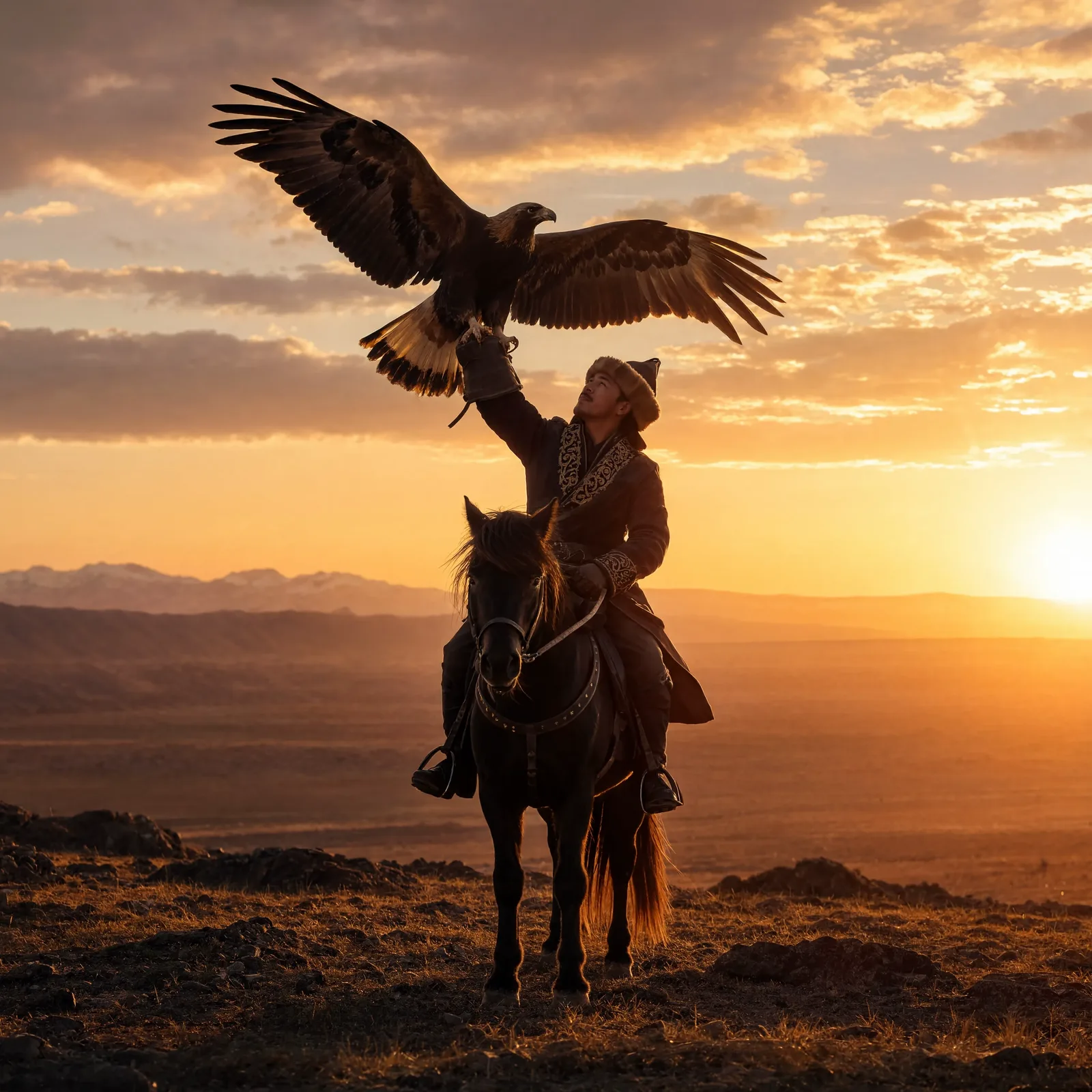
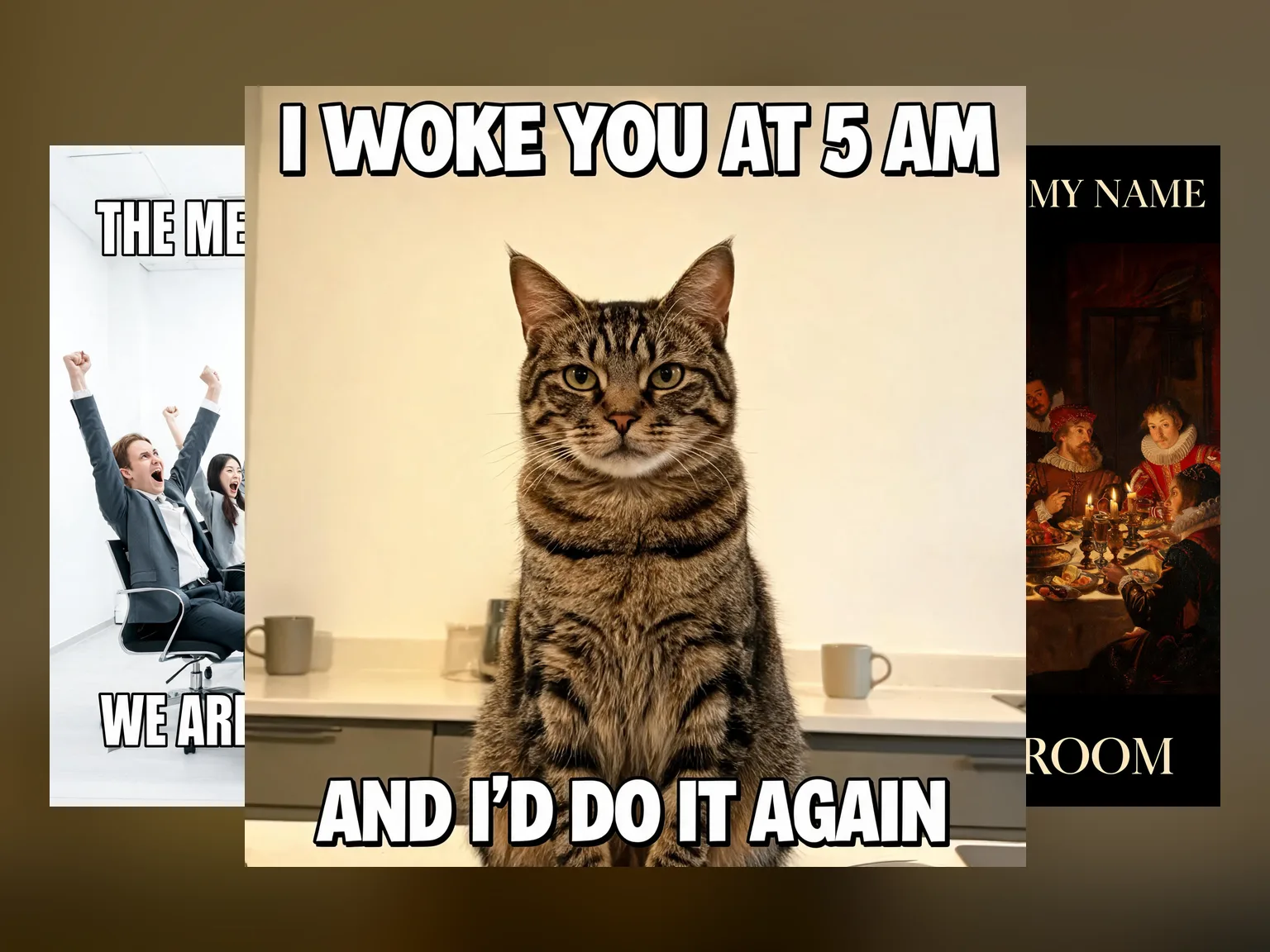
Reve 2.1 is a text-to-image model built around two things most image generators handle poorly: legible in-image text and precise adherence to what the prompt actually asks for. It suits designers, marketers and content creators who need posters, packaging mockups, UI wireframes or any composition where readable typography is part of the image itself. Beyond generation, the same model handles instruction-based edits and can blend up to four reference images into a single new composition, covering three distinct workflows without switching tools.
How to use this app
- 1
Describe what you want to create, or upload your source file.
- 2
Pick your options, then press Generate.
- 3
Watch your result appear in the gallery within moments.
- 4
Download, share, or generate again with a new idea.
What you can make
Poster and Event Flyer Design
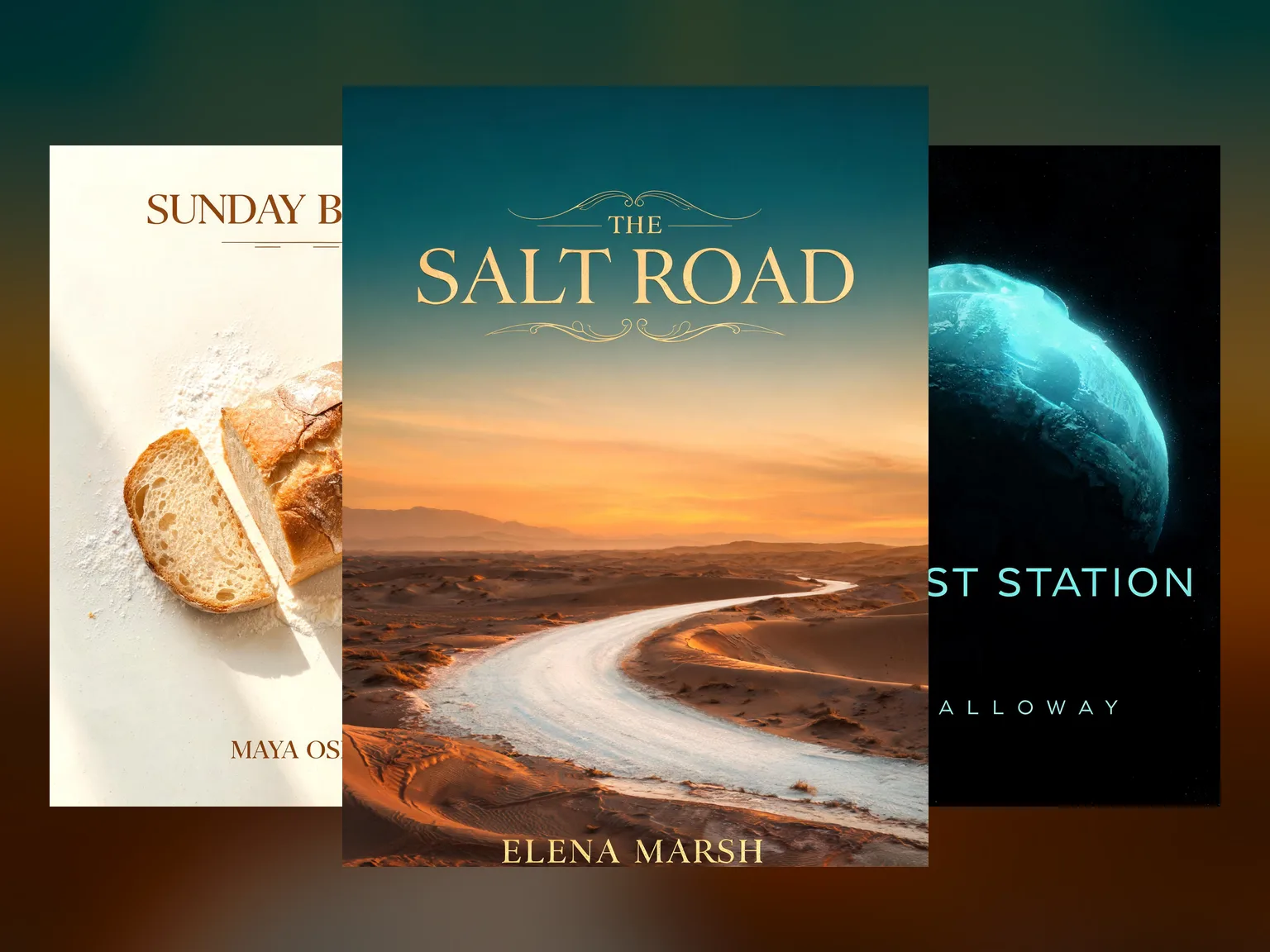
Reve 2.1 renders headline text, dates and taglines directly inside the image with genuine legibility. Designers can specify layout, hierarchy and aspect ratio in the prompt, generating a print-ready poster concept without needing to composite type in a separate application afterward.
Packaging Mockup Prototyping
Product teams can describe label copy, brand colours and container shape in a single prompt. Reve 2.1 places the specified text accurately on the surface, giving stakeholders a realistic visual to react to before any design files are built.
UI and App Screen Mockups
Because Reve 2.1 respects prompt instructions precisely, you can describe button labels, navigation items and placeholder content and receive a mockup where those words appear where you placed them, useful for early-stage product presentations.
Multi-Reference Composition
Upload up to four reference images and Reve 2.1 synthesises their visual elements into a single new image. This works well for mood boards, brand collateral that must echo several existing assets, or creative briefs that supply multiple photographic references.
Instruction-Based Image Editing
Supply an existing image alongside a plain-language instruction and Reve 2.1 applies the change directly. Swap a background, alter a colour, add or remove an object, or adjust the text on a sign without rebuilding the composition from scratch.
Prompt ideas to try
Why creators use this app
- Legible in-image typography
- Instruction-based editing
- Remix up to 4 references
- 18 aspect ratios
- Up to 4 images per run
- PNG / JPEG / WebP output
Tips for better results
Specify Text Exactly as Intended
Place the words you want rendered in quotation marks inside your prompt. Reve 2.1 is built for typography precision, but it follows what you write, so copy-edit your intended text before generating to avoid having to run an instruction-based edit to fix a spelling error afterward.
Choose the Aspect Ratio Deliberately
Reve 2.1 offers 18 aspect ratios from a 4:1 panorama down to a 1:4 column. Name the ratio you need in the prompt or settings rather than cropping afterward; layouts and text placement are composed to the declared canvas shape from the start.
Use References for Consistent Brand Style
When remixing, supply references that share the visual quality you want to carry forward: colour palette, illustration style or photographic tone. Up to four images can be combined, so select references that each contribute a distinct element rather than uploading variations of the same image.
Treat Editing as a Second Pass
Generate a strong base composition first, then use the instruction-based editing mode to refine specific details. This two-step approach is more efficient than trying to solve every variable in one dense prompt, and the edit instruction can be short and direct because the model already has the image context.
When to choose this app
Choose this app when legible text inside the image is non-negotiable, or when you need to edit an existing image or blend multiple references into one composition. Seedream v4.5 offers up to 16MP output, which is the better choice when raw resolution is the priority and no in-image text is required. Seedream v3 covers reliable text-to-image with guidance control for straightforward generation tasks. Reve 2.1 is the right tool when typography, precise prompt adherence, multi-reference remixing or instruction-based editing are central to the brief.
Frequently asked questions
Can Reve 2.1 render text in languages other than English?
Reve 2.1 is built for typography precision and will attempt to render whatever text you include in your prompt, including non-Latin scripts. Results vary by script complexity, so it is worth testing with a short phrase first and using the instruction-based editing mode to correct any characters that do not render as expected.
How many images can I generate in a single run?
You can generate between one and four images per run. Producing a small batch lets you compare layout and typographic choices side by side before committing to further editing or remixing, which is more efficient than generating one image at a time.
What file formats does the app output?
Reve 2.1 outputs images as PNG, JPEG or WebP. PNG suits work that will be composited or placed over other artwork. JPEG and WebP are practical for web or presentation use where file size matters.
How do I use the remix feature effectively?
Upload up to four reference images alongside your text prompt. Each reference should contribute something distinct, such as a colour palette, a composition style or a texture. Reve 2.1 synthesises elements from all supplied references into a new image rather than simply blending them at equal weight.
What resolution does Reve 2.1 produce?
The model generates images up to 1 megapixel. The actual pixel dimensions depend on the aspect ratio you select. A 1:1 square at 1 megapixel is 1000 by 1000 pixels, while a 2:3 portrait redistributes that same pixel budget to fit the taller canvas.
Is there a meaningful difference between the generate and edit modes?
Yes. Generate mode creates a new image entirely from your text prompt and any reference images you supply. Edit mode takes an existing image as its starting point and applies a plain-language instruction to change specific elements, preserving the rest of the composition. They use the same model but serve different points in a workflow.
How much does it cost?
Each generation costs 4 credits. New accounts get free credits to try it out.
Which AI model powers this app?
This app runs on Reve 2.1, available through Arteza with no separate account or setup.
Can I use the results commercially?
Yes. Content you generate is yours to use, subject to our content licenses.
How long does a generation take?
Most generations finish in under a minute, and you can watch progress live in the gallery.