Objekte zu Fotos hinzufügen mit Seedream 5.0 Edit
Lerne, neue Objekte, Elemente und Details zu deinen Fotos hinzuzufügen, mit Seedream 5.0 Edit. Von einfachen Ergänzungen bis hin zu komplexem Compositing: Erziele natürlich wirkende Ergebnisse mit KI.
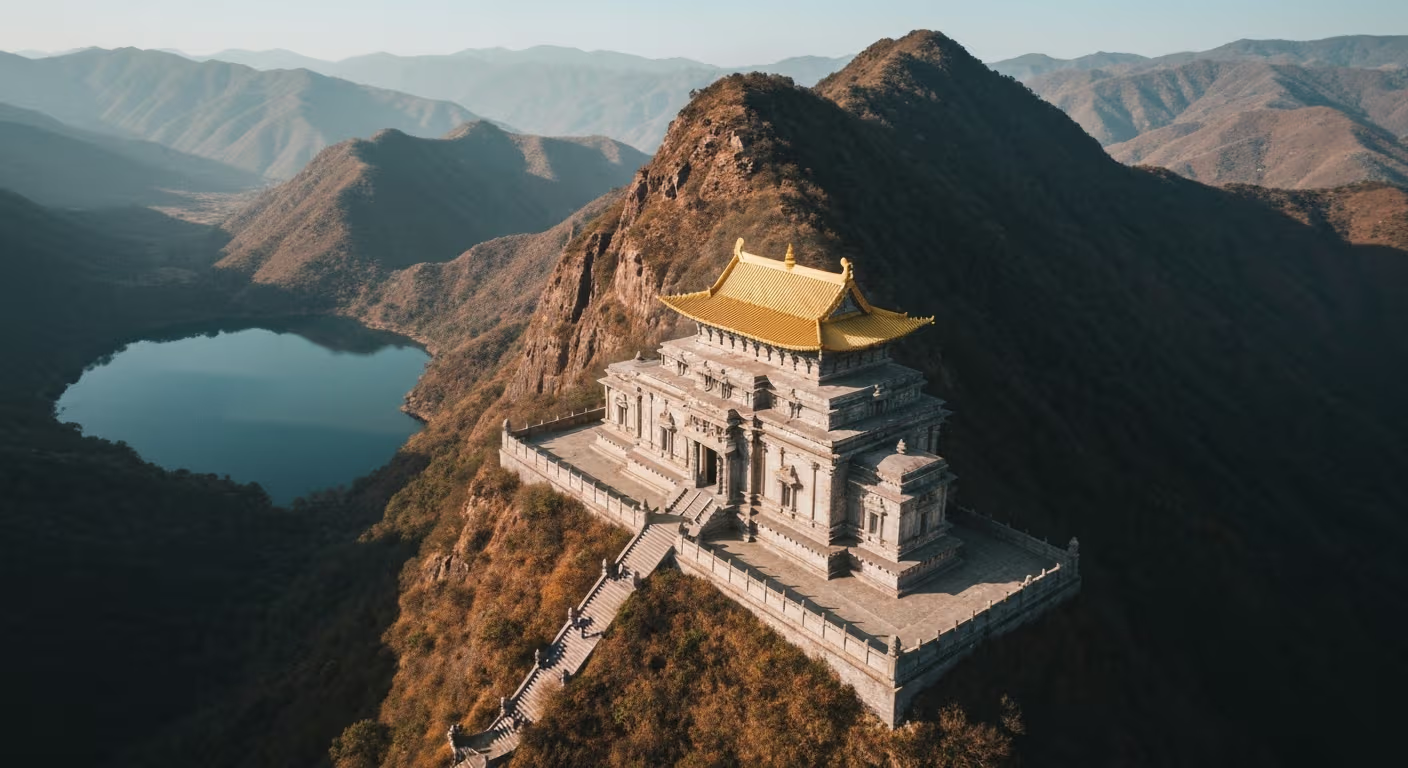
Compositing, etwas zu einem Foto hinzufügen, das ursprünglich nicht da war, war früher die schwierigste Disziplin in Photoshop. Beleuchtung, Schatten, Perspektive und Maßstab aufeinander abzustimmen erfordert jahrelange Übung. Seedream 5.0 Edit erledigt das in 10 Sekunden für 0,10 Dollar, indem du einfach beschreibst, was hinzugefügt werden soll. Das Modell übernimmt die schwierigen Teile.
Kurzzusammenfassung
- Objekte, Personen, Elemente und Effekte per Texteingabe hinzufügen
- 1 Credits ($0,10) pro Ergänzung, 5-15 Sekunden
- Automatische Anpassung von Beleuchtung, Schatten und Perspektive
- Geeignet für Produkte, Landschaften, Atmosphäre und kreative Effekte
- 10 kostenlose Credits bei arteza.ai
Was Compositing wirklich erfordert
Wenn ein Photoshop-Künstler einen Hund zu einem Foto hinzufügt, verbringt er 20-60 Minuten damit:
- Das Hundefoto beschaffen (Stockfoto oder selbst fotografieren)
- Freistellen (Maske erstellen, Fell verfeinern)
- Skalieren und positionieren
- Lichtrichtung anpassen (Abwedeln und Nachbelichten)
- Farbtemperatur anpassen (Kurven)
- Schlagschatten hinzufügen (zeichnen und weichzeichnen)
- Kanten weichzeichnen (Ausblenden)
Seedream 5.0 Edit erledigt alle sieben Schritte in einem Durchgang. Du tippst:
"Add a golden retriever sitting next to the person, matching lighting"
Das war's. Zehn Sekunden. Zehn Cent.
Dein erstes Foto mit KI bearbeiten
Keine Photoshop-Kenntnisse nötig. Einfach eingeben, was geändert werden soll. 0,10 Dollar pro Bearbeitung.
Seedream 5.0 Edit kostenlos testen5 kostenlose Generierungen · Keine Kreditkarte erforderlich
Die goldene Regel: Sei präzise
Vage Beschreibungen liefern vage Ergebnisse. Gib immer an: Objekt, Position, Größe und Beleuchtungskontext.
| Schwach | Stark |
|---|---|
| "Add a dog" | "Add a small golden retriever sitting next to the man's left leg" |
| "Add flowers" | "Add a vase of white peonies on the table in the foreground" |
| "Add clouds" | "Add soft cumulus clouds in the upper half of the sky" |
| "Add people" | "Add two people walking in the background, small and out of focus" |
Kategorie 1: Objekte hinzufügen
Alltagsgegenstände
"Add a steaming ceramic coffee cup on the table in front of the subject"
"Place an open book next to the lamp"
"Add a vase with fresh sunflowers on the counter"
"Put a leather handbag on the chair behind the subject"
Naturelemente
"Add a small bird sitting on the branch in the foreground"
"Place a few fallen autumn leaves on the ground"
"Add butterflies flying around the flowers"
"Put a squirrel on the tree trunk, mid-height"
Architektonische Details
"Add vintage streetlamps along both sides of the street"
"Place a wooden bench in the park scene"
"Add a fountain in the center of the plaza"
"Put a bicycle leaning against the brick wall"
Kategorie 2: Personen und Tiere hinzufügen
Personen sind schwieriger als Objekte: Das Modell muss Pose, Beleuchtung und Interaktion aufeinander abstimmen.
"Add a person walking in the background, small and slightly out of focus"
"Add a child playing in the garden on the right side, natural scale"
"Place a couple sitting on the bench in the distance"
"Add a small black cat curled up on the sofa"
Tipp: Gib bei Tieren und Personen immer Größe und Abstand an, also zum Beispiel "klein und weit entfernt" oder "im Vordergrund, groß", damit das Modell die Proportionen richtig einschätzen kann.
Kategorie 3: Atmosphäre hinzufügen
Atmosphärische Ergänzungen gehören zu den wirkungsvollsten Bearbeitungen: Ein gewöhnliches Foto wird so zu einem dramatischen Bild.
"Add soft morning fog drifting across the foreground"
"Add gentle snow falling in the scene"
"Add subtle mist rising from the lake"
"Add volumetric light rays streaming through the trees"
"Add delicate lens flare from the sun on the upper right"
"Add soft rain with subtle puddles on the ground"
Für Landschafts- und Außenfotografie sind diese Effekte eine echte Offenbarung.

Solche Ergebnisse gewünscht? Seedream 5.0 Edit kostenlos ausprobieren →
Kategorie 4: Himmelselemente hinzufügen
"Add a full moon in the twilight sky, soft glow"
"Add a hot air balloon in the distance"
"Add scattered white clouds to the clear blue sky"
"Add a rainbow arcing across the sky"
"Add dramatic storm clouds in the distance"
"Add the Milky Way stretching across the night sky"
Kategorie 5: Kreative Ergänzungen
Wage dich ins kreative Territorium vor:
"Add floating glowing particles around the subject"
"Add magical sparkles and soft bokeh in the background"
"Add a small fairy-light glow around the subject"
"Add soft petals falling through the air"
"Add steam rising from the coffee cup, gentle wisps"
Positionsangaben, die funktionieren
Das Modell versteht Richtungs- und Positionsangaben sehr gut. Nutze sie:
| Position | Formulierung |
|---|---|
| Genaue Stelle | "next to the", "on top of", "behind the", "in front of" |
| Allgemeiner Bereich | "in the foreground", "in the background", "on the left" |
| Entfernung | "in the distance", "close up", "mid-ground" |
| Größe | "small", "large", "tiny", "full-sized" |
| Anzahl | "a single", "a few", "several", "a group of" |
Automatische Beleuchtungsanpassung
Seedream 5.0 Edit passt die Beleuchtung automatisch an, aber du kannst das Ergebnis noch weiter verbessern:
"Add a dog in the foreground, matching the warm afternoon light of the scene"
"Add flowers on the table with the same soft window light as the rest of the image"
"Add a person in the background with lighting consistent with the sunset"
Wenn du die Beleuchtung explizit benennst, werden die Composites gleichmäßiger.
Praxis-Workflow: Leben in eine Landschaft bringen
Ausgangsbild: Leere Landschaft, hübsch, aber leblos.
Bearbeitung 1: "Add soft morning fog drifting along the valley floor" (1 Credits)
Bearbeitung 2: "Add a few birds flying in the distance, small and faint" (1 Credits)
Bearbeitung 3: "Add warm golden sun rays streaming through the trees" (1 Credits)
Bearbeitung 4: "Add a small deer standing in the clearing, natural scale" (1 Credits)
Gesamt: 28 Credits = 0,28 Dollar. Ergebnis: eine verwandelte, cinematische Landschaft, die in Photoshop eine Stunde gedauert hätte.
Beschreiben. Erscheinen lassen.
Schluss mit Maskieren, Ebenen und Schattenpassen. Gib einfach ein, was hinzugefügt werden soll, und das Modell kümmert sich um Beleuchtung, Perspektive und Maßstab.
Erstes Objekt kostenlos hinzufügenPraxis-Workflow: Lifestyle-Produktfoto
Ausgangsbild: Produkt auf einer schlichten Oberfläche.
Bearbeitung 1: "Add a steaming coffee cup next to the product, matching warm morning light" (1 Credits)
Bearbeitung 2: "Add an open notebook and pen in the background, slightly out of focus" (1 Credits)
Bearbeitung 3: "Add soft morning light streaming from the left side" (1 Credits)
Gesamt: 3 Credits = 0,30 Dollar. Ergebnis: eine vollständige Lifestyle-Szene aus einem einzigen Produktfoto.
Häufige Fehler
| Fehler | Lösung |
|---|---|
| Objekt zu groß oder zu klein | Größe angeben: "small", "large" oder "natural scale" |
| Falsche Position | Explizite Positionsangaben verwenden |
| Falsche Beleuchtung | "matching the [scene] lighting" ergänzen |
| Schwebende Objekte | Oberfläche angeben: "on the table", "on the ground" |
| Unrealistische Anzahl | "a single" oder "a few" schreiben, nicht nur "some" |
| Seltsame Proportionen | "realistic scale and proportions" ergänzen |
Wann du iterieren solltest
Wenn der erste Durchgang nicht ganz passt, verfeinere das Ergebnis mit einem zweiten Prompt:
Durchgang 1: "Add a dog in the foreground" (zu groß)
Durchgang 2: "Make the dog smaller and position further back, matching distance"
Jeder Durchgang kostet 1 Credits. Zwei oder drei Iterationen reichen normalerweise aus.
Kosten im Vergleich
| Methode | Kosten pro Ergänzung | Zeit |
|---|---|---|
| Seedream 5.0 Edit | $0,10 | 10 Sek. |
| Photoshop-Compositing | Zeitaufwand | 20-60 Min. |
| Fiverr-Compositing | 10-50 Dollar | 1-3 Tage |
| Stockfoto-Kauf | 10-100 Dollar | Suche |
Preise
| Plan | Credits | Preis | Objektergänzungen |
|---|---|---|---|
| Starter | 60 | 5 Dollar | 60 |
| Creator | 300 | 25 Dollar | 300 |
| Pro | 700 | 50 Dollar | 700 |
| Studio | 1.800 | 120 Dollar | 1.800 |
Monatliche Credits werden mit jedem Abrechnungszeitraum erneuert. Nachgekaufte Credits verfallen nicht. Preise ansehen.
Nächste Schritte
- Inpainting und Objektentfernung
- Hintergrundersetzung
- Stilübertragung
- Vollständige Bearbeitungsanleitung
Erstes Objekt kostenlos hinzufügen → - 10 Credits bei der Anmeldung.
Seedream 5.0 Edit ausprobieren - Jetzt!
Laden Sie Ihr Bild auf der Erstellungsseite hoch, um mit der Bearbeitung zu beginnen.
5 kostenlose Generierungen · Keine Kreditkarte erforderlich