Objecten aan foto's toevoegen met Seedream 5.0 Edit
Leer nieuwe objecten, elementen en details aan je foto's toevoegen met Seedream 5.0 Edit. Van eenvoudige toevoegingen tot complexe compositing: bereik natuurlijk ogende resultaten met AI.
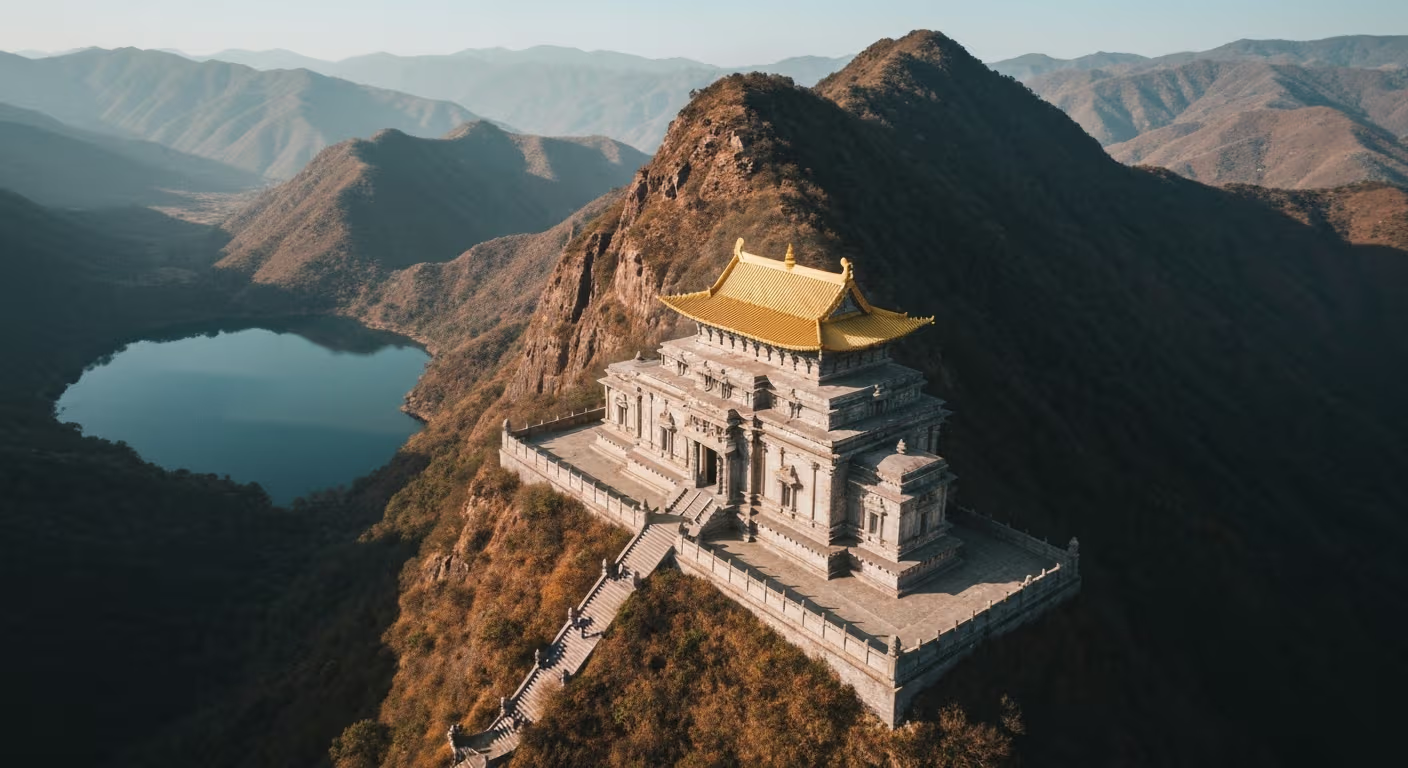
Compositing - iets aan een foto toevoegen wat er niet op stond - was vroeger de moeilijkste vaardigheid in Photoshop. Belichting, schaduwen, perspectief en schaal laten kloppen kost jaren oefening. Seedream 5.0 Edit doet het in 10 seconden voor $0,10 door je te laten beschrijven wat je wilt toevoegen in gewone taal. Het model regelt de moeilijke delen.
TL;DR
- Voeg objecten, mensen, elementen en effecten toe met prompts in gewone taal
- 1 credits ($0,10) per toevoeging, 5-15 seconden
- Automatische afstemming van belichting, schaduwen en perspectief
- Werkt voor producten, landschappen, sfeer en creatieve effecten
- 10 gratis credits op arteza.ai
Wat compositing eigenlijk vereist
Wanneer een Photoshop-kunstenaar een hond aan een foto toevoegt, besteedt diegene 20-60 minuten aan:
- De hondenafbeelding zoeken (stockfoto, zelf schieten)
- Uitsnijden (masker maken, vacht verfijnen)
- Schaal en positie aanpassen
- Belichtingsrichting afstemmen (dodge en burn)
- Kleurtemperatuur afstemmen (curves)
- Schaduw toevoegen (schilderen en vervagen)
- Randen mengen (veren)
Seedream 5.0 Edit verwerkt alle zeven stappen in één keer. Je typt:
"Add a golden retriever sitting next to the person, matching lighting"
Dat is alles. Tien seconden. Tien cent.
Bewerk je eerste foto met AI
Geen Photoshop-vaardigheden nodig. Typ gewoon wat je wilt veranderen. $0,10 per bewerking.
Probeer Seedream 5.0 Edit gratis5 gratis generaties · Geen creditcard nodig
De gouden regel: wees specifiek
Vage toevoegingen leveren vage resultaten op. Geef altijd aan: object, positie, schaal en belichtingscontext.
| Zwak | Sterk |
|---|---|
| "Add a dog" | "Add a small golden retriever sitting next to the man's left leg" |
| "Add flowers" | "Add a vase of white peonies on the table in the foreground" |
| "Add clouds" | "Add soft cumulus clouds in the upper half of the sky" |
| "Add people" | "Add two people walking in the background, small and out of focus" |
Categorie 1: objecten toevoegen
Alledaagse objecten
"Add a steaming ceramic coffee cup on the table in front of the subject"
"Place an open book next to the lamp"
"Add a vase with fresh sunflowers on the counter"
"Put a leather handbag on the chair behind the subject"
Natuurelementen
"Add a small bird sitting on the branch in the foreground"
"Place a few fallen autumn leaves on the ground"
"Add butterflies flying around the flowers"
"Put a squirrel on the tree trunk, mid-height"
Architectonische details
"Add vintage streetlamps along both sides of the street"
"Place a wooden bench in the park scene"
"Add a fountain in the center of the plaza"
"Put a bicycle leaning against the brick wall"
Categorie 2: mensen en huisdieren toevoegen
Mensen zijn lastiger dan objecten: het model moet pose, belichting en interactie laten kloppen.
"Add a person walking in the background, small and slightly out of focus"
"Add a child playing in the garden on the right side, natural scale"
"Place a couple sitting on the bench in the distance"
"Add a small black cat curled up on the sofa"
Tip: geef bij huisdieren en mensen altijd de schaal en afstand aan, zoals "small and distant" of "foreground, large", zodat het model de grootte correct bepaalt.
Categorie 3: sfeer toevoegen
Sfeerbewerkingen zijn vaak de meest indrukwekkende aanpassingen: ze veranderen een gewone foto in een dramatische:
"Add soft morning fog drifting across the foreground"
"Add gentle snow falling in the scene"
"Add subtle mist rising from the lake"
"Add volumetric light rays streaming through the trees"
"Add delicate lens flare from the sun on the upper right"
"Add soft rain with subtle puddles on the ground"
Dit zijn echte gamewisselaars voor landschaps- en buitenfotografie.

Wil je dit soort resultaten? Probeer Seedream 5.0 Edit gratis →
Categorie 4: luchtelementen toevoegen
"Add a full moon in the twilight sky, soft glow"
"Add a hot air balloon in the distance"
"Add scattered white clouds to the clear blue sky"
"Add a rainbow arcing across the sky"
"Add dramatic storm clouds in the distance"
"Add the Milky Way stretching across the night sky"
Categorie 5: creatieve toevoegingen
Ga het creatieve pad op:
"Add floating glowing particles around the subject"
"Add magical sparkles and soft bokeh in the background"
"Add a small fairy-light glow around the subject"
"Add soft petals falling through the air"
"Add steam rising from the coffee cup, gentle wisps"
Positietaal die werkt
Het model begrijpt richtings- en positietaal goed. Gebruik het:
| Positie | Formulering |
|---|---|
| Specifieke plek | "next to the", "on top of", "behind the", "in front of" |
| Algemeen gebied | "in the foreground", "in the background", "on the left" |
| Afstand | "in the distance", "close up", "mid-ground" |
| Schaal | "small", "large", "tiny", "full-sized" |
| Aantal | "a single", "a few", "several", "a group of" |
Automatische belichtingsafstemming
Seedream 5.0 Edit past belichting standaard automatisch aan, maar je kunt het nog versterken:
"Add a dog in the foreground, matching the warm afternoon light of the scene"
"Add flowers on the table with the same soft window light as the rest of the image"
"Add a person in the background with lighting consistent with the sunset"
De belichting expliciet benoemen levert consistentere composities op.
Praktijkworkflow: leven toevoegen aan een landschap
Beginafbeelding: leeg landschap, mooi maar levenloos.
Bewerking 1: "Add soft morning fog drifting along the valley floor" (1 credits)
Bewerking 2: "Add a few birds flying in the distance, small and faint" (1 credits)
Bewerking 3: "Add warm golden sun rays streaming through the trees" (1 credits)
Bewerking 4: "Add a small deer standing in the clearing, natural scale" (1 credits)
Totaal: 28 credits = $0,28. Resultaat: een getransformeerd, cinematisch landschap dat in Photoshop een uur zou hebben gekost.
Beschrijf het. Zie het verschijnen.
Vergeet maskers, lagen en schaduwafstemming. Typ wat je wilt toevoegen en het model regelt belichting, perspectief en schaal.
Voeg je eerste object gratis toePraktijkworkflow: lifestyle-productfoto
Beginafbeelding: product op een eenvoudig oppervlak.
Bewerking 1: "Add a steaming coffee cup next to the product, matching warm morning light" (1 credits)
Bewerking 2: "Add an open notebook and pen in the background, slightly out of focus" (1 credits)
Bewerking 3: "Add soft morning light streaming from the left side" (1 credits)
Totaal: 3 credits = $0,30. Resultaat: een complete lifestylescène vanuit één productfoto.
Veelgemaakte fouten
| Fout | Oplossing |
|---|---|
| Object te groot of te klein | Geef de schaal aan: "small", "large" of "natural scale" |
| Verkeerde positie | Gebruik expliciete positietaal |
| Verkeerde belichting | Voeg toe "matching the [scene] lighting" |
| Zwevende objecten | Geef een oppervlak aan: "on the table", "on the ground" |
| Onrealistisch aantal | Zeg "a single" of "a few", niet zomaar "some" |
| Vreemde verhoudingen | Voeg toe "realistic scale and proportions" |
Wanneer je moet herhalen
Als de eerste poging niet helemaal klopt, verfijn je met een tweede prompt op het resultaat:
Poging 1: "Add a dog in the foreground" (te groot)
Poging 2: "Make the dog smaller and position further back, matching distance"
Elke poging kost 1 credits. Twee of drie iteraties zijn meestal genoeg.
Kosten vs. alternatieven
| Methode | Kosten per toevoeging | Tijd |
|---|---|---|
| Seedream 5.0 Edit | $0,10 | 10 sec |
| Photoshop-compositing | Tijdskosten | 20-60 min |
| Fiverr-compositing | $10-$50 | 1-3 dagen |
| Stockfoto aanschaffen | $10-$100 | Zoeken |
Prijzen
| Abonnement | Credits | Prijs | Objecttoevoegingen |
|---|---|---|---|
| Starter | 60 | $5 | 60 |
| Creator | 300 | $25 | 300 |
| Pro | 700 | $50 | 700 |
| Studio | 1.800 | $120 | 1.800 |
Maandelijkse credits worden elke factuurcyclus vernieuwd. Bijgekochte credits verlopen nooit. Bekijk prijzen.
Volgende stappen
Voeg je eerste object gratis toe → - 10 credits bij aanmelding.
Seedream 5.0 Edit uitproberen - Nu!
Upload je afbeelding op de aanmaakpagina om te beginnen met bewerken.
5 gratis generaties · Geen creditcard nodig