Como adicionar objetos a fotos com o Seedream 5.0 Edit
Aprenda a adicionar novos objetos, elementos e detalhes às suas fotos usando o Seedream 5.0 Edit. De adições simples a composições complexas, obtenha resultados com aparência natural com IA.
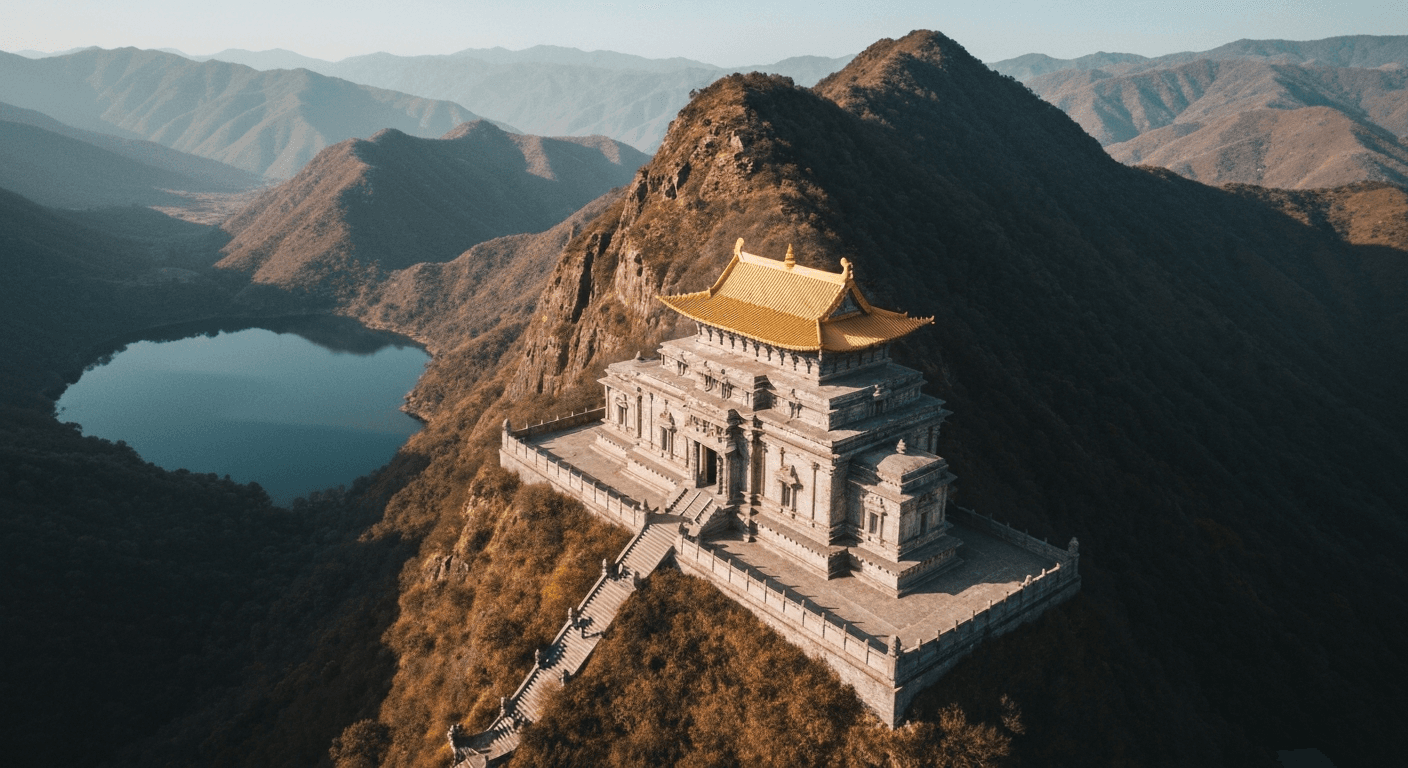
Compositing, ou seja, adicionar algo a uma foto que não estava lá, costumava ser a habilidade mais difícil no Photoshop. Combinar iluminação, sombras, perspectiva e escala leva anos para dominar. O Seedream 5.0 Edit faz isso em 10 segundos por $0,10, permitindo que você descreva o que quer adicionar em português simples. O modelo cuida das partes difíceis.
Resumo rápido
- Adicione objetos, pessoas, elementos e efeitos com prompts em linguagem natural
- 1 créditos ($0,10) por adição, 5 a 15 segundos
- Correspondência automática de iluminação, sombra e perspectiva
- Funciona para produtos, cenários, atmosfera e efeitos criativos
- 10 créditos grátis em arteza.ai
O que o compositing realmente exige
Quando um artista do Photoshop adiciona um cachorro a uma foto, ele passa de 20 a 60 minutos resolvendo:
- Encontrar a imagem do cachorro (banco de imagens, fotografar)
- Recortar (máscara, refinar pelos)
- Dimensionar e posicionar
- Combinar a direção da luz (dodge e burn)
- Combinar a temperatura de cor (curvas)
- Adicionar sombra projetada (pintar e desfocar)
- Fundir as bordas (suavização)
O Seedream 5.0 Edit resolve as sete etapas em uma única passagem. Você digita:
"Adicione um golden retriever sentado ao lado da pessoa, combinando com a iluminação"
Só isso. Dez segundos. Dez centavos de dólar.
Edite sua primeira foto com IA
Sem precisar saber Photoshop. Basta digitar o que você quer mudar. $0,10 por edição.
Experimente o Seedream 5.0 Edit grátis5 gerações gratuitas · Nenhum cartão de crédito necessário
A regra de ouro: seja específico
Adições vagas produzem resultados vagos. Sempre especifique: objeto, posição, escala e contexto de iluminação.
| Fraco | Forte |
|---|---|
| "Adicione um cachorro" | "Adicione um golden retriever pequeno sentado ao lado da perna esquerda do homem" |
| "Adicione flores" | "Adicione um vaso de peônias brancas sobre a mesa em primeiro plano" |
| "Adicione nuvens" | "Adicione nuvens cúmulos suaves na metade superior do céu" |
| "Adicione pessoas" | "Adicione duas pessoas caminhando ao fundo, pequenas e desfocadas" |
Categoria 1: adicionar objetos
Objetos do cotidiano
"Adicione uma xícara de cerâmica fumegante sobre a mesa na frente do sujeito"
"Coloque um livro aberto ao lado da luminária"
"Adicione um vaso com girassóis frescos no balcão"
"Coloque uma bolsa de couro na cadeira atrás do sujeito"
Elementos da natureza
"Adicione um pássaro pequeno pousado no galho em primeiro plano"
"Coloque algumas folhas de outono caídas no chão"
"Adicione borboletas voando ao redor das flores"
"Coloque um esquilo no tronco da árvore, na altura do meio"
Detalhes arquitetônicos
"Adicione postes de luz vintage ao longo dos dois lados da rua"
"Coloque um banco de madeira na cena do parque"
"Adicione uma fonte no centro da praça"
"Coloque uma bicicleta encostada na parede de tijolos"
Categoria 2: adicionar pessoas e animais de estimação
Pessoas são mais difíceis do que objetos: o modelo precisa combinar pose, iluminação e interação.
"Adicione uma pessoa caminhando ao fundo, pequena e levemente desfocada"
"Adicione uma criança brincando no jardim do lado direito, em escala natural"
"Coloque um casal sentado no banco ao longe"
"Adicione um gato preto pequeno enrolado no sofá"
Dica: para animais de estimação e pessoas, sempre especifique a escala e a distância, como "pequeno e distante" ou "em primeiro plano, grande", para ajudar o modelo a dimensioná-los corretamente.
Categoria 3: adicionar atmosfera
Adições atmosféricas estão entre as edições de maior impacto, transformando uma foto comum em algo dramático:
"Adicione névoa matinal suave deslizando pelo primeiro plano"
"Adicione neve caindo suavemente na cena"
"Adicione neblina sutil subindo do lago"
"Adicione raios de luz volumétricos filtrando pelas árvores"
"Adicione um leve reflexo de lente vindo do sol no canto superior direito"
"Adicione chuva fina com pequenas poças sutis no chão"
Esses recursos são transformadores para fotografia de paisagem e fotografia ao ar livre.

Quer resultados assim? Experimente o Seedream 5.0 Edit gratuitamente →
Categoria 4: adicionar elementos ao céu
"Adicione uma lua cheia no céu ao crepúsculo, com brilho suave"
"Adicione um balão de ar quente ao longe"
"Adicione nuvens brancas espalhadas no céu azul limpo"
"Adicione um arco-íris cruzando o céu"
"Adicione nuvens de tempestade dramáticas ao fundo"
"Adicione a Via Láctea se estendendo pelo céu noturno"
Categoria 5: adições criativas
Explore o território criativo:
"Adicione partículas brilhantes flutuando ao redor do sujeito"
"Adicione faíscas mágicas e bokeh suave ao fundo"
"Adicione um brilho suave de luzes de fada ao redor do sujeito"
"Adicione pétalas caindo pelo ar"
"Adicione vapor subindo da xícara de café, em fios delicados"
Linguagem de posicionamento que funciona
O modelo compreende bem a linguagem direcional e posicional. Use-a:
| Posição | Expressão |
|---|---|
| Local específico | "ao lado do", "em cima de", "atrás do", "na frente de" |
| Área geral | "no primeiro plano", "ao fundo", "à esquerda" |
| Distância | "ao longe", "em close", "no plano médio" |
| Escala | "pequeno", "grande", "minúsculo", "em tamanho real" |
| Quantidade | "um único", "alguns", "vários", "um grupo de" |
Combinação de iluminação automática
O Seedream 5.0 Edit lida com a correspondência de iluminação automaticamente, mas você pode reforçá-la:
"Adicione um cachorro no primeiro plano, combinando com a luz quente da tarde na cena"
"Adicione flores sobre a mesa com a mesma luz suave da janela do restante da imagem"
"Adicione uma pessoa ao fundo com iluminação consistente com o pôr do sol"
Nomear a iluminação explicitamente produz composições mais consistentes.
Fluxo de trabalho real: dar vida a uma paisagem
Imagem inicial: paisagem vazia, bonita, mas sem vida.
Edição 1: "Adicione névoa matinal suave deslizando pelo vale" (1 créditos)
Edição 2: "Adicione alguns pássaros voando ao longe, pequenos e tênues" (1 créditos)
Edição 3: "Adicione raios de sol dourado e quente filtrando pelas árvores" (1 créditos)
Edição 4: "Adicione um cervo pequeno parado na clareira, em escala natural" (1 créditos)
Total: 28 créditos = $0,28. Resultado: uma paisagem transformada e cinematográfica que levaria uma hora no Photoshop.
Descreva. Veja aparecer.
Esqueça máscaras, camadas e correspondência de sombras. Digite o que quer adicionar e o modelo cuida da iluminação, perspectiva e escala.
Adicione seu primeiro objeto grátisFluxo de trabalho real: foto de produto lifestyle
Imagem inicial: produto sobre uma superfície simples.
Edição 1: "Adicione uma xícara de café fumegante ao lado do produto, combinando com a luz quente da manhã" (1 créditos)
Edição 2: "Adicione um caderno aberto e uma caneta ao fundo, levemente desfocados" (1 créditos)
Edição 3: "Adicione luz matinal suave vindo do lado esquerdo" (1 créditos)
Total: 3 créditos = $0,30. Resultado: uma cena lifestyle completa a partir de uma única foto de produto.
Erros comuns
| Erro | Solução |
|---|---|
| Objeto grande ou pequeno demais | Especifique a escala: "pequeno", "grande" ou "em escala natural" |
| Posição errada | Use linguagem posicional explícita |
| Iluminação errada | Acrescente "combinando com a iluminação da [cena]" |
| Objetos flutuando | Especifique uma superfície: "sobre a mesa", "no chão" |
| Quantidade irreal | Diga "um único" ou "alguns", não apenas "uns" |
| Proporções estranhas | Acrescente "escala e proporções realistas" |
Quando iterar
Se a primeira passagem não ficou exatamente certa, refine com um segundo prompt sobre o resultado:
Passagem 1: "Adicione um cachorro no primeiro plano" (grande demais)
Passagem 2: "Deixe o cachorro menor e posicione-o mais ao fundo, combinando com a distância"
Cada passagem custa 1 créditos. Duas ou três iterações geralmente resolvem.
Custo em comparação com alternativas
| Método | Custo por adição | Tempo |
|---|---|---|
| Seedream 5.0 Edit | $0,10 | 10 seg |
| Compositing no Photoshop | Custo de tempo | 20-60 min |
| Compositing no Fiverr | $10-$50 | 1-3 dias |
| Compra de foto de banco | $10-$100 | Pesquisa |
Preços
| Plano | Créditos | Preço | Adições de objetos |
|---|---|---|---|
| Starter | 60 | $5 | 60 |
| Creator | 300 | $25 | 300 |
| Pro | 700 | $50 | 700 |
| Studio | 1.800 | $120 | 1.800 |
Os créditos mensais são renovados a cada ciclo de cobrança. Os créditos de recarga nunca expiram. Ver preços.
Próximos passos
- Inpainting e remoção de objetos
- Substituição de fundo
- Transferência de estilo
- Guia completo de edição
Adicione seu primeiro objeto gratuitamente → - 10 créditos ao se cadastrar.
Experimente Seedream 5.0 Edit - Agora mesmo
Faça upload da sua imagem na página de criação para começar a editar.
5 gerações gratuitas · Nenhum cartão de crédito necessário