How to Add Objects to Photos with Seedream 5.0 Edit
Learn to add new objects, elements, and details to your photos using Seedream 5.0 Edit. From simple additions to complex compositing, achieve natural-looking results with AI.
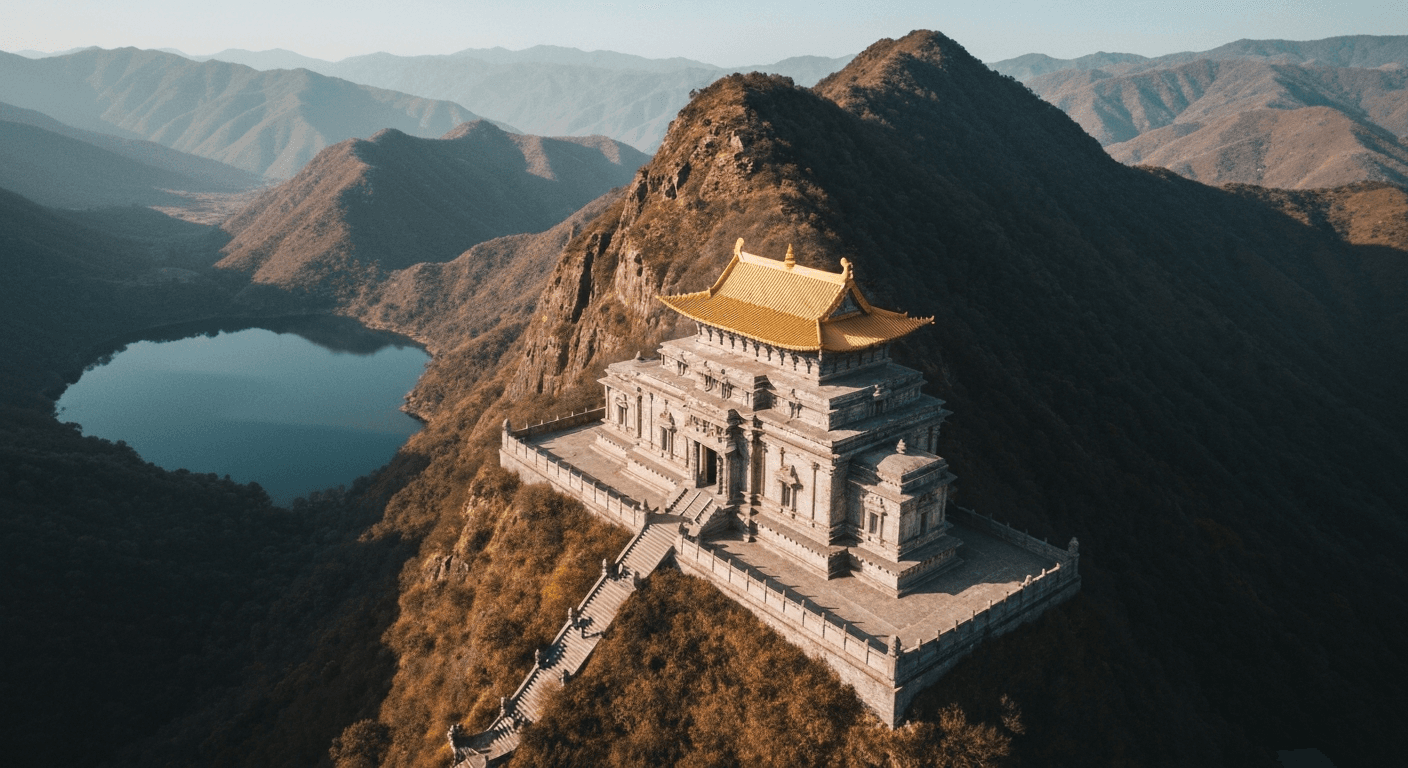
Compositing - adding something to a photo that wasn't there - used to be the hardest skill in Photoshop. Matching lighting, shadows, perspective, and scale takes years to master. Seedream 5.0 Edit does it in 10 seconds for $0.10 by letting you describe what you want added in plain English. The model handles the hard parts.
TL;DR
- Add objects, people, elements, and effects with natural-language prompts
- 1 credits ($0.10) per addition, 5–15 seconds
- Automatic lighting, shadow, and perspective matching
- Works for products, scenery, atmosphere, and creative effects
- 10 free credits at arteza.ai
What Compositing Actually Requires
When a Photoshop artist adds a dog to a photo, they spend 20–60 minutes handling:
- Source the dog image (stock, shoot it)
- Cut it out (mask, refine hair)
- Scale and position
- Match lighting direction (dodge and burn)
- Match color temperature (curves)
- Add cast shadow (paint and blur)
- Blend edges (feathering)
Seedream 5.0 Edit handles all seven in one pass. You type:
"Add a golden retriever sitting next to the person, matching lighting"
That's it. Ten seconds. Ten cents.
Edit your first photo with AI
No Photoshop skills needed. Just type what you want changed. $0.10 per edit.
Try Seedream 5.0 Edit Free5 การสร้างฟรี · ไม่จำเป็นต้องใช้บัตรเครดิต
The Golden Rule: Be Specific
Vague additions produce vague results. Always specify: object, position, scale, and lighting context.
| Weak | Strong |
|---|---|
| "Add a dog" | "Add a small golden retriever sitting next to the man's left leg" |
| "Add flowers" | "Add a vase of white peonies on the table in the foreground" |
| "Add clouds" | "Add soft cumulus clouds in the upper half of the sky" |
| "Add people" | "Add two people walking in the background, small and out of focus" |
Category 1: Adding Objects
Everyday Objects
"Add a steaming ceramic coffee cup on the table in front of the subject"
"Place an open book next to the lamp"
"Add a vase with fresh sunflowers on the counter"
"Put a leather handbag on the chair behind the subject"
Nature Elements
"Add a small bird sitting on the branch in the foreground"
"Place a few fallen autumn leaves on the ground"
"Add butterflies flying around the flowers"
"Put a squirrel on the tree trunk, mid-height"
Architectural Details
"Add vintage streetlamps along both sides of the street"
"Place a wooden bench in the park scene"
"Add a fountain in the center of the plaza"
"Put a bicycle leaning against the brick wall"
Category 2: Adding People & Pets
People are harder than objects - the model needs to match pose, lighting, and interaction.
"Add a person walking in the background, small and slightly out of focus"
"Add a child playing in the garden on the right side, natural scale"
"Place a couple sitting on the bench in the distance"
"Add a small black cat curled up on the sofa"
Tip: for pets and people, always specify scale and distance - "small and distant" or "foreground, large" - to help the model size them correctly.
Category 3: Adding Atmosphere
Atmospheric additions are some of the most impactful edits - turning an ordinary photo into a dramatic one:
"Add soft morning fog drifting across the foreground"
"Add gentle snow falling in the scene"
"Add subtle mist rising from the lake"
"Add volumetric light rays streaming through the trees"
"Add delicate lens flare from the sun on the upper right"
"Add soft rain with subtle puddles on the ground"
These are game-changers for landscape and outdoor photography.

Want results like this? Try Seedream 5.0 Edit free →
Category 4: Adding Sky Elements
"Add a full moon in the twilight sky, soft glow"
"Add a hot air balloon in the distance"
"Add scattered white clouds to the clear blue sky"
"Add a rainbow arcing across the sky"
"Add dramatic storm clouds in the distance"
"Add the Milky Way stretching across the night sky"
Category 5: Creative Additions
Push into creative territory:
"Add floating glowing particles around the subject"
"Add magical sparkles and soft bokeh in the background"
"Add a small fairy-light glow around the subject"
"Add soft petals falling through the air"
"Add steam rising from the coffee cup, gentle wisps"
Positioning Language That Works
The model understands directional and positional language well. Use it:
| Position | Phrasing |
|---|---|
| Specific spot | "next to the", "on top of", "behind the", "in front of" |
| General area | "in the foreground", "in the background", "on the left" |
| Distance | "in the distance", "close up", "mid-ground" |
| Scale | "small", "large", "tiny", "full-sized" |
| Count | "a single", "a few", "several", "a group of" |
Matching Lighting Automatically
Seedream 5.0 Edit handles lighting match out of the box - but you can reinforce it:
"Add a dog in the foreground, matching the warm afternoon light of the scene"
"Add flowers on the table with the same soft window light as the rest of the image"
"Add a person in the background with lighting consistent with the sunset"
Naming the lighting explicitly produces more consistent composites.
Real Workflow: Adding Life to a Landscape
Starting image: Empty landscape, pretty but lifeless.
Edit 1: "Add soft morning fog drifting along the valley floor" (1 credits)
Edit 2: "Add a few birds flying in the distance, small and faint" (1 credits)
Edit 3: "Add warm golden sun rays streaming through the trees" (1 credits)
Edit 4: "Add a small deer standing in the clearing, natural scale" (1 credits)
Total: 28 credits = $0.28. Result: a transformed, cinematic landscape that would have taken an hour in Photoshop.
Describe it. Watch it appear.
Forget masking, layering, and shadow-matching. Type what to add and the model handles lighting, perspective, and scale.
Add Your First Object FreeReal Workflow: Lifestyle Product Shot
Starting image: Product on a plain surface.
Edit 1: "Add a steaming coffee cup next to the product, matching warm morning light" (1 credits)
Edit 2: "Add an open notebook and pen in the background, slightly out of focus" (1 credits)
Edit 3: "Add soft morning light streaming from the left side" (1 credits)
Total: 3 credits = $0.30. Result: a full lifestyle scene from a single product shot.
Common Mistakes
| Mistake | Fix |
|---|---|
| Object too big/small | Specify scale: "small", "large", or "natural scale" |
| Wrong position | Use explicit positional language |
| Wrong lighting | Add "matching the [scene] lighting" |
| Floating objects | Specify a surface: "on the table", "on the ground" |
| Unrealistic count | Say "a single" or "a few" - not just "some" |
| Weird proportions | Add "realistic scale and proportions" |
When to Iterate
If the first pass isn't quite right, refine with a second prompt on the result:
Pass 1: "Add a dog in the foreground" (too big)
Pass 2: "Make the dog smaller and position further back, matching distance"
Each pass is 1 credits. Two or three iterations usually nails it.
Cost vs Alternatives
| Method | Cost per addition | Time |
|---|---|---|
| Seedream 5.0 Edit | $0.10 | 10 sec |
| Photoshop compositing | Time cost | 20–60 min |
| Fiverr compositing | $10–$50 | 1–3 days |
| Stock photo purchase | $10–$100 | Searching |
Pricing
| Plan | Credits | Price | Object Additions |
|---|---|---|---|
| Starter | 60 | $5 | 60 |
| Creator | 300 | $25 | 300 |
| Pro | 700 | $50 | 700 |
| Studio | 1,800 | $120 | 1,800 |
Monthly credits refresh each billing cycle. Top-up credits never expire. See pricing.
Next Steps
Add your first object free → - 10 credits on signup.
ลอง Seedream 5.0 Edit - ตอนนี้เลย
อัปโหลดรูปภาพของคุณในหน้าสร้างสรรค์เพื่อเริ่มแก้ไข
5 การสร้างฟรี · ไม่จำเป็นต้องใช้บัตรเครดิต