Image to Video apps
Arteza has 18 Image to Video apps. An app is one AI model with its settings already chosen for a single job, so there is nothing to configure: pick the one named after what you want, and run it.
Give a still photograph a camera. These 18 apps animate an image you upload, holding its composition while adding motion, so the frame you chose is the frame that moves.
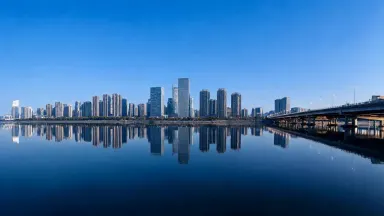
AI Time Lapse
Turn one photo into a time lapse. Watch day become night, a storm roll in or a crowd blur past.
From 3 credits per generation
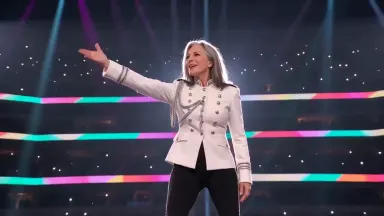
K-pop Idol AI Generator
Upload one photo and take the stage. Every tile picks the costume and the lights together.
From 10 credits per generation

Mukbang AI Generator
Upload one photo and star in your own eating show. Pick the spread and the table is set for you.
From 10 credits per generation
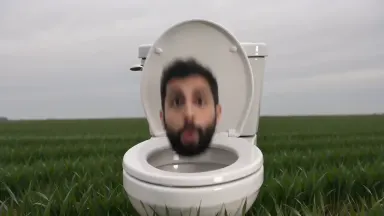
Skibidi Toilet AI Generator
Upload one photo and put your head in the bowl. Eight places for the toilet to be standing.
From 10 credits per generation
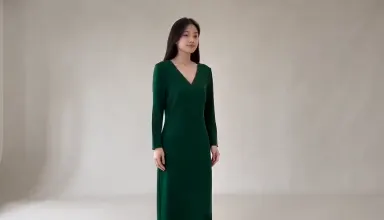
Studio Tryon
Upload a photo of a person and a photo of a garment, and get back a clip of them wearing that exact piece.
From 10 credits per generation
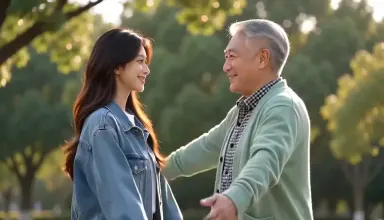
AI Hug
Upload a photo of each of you and get a short video of the two of you sharing a hug, a dance or a high five.
From 10 credits per generation
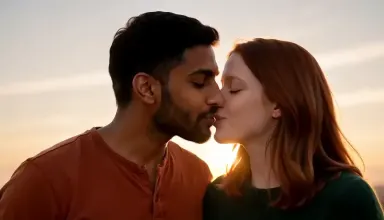
AI Kiss
Upload a photo of each of you and get a short video of the two of you sharing a tender kiss, from a first kiss to a kiss on the cheek.
From 10 credits per generation

AI Photo Action
Make the person in your photo wave, laugh or hug. Pick an action and get a short clip back.
From 3 credits per generation

AI Product Video
Turn one product photo into a short commercial. Pick what happens around it and get moving footage back.
From 3 credits per generation
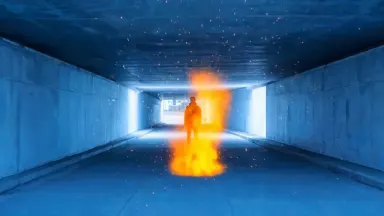
AI Video Effects
Turn one photo into a VFX shot. Catch fire, freeze over, shatter or disintegrate, with you still in it.
From 3 credits per generation
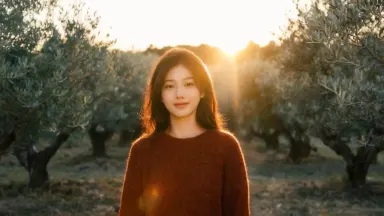
AI Photo Animator
Turn one still photo into a short video. Pick a camera move and watch the shot come alive.
From 3 credits per generation
Grok Video 1.5
Upload a photo and Grok Video 1.5 animates it with audio included. Up to 720p, with the expressive motion the Grok line is known for.
From 2 credits per generation
Kling O1
Upload a still and Kling O1 gives you unusually direct control over the motion. Five or ten second clips, with an end frame when the shot has to land somewhere.
From 7 credits per generation
Midjourney Video
Upload a still and it moves without losing the Midjourney look. Made for animations where the style is the whole point.
From 6 credits per generation

Runway Gen-4 Turbo
Upload a product shot or a still and Runway Gen-4 Turbo animates it quickly. Five to ten seconds of cinematic motion, priced for iteration.
From 4 credits per generation
Wan 2.2
Upload a photo and Wan 2.2 moves it, with unusually varied motion for the price. Pick the resolution, and set an end frame when the shot needs to arrive somewhere.
From 3 credits per generation
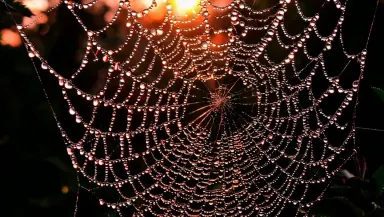
Seedance 1.0 Lite
Upload a still and Seedance 1.0 Lite gives it motion in seconds. Up to 12 seconds from 480p to 1080p, with a camera lock for when the frame should hold.
From 2 credits per generation
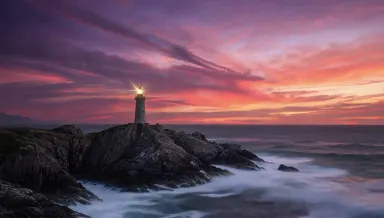
Seedance 1.0 Pro
Upload a still and Seedance 1.0 Pro animates it at 1080p by default. End-frame control lets you say where the shot lands, not only where it starts.
From 4 credits per generation
How it works
- Describe what you want to create, or upload your source file.
- Pick your options, then press Generate.
- Watch your result appear in the gallery within moments.
- Download, share, or generate again with a new idea.
How to choose a Image to Video app
- The newest model is first
- This page is ordered by the date each app arrived, newest first, and anything added in the last few weeks carries a badge. The most recent model is usually the strongest one for the job, so the top of the grid is a reasonable default.
- The price is on every card
- Each card shows what one generation costs in credits, because the cost is the model's. Where an app offers settings that change the price, the card quotes the lowest it can be.
- The engine is named, not hidden
- Most of these apps are named after the model that runs them, so you can pick by engine if you already know which one you want. The rest are our own pipelines, named after the result instead.
Related tools
Learn the concepts
Other collections
Image to Video apps, answered
- What are Image to Video apps?
- Each one is a single AI model with its settings already chosen for one job. The model, the resolution, the aspect ratio and the quality are fixed, so instead of configuring a studio you pick the app named after what you want and run it. There are 18 of them in this collection.
- How much does a Image to Video app cost?
- Each app shows its own price in credits on its card, because the cost is the model's. Credits come with every plan, and a free account is topped up with 10 credits a day, which covers the cheaper apps in this collection. Opening an app costs nothing; only running a generation does.
- Do I need an account to use a Image to Video app?
- You can open any app and look at what it makes without an account. Running a generation needs one, because the result is saved to your library so you can download it, redo it with a different prompt, or carry it into another app.
- Can I use what a Image to Video app makes commercially?
- On a paid plan, yes: Starter through Studio include full commercial usage rights for everything you generate, and the terms are the same for all 18 apps here. Outputs made on the free tier are for personal use. The licences page states the full terms.