Text to Video apps
Arteza has 40 Text to Video apps. An app is one AI model with its settings already chosen for a single job, so there is nothing to configure: pick the one named after what you want, and run it.
Describe a shot and get footage. These 40 apps each wrap one video model, with duration, aspect ratio and resolution already set, and the newer ones take a prompt per shot so a sequence can be written in one go.
Kling 4.0
NEWKling 4.0 keeps a character consistent from shot to shot, with a separate prompt for each. Three to thirty seconds, from a scene, a frame, or reference clips.
From 8 credits per generation

MiniMax H3 Max Turbo
The quickest and cheapest way to run MiniMax H3, for when you need twenty versions rather than one. 480P to 1080P, five to fifteen seconds.
From 2 credits per generation
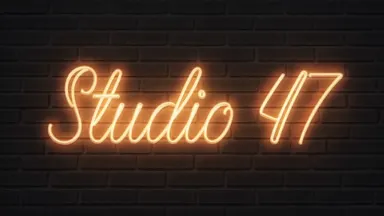
AI Intro Maker
Type your channel name and pick what the letters are made of. Four seconds of finished title card, with sound, spelled exactly how you typed it.
From 6 credits per generation

Gemini Omni Flash 1.1
Gemini Omni Flash 1.1 renders 360p to 4K with native synchronised audio. Three to ten seconds, and you can hand it a clip to change by instruction.
From 2 credits per generation

MiniMax H3 Max
MiniMax H3 Max returns a five-second clip in under ten seconds. 480P to 1080P, five to fifteen seconds, with end-frame control.
From 4 credits per generation

Wan 3.0
Wan 3.0 renders up to 30 seconds in a single pass, so a long shot never has to be stitched together. Steer it with up to ten reference images, or with a reference video and audio track.
From 2 credits per generation

Wan 3.0 Prime
The tier of Wan 3.0 to reach for when the clip is the deliverable rather than the draft. Same 30-second single pass and ten-image referencing, resolved with more detail.
From 3 credits per generation
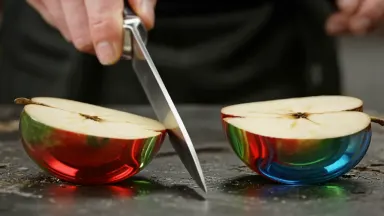
AI ASMR Generator
Pick a scene and it makes the picture and the sound together: a blade through glass, honey stretching off a dipper, crystal ringing. Sixteen things to listen to.
From 4 credits per generation

FLUX 3
FLUX 3 holds a single take for up to 20 seconds at 1080p with native audio. Give it a first and last frame and it fills in the shot between them.
From 5 credits per generation
MiniMax H3
MiniMax H3 takes up to nine reference images, so a character survives from shot to shot. Up to 4K, with reference video and audio steering and end-frame control.
From 4 credits per generation
Seedance 2.5
Describe the shot and Seedance 2.5 films it with the sound already in the clip. Up to 30 seconds at 1080p, and reference images keep a character looking like the same person throughout.
From 13 credits per generation

Gemini Omni Flash
Gemini Omni Flash generates audio in sync with the picture and will edit an existing clip in one pass. Steer it with up to ten reference images.
From 6 credits per generation

Seedance 2.0 Mini
Seedance 2.0 at its cheapest tier, still writing audio alongside the picture. Up to 15 seconds, an optional end frame, and reference images to hold continuity.
From 10 credits per generation
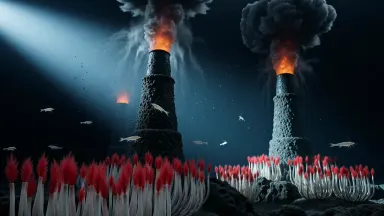
Grok Video
Grok Video from xAI is quick and leans expressive rather than literal. Up to 720p from text or an image, which is what social wants.
From 1 credit per generation
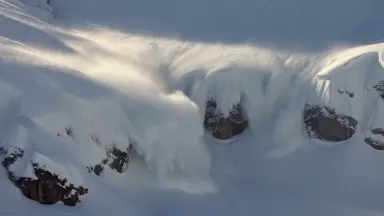
Hailuo 02 Pro
Hailuo 02 Pro has the strongest physics in the Hailuo line and an end-frame control. Set where the shot starts and where it has to finish.
8 credits per generation

Hailuo 2.3 Pro
Hailuo 2.3 Pro keeps motion consistent across the whole clip instead of drifting. The tier to use when the render is the one you are keeping.
8 credits per generation
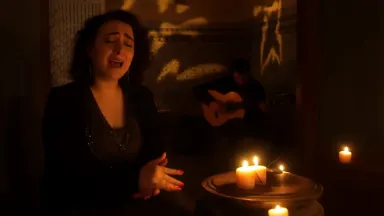
Hailuo 2.3 Standard
Hailuo 2.3 at the tier priced for social volume. Six or ten seconds from text or a still, with the motion improvements of the newer generation.
From 6 credits per generation
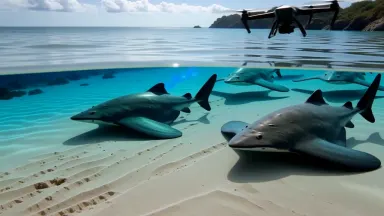
PixVerse V5
PixVerse V5 gives you 1080p at a price that suits trying things out. Reliable motion, from text or an uploaded frame.
From 3 credits per generation
PixVerse V6
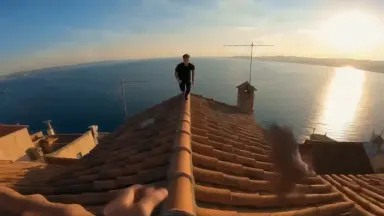
PixVerse V6 sharpens the motion and adds an optional audio track. Up to 1080p from text or a still, sized for social.
From 3 credits per generation
Seedance 1.5 Pro
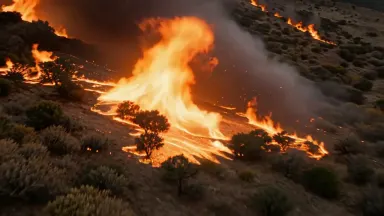
Seedance 1.5 Pro renders up to 1080p with audio written in sync with the picture. Seven aspect ratios, and an end frame when the shot needs a destination.
From 4 credits per generation

Seedance Pro Fast
The quickest Seedance tier, still up to 1080p across seven aspect ratios. Built for the pass where you are still deciding what the shot is.
From 1 credit per generation

Pika 2.2
Pika 2.2 leans stylised rather than photoreal, which is usually what social-native motion wants. Seven aspect ratios at 720p or 1080p, from text or a still.
From 3 credits per generation

Runway Gen-4.5
Runway Gen-4.5 treats camera movement as a control rather than a prompt guess. Five to ten seconds, from text or a still.
From 9 credits per generation

HappyHorse 1.0
HappyHorse 1.0 does cinematic motion and multilingual lip-sync in the same clip. Start from text or a still when somebody in the shot has to speak.
From 7 credits per generation

Kling 2.5 Turbo
Kling motion quality at the price of a draft. Turbo answers fast from text or a still, which makes it the tier to iterate in.
From 6 credits per generation
Kling 2.6 Pro
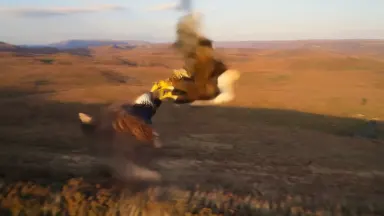
Kling 2.6 Pro holds motion together across a multi-shot sequence. Cinematic quality from text or a still, without the flagship price.
From 5 credits per generation

Kling O3
Kling O3 handles scenes with more than one character in them, which most models blur together. Add voice input or your own elements, in five to ten second clips.
From 4 credits per generation

Luma Ray 2
Luma Ray 2 moves the camera the way a camera actually moves, with real depth of field. Written for storytelling shots rather than effects.
From 9 credits per generation
MiniMax Live
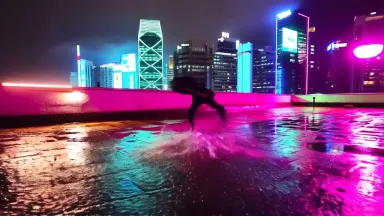
MiniMax Live comes back quickly and keeps the physics sensible, which is what a draft needs. Text or an image in, natural motion out.
8 credits per generation
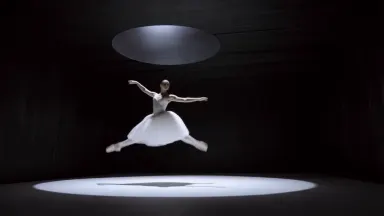
MiniMax Video 02
MiniMax Video 02 is the generation where the physics stopped looking wrong. Good with character animation, and cheap enough to iterate on.
From 6 credits per generation

PixVerse v5.5
PixVerse v5.5 is built for effects and transitions rather than realism. Fast enough to try a stylised idea several ways in one sitting.
From 6 credits per generation

Wan 2.5
Wan 2.5 delivers 1080p from text or a still without a flagship price. Strong motion, and versatile enough to be the model you reach for by default.
From 4 credits per generation
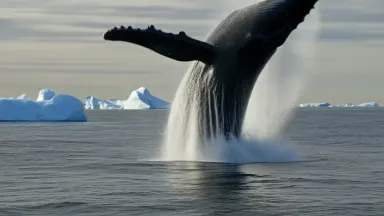
Wan 2.6
Wan 2.6 traded a little speed for cinematic motion, and it shows in how things move. Text or an image in, with noticeably more variety in the result.
From 9 credits per generation

Wan 2.7
Wan 2.7 gives the smoothest motion in the Wan line, with scenes that hold their detail. Text or an image in, at a price that suits volume.
From 4 credits per generation

Veo 3
Google's Veo 3 generates dialogue and sound with the picture, not after it. Up to 1080p, with the kind of motion you would expect from a camera.
From 24 credits per generation

Veo 3 Fast
Veo 3 with the same native audio, tuned to come back sooner and cost less. The tier to draft in before you spend on the final render.
From 17 credits per generation

Kling 3.0
Kling 3.0 writes its own audio track alongside the picture and can carry more than one shot. Five to ten seconds, from text or a still.
From 4 credits per generation

Kling 3.0 Pro
Kling 3.0 at the quality tier meant for client work. Native audio and multi-shot sequences, from a written scene or an uploaded frame.
From 6 credits per generation
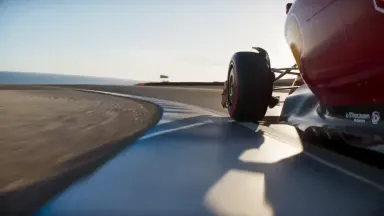
Seedance 2.0 Fast
The Seedance 2.0 engine tuned to answer sooner and bill less. Up to 15 seconds with native audio, so you can try one idea five ways before committing to any of them.
From 10 credits per generation

Seedance 2.0
Write a scene and Seedance 2.0 renders it up to 4K with synchronised audio of its own. This is the tier for the shot you actually intend to publish.
From 19 credits per generation
How it works
- Describe what you want to create, or upload your source file.
- Pick your options, then press Generate.
- Watch your result appear in the gallery within moments.
- Download, share, or generate again with a new idea.
How to choose a Text to Video app
- The newest model is first
- This page is ordered by the date each app arrived, newest first, and anything added in the last few weeks carries a badge. The most recent model is usually the strongest one for the job, so the top of the grid is a reasonable default.
- The price is on every card
- Each card shows what one generation costs in credits, because the cost is the model's. Where an app offers settings that change the price, the card quotes the lowest it can be.
- The engine is named, not hidden
- Most of these apps are named after the model that runs them, so you can pick by engine if you already know which one you want. The rest are our own pipelines, named after the result instead.
Related tools
Learn the concepts
Other collections
Text to Video apps, answered
- What are Text to Video apps?
- Each one is a single AI model with its settings already chosen for one job. The model, the resolution, the aspect ratio and the quality are fixed, so instead of configuring a studio you pick the app named after what you want and run it. There are 40 of them in this collection.
- How much does a Text to Video app cost?
- Each app shows its own price in credits on its card, because the cost is the model's. Credits come with every plan, and a free account is topped up with 10 credits a day, which covers the cheaper apps in this collection. Opening an app costs nothing; only running a generation does.
- Do I need an account to use a Text to Video app?
- You can open any app and look at what it makes without an account. Running a generation needs one, because the result is saved to your library so you can download it, redo it with a different prompt, or carry it into another app.
- Can I use what a Text to Video app makes commercially?
- On a paid plan, yes: Starter through Studio include full commercial usage rights for everything you generate, and the terms are the same for all 40 apps here. Outputs made on the free tier are for personal use. The licences page states the full terms.