AI Storyboarding with Seedance 2.0 Reference Mode
Turn your concept art into moving storyboards in minutes. Here's how to use Seedance 2.0 Reference to bring sketches and stills to life without losing style.
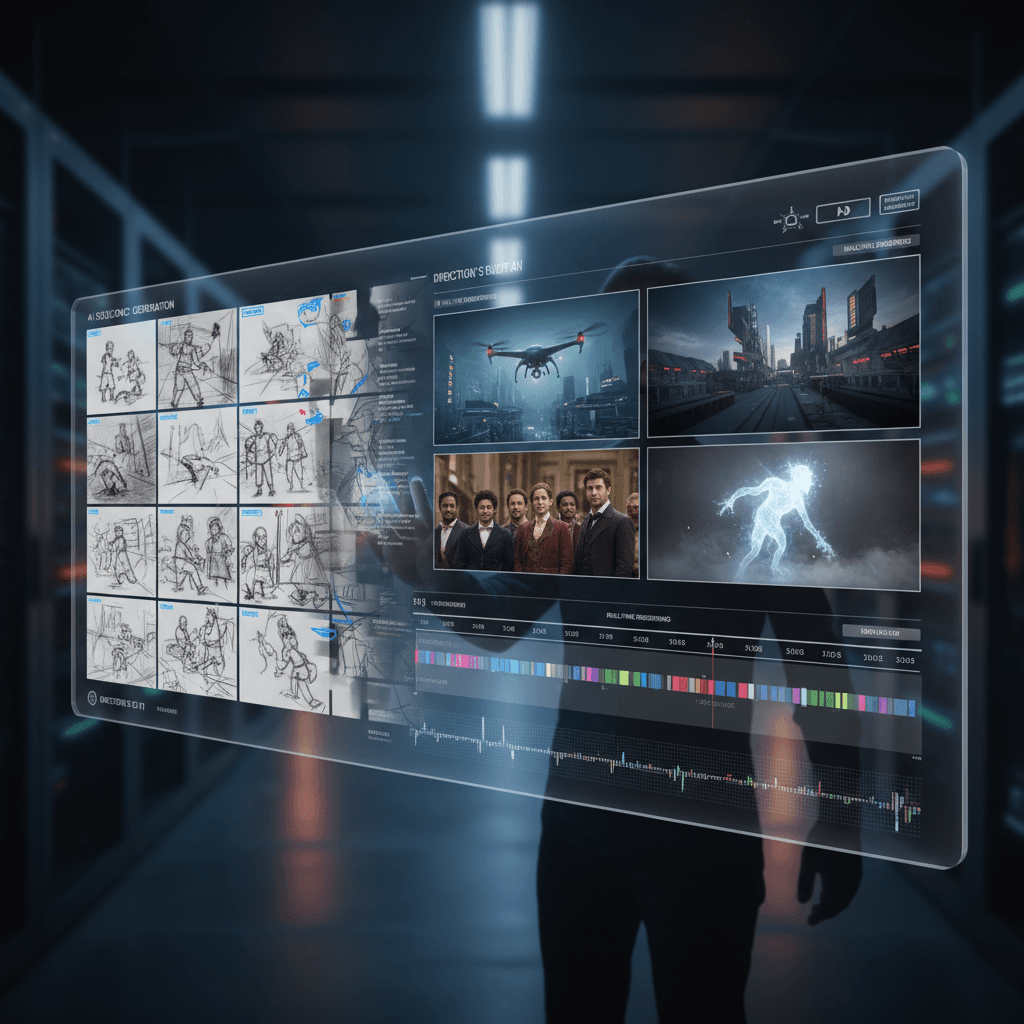
A good storyboard sells the story. An animated storyboard sells the budget. If you've ever pitched a director, a client, or a producer, you know the difference between "here's a sketch" and "here's the sketch moving." One is a drawing. The other is proof of concept.
Seedance 2.0 Reference is the fastest way to turn a storyboard into animated previs without losing the style of your original art.
TL;DR
- Upload your storyboard frames as reference images (up to 9 per shot)
- Write a prompt describing the action and camera move
- Get a 720p, 4-15 second clip in 60-180 seconds
- Cost: $1.90-$6.90 per shot, on plans from $5 a month
- Workflow scales from single shots to full sequences
- Try it free with 10 credits
Why Traditional Storyboard Animation Is Broken
Animated storyboards used to require a motion designer, a week of After Effects work, and a five-figure budget. Even "rough animatics" ate days. The style of your original art usually got butchered in the translation to motion.
AI video generation promised to fix this. It mostly didn't, because text-to-video models drift wildly from the source style. You'd feed them a prompt describing your board and get back something that looked nothing like it.
Reference mode is the fix. You show the model your actual boards, it matches them, and you get motion that feels like your drawings came to life - not like a generic AI model interpreted your words.
5 次免费生成 · 无需信用卡
The Core Workflow
Step 1: Gather your storyboard frames for a single shot. If you have one key frame, that's fine. If you have a sequence of 2-5 frames showing the action beat, even better.
Step 2: Upload them as references in Seedance 2.0 Reference. Use the same style sheet across multiple shots so the whole sequence stays visually unified.
Step 3: Write a prompt describing what happens and how the camera moves. Keep it action-focused - style is already handled.
Step 4: Set duration. For storyboards, 4-5 seconds is usually right. You're demonstrating the beat, not producing the final film.
Step 5: Generate. Review against the board. Iterate if needed.
The Style Sheet Trick
The biggest win for sequence work is a shared "style sheet" of references used across every shot. This is a set of 4-6 images that represent the overall visual language of the project - color palette, line quality, lighting approach, character treatment.
For each individual shot, you add 1-3 shot-specific frames on top of the shared style sheet. Total: still under 9. Style stays consistent; shot-specific content is captured where it matters.

Try the style-sheet workflow. Upload a moodboard and see how quickly a whole sequence snaps into place. Start free.
Prompt Templates for Storyboarding
Here are templates you can copy-paste.
Establishing shot:
Wide establishing shot of [location], slow push in,
[time of day], [weather], camera static then slowly moves forward
Character action beat:
[Character] [action] in [location], medium shot,
camera [tracks/pans/holds], [emotional beat], 5 seconds
Over-the-shoulder dialogue:
Over-the-shoulder shot of [Character A] facing [Character B],
subtle sway, dialogue beat, soft focus background
Reveal shot:
Close-up of [object] then camera pulls back to reveal [context],
smooth rack, [mood], 8 seconds
These aren't rules - they're starting points. Fill in the brackets with your shot's specifics.
Cost Math for a Full Sequence
Let's say you're pre-visualizing a 30-shot sequence.
| Scenario | Cost per shot | Total |
|---|---|---|
| All 4-second beats (19 credits) | $1.90 | ~$57 |
| All 8-second shots (37 credits) | $3.70 | ~$111 |
| Mix of 4 and 8 second | ~$2.80 | ~$84 |
Most pre-vis sequences use a mix. Beats and reaction shots at 4 seconds; action shots at 8. Roughly $57-111 for a full sequence.
Compare that to a traditional animatic at $2,000-$5,000 and a week of turnaround.
| Subscription Tier | Credits/month | Shots at 4s | Shots at 8s |
|---|---|---|---|
| Starter $5 | 60 | 5 | 2 |
| Creator $25 | 300 | 25 | 13 |
| Pro $50 | 700 | 58 | 30 |
| Studio $120 | 1,800 | 150 | 78 |
For a 30-shot sequence the Creator tier is the sweet spot. See full pricing.
Try Seedance 2.0 Reference - multi-modal video generation
Turn storyboards into animated previs. 10 free credits, no card required.
Try Seedance 2.0 Reference FreeAdding Camera Motion Without Describing It
Describing camera motion in prose is hard. "A slow dolly left while tilting up slightly" requires the model to parse spatial relationships that aren't always obvious from text.
The shortcut: use a video reference. A 3-second clip of the camera motion you want - grabbed from any source film or even shot on your phone - tells the model the exact move without a single word of description.
You can use up to 3 video references per generation. For storyboarding, one motion reference per shot is usually enough.
Pitching With Animated Boards
Once you have a sequence of animated beats, you have something you can actually present.
Drop the clips into any editor (DaVinci Resolve is free and works) and cut them together in order. Add temp music. Add rough dialogue if you need it - OmniHuman v1.5 can generate lip-synced performance.
The result is a living pitch document. Clients can see the pacing. Directors can feel the rhythm. Producers can understand the scope. You went from "sketch stack" to "animatic" in an afternoon.
Where Reference Mode Beats Alternatives
vs text-to-video: Style drift kills sequence consistency. Reference locks it.
vs image-to-video: Single starting image limits you to one style anchor. Reference accepts up to 9.
vs traditional animatics: Days and thousands of dollars compressed to hours and ~$50.
vs standard Seedance 2.0: Same engine, but Standard can only match a single image. Reference handles full moodboards.
A Common Mistake to Avoid
Don't treat the generated clips as the final shots. They're previs. They're for communicating intent, not for broadcasting. The 720p resolution and 15-second duration cap make that clear - this is a planning tool, not a replacement for production.
Use the clips to lock your director's approval on style, pacing, and composition. Then shoot the real thing (or generate final-quality output using multiple takes) with confidence that everyone's on the same page.
From Sketch to Sequence: A Quick Example
Project: 5-shot chase sequence through a night market.
Style sheet: 4 stills from a Wong Kar-wai film representing neon-drenched night atmosphere.
Shot 1 prompt: Wide shot of a busy night market, camera static, people moving through frame, 4 seconds.
Shot 2 prompt: Character sprints between food stalls, handheld tracking shot, 5 seconds.
Shot 3 prompt: Over-the-shoulder of pursuer catching up, 4 seconds.
Shot 4 prompt: Character rounds a corner, camera whip pans with them, 5 seconds.
Shot 5 prompt: Reveal the dead end - character stops, breathing hard, 5 seconds.
Total: 23 seconds of animated sequence. ~69 credits. ~$6.90. One afternoon of work.
Next Steps
Ready to animate your first storyboard? Start with a single shot and one tight reference bundle. See if the style lands. If it does, scale up to a full sequence using the style-sheet trick.
For more on reference workflows, read our complete Reference guide or the deep dive on multi-image video generation. If you also need talking-head shots for the pitch, OmniHuman v1.5 pairs nicely.
Storyboards stop being static once you have reference mode. Your pitches will never be the same.
Animate your first board
Upload your concept art and get moving previs in under 3 minutes. 10 credits free.
Start Creating Free立即试用 Seedance 2.0
5 次免费生成 · 无需信用卡