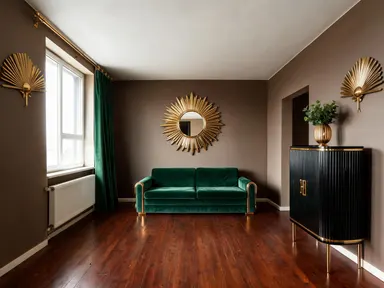
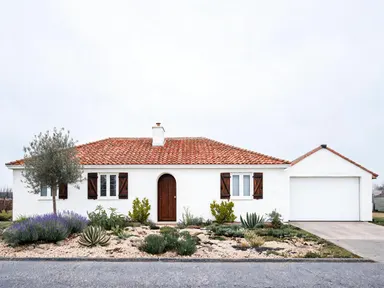
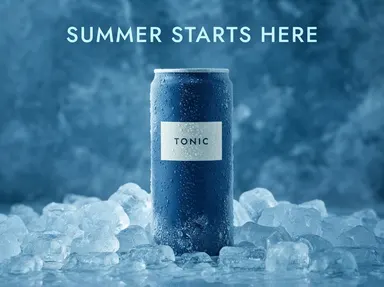
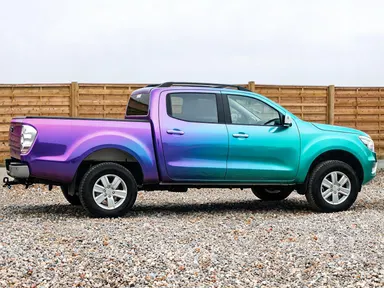
Made with this app
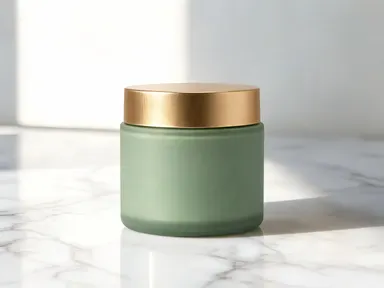
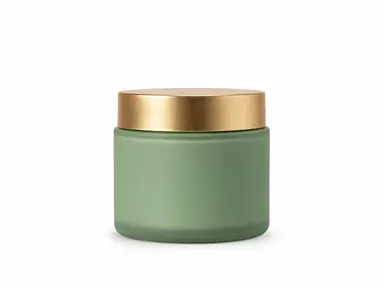
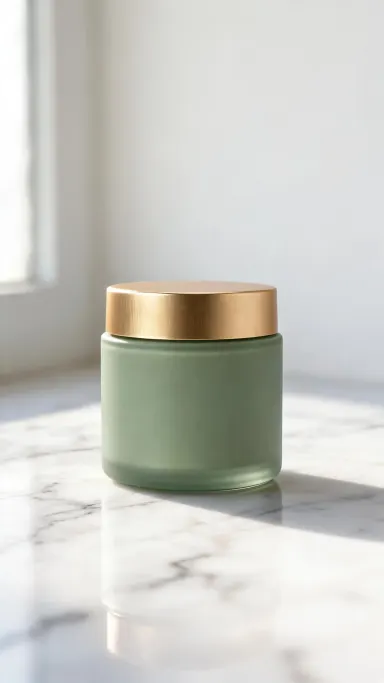
AI Product Photography takes any product image you upload and places it into a professionally lit scene chosen from a curated visual library. No studio booking, no stylist, no retoucher: you pick a setting, optionally add a small detail of your own, and the app composes the shot around your product with accurate shadows, surface reflections and high-resolution output. It is built for e-commerce sellers, brand teams and creative directors who need polished, consistent product imagery at volume without a full production budget.
How to use this app
- 1
Upload your file. There is no prompt you have to write.
- 2
Pick a look from the visual library, add a note of your own if you want one, then press Generate.
- 3
Watch your result appear in the gallery within moments.
- 4
Download, share, or generate again with a new idea.
What you can make
E-commerce listing images
A clean seamless white studio background or a polished marble surface gives product listings the neutral, high-contrast look that converts on Amazon, Shopify or Etsy. Upload your existing pack shot and swap the background without re-shooting the product.
Seasonal campaign visuals
Drop your product into a festive ribbon-and-confetti scene for a holiday campaign, or into golden-hour outdoor light for a summer launch. You can rotate through multiple library settings to build a cohesive campaign set from a single hero product photo.
Social media content at scale
Platforms reward variety. Use the neon-lit wet floor scene for a bold Instagram post, the linen fabric setting for a softer Pinterest feel, and the concrete surface for editorial-style stories, all from one uploaded product image.
Beauty and wellness brands
Place a serum or supplement on a ceramic bathroom shelf beside a folded towel, or nest it among fresh pastel flowers in soft morning light. The app renders glass, labels and fine product details accurately at 1K-plus resolution.
Drinks and food packaging
The crushed ice scene with cold blue condensation light, the shallow clear water scene and the warm cafe table setting are purpose-built for beverages and packaged food. They communicate freshness and context without any physical food styling.
Shots to try
Tips for better results
Start with a clean cutout
The app works best when your uploaded image has a clear product edge. A product shot on a plain or white background, even a simple phone photo, gives the app more to work with than a busy lifestyle image. You do not need a professional source file, but cleaner edges produce sharper composites.
Use the optional text box for specifics
The library scene sets the lighting and surface, but you can use the small optional box to nudge a detail: a label orientation, a colour to preserve, an element to omit. Keep it to one clear instruction so it works with the scene rather than against it.
Match scene mood to product category
Dramatic scenes like the neon wet floor or atmospheric smoke suit tech accessories and beauty products with dark packaging. Light natural scenes like linen or pastel flowers suit skincare, candles and food. Matching the emotional tone of the scene to the product avoids a jarring composite.
Generate multiple settings in one session
Because the app outputs at 1K-plus resolution, a single round of six or eight scene variations gives you enough imagery for a full product launch across web, print and social, all from one uploaded photo. Review the full-size outputs before choosing which scenes to publish.
When to choose this app
AI Product Photography is the right choice when the job is placing your product into a specific, styled environment with accurate lighting and shadows. If you need to reframe or reangle an existing photo without changing the scene, AI Camera Angle Changer is built for that instead. If you want to make freeform edits to an image by typing instructions, FLUX Kontext Pro handles text-directed image editing. AI Product Photography is focused on one thing: a polished, studio-quality scene around your product, chosen from a library of sets that cover the full range of e-commerce and brand contexts.
Frequently asked questions
What file types can I upload?
The app accepts JPG, PNG, WebP and GIF files. You drag the file into the upload area or pick it from your device. There is no URL or link field: the file goes directly from your computer or phone into the app.
Will my product label or text be preserved accurately?
Yes. The app is built with high-fidelity text rendering, so fine print, logos, ingredient panels and label typography on the product surface are kept legible and consistent in the output. This matters most for packaged goods, bottles and branded boxes.
Can I use the same product image across many different scenes?
That is a core use case. Upload your product once, run it through as many library scenes as you need, and collect a full set of imagery for different channels and campaigns. Each output is independent and rendered at full resolution.
What resolution does the app output?
Outputs are rendered at 1K-plus resolution, which is sufficient for e-commerce listings, social media posts, and most print-at-size applications such as packaging mockups and promotional materials. Check the pixel dimensions of each output before sending to a large-format printer.
Does the app work for irregularly shaped or transparent products?
It handles complex product shapes including bottles, irregular packaging and products with transparent elements like glass or clear cases. Results are strongest when the uploaded image shows the product clearly against a plain background, giving the app clean edges to work with.
How much does it cost?
Each generation costs 1 credit. New accounts get free credits to try it out.
Do I need any editing skills?
No. Upload your photo, pick the look you want from the library, and the app writes the full instruction for you behind the scenes. There is nothing to install and nothing to configure. A small optional box lets you add one line in your own words, but the app works without it.
Can I use the results commercially?
Yes. Content you generate is yours to use, subject to our content licenses.
How long does a generation take?
Most generations finish in under a minute, and you can watch progress live in the gallery.