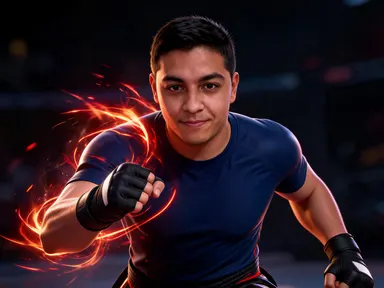
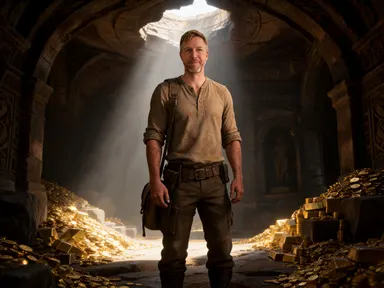
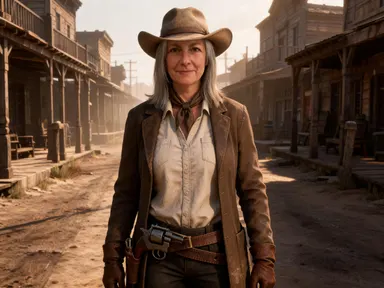
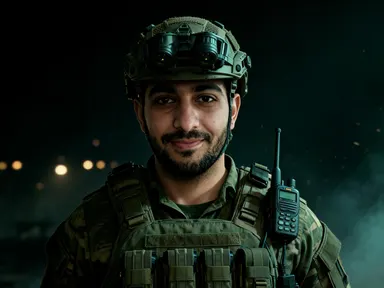
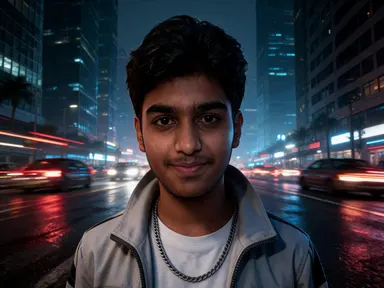
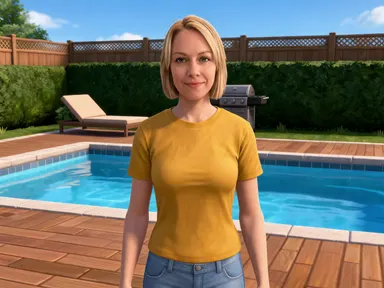
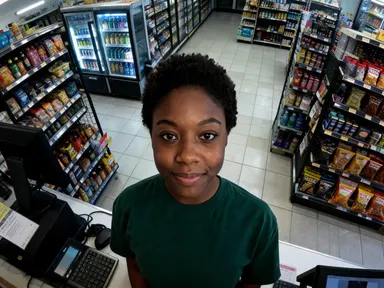
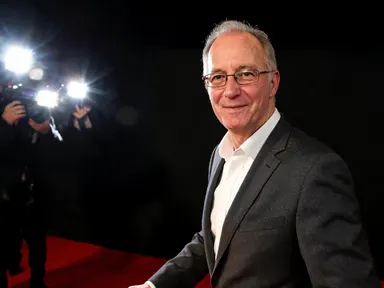
Made with this app
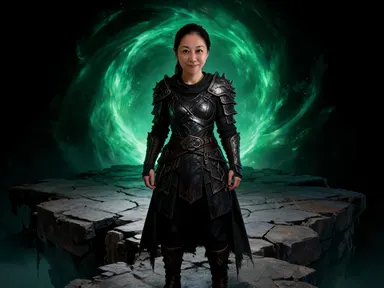
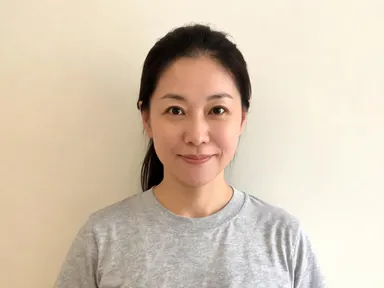
Mortal Kombat AI Generator takes one photograph of you and returns you as a fighter in a dark fantasy martial arts world, rendered as a detailed cinematic game character. Unlike the blocky and plastic apps on this platform, this one is built to stay recognisable: your features, skin tone and hair come back as they are, and what changes is the armour, the lighting and the arena around you. Eight tiles choose the moment and the place, from a fighting stance and a selection screen pose to an ice cavern, a throne room, a portal and temple steps in the rain. The pictures contain no blood, no wounds and no interface of any kind.
How to use this app
- 1
Upload your file. There is no prompt you have to write.
- 2
Pick a look from the visual library, add a note of your own if you want one, then press Generate.
- 3
Watch your result appear in the gallery within moments.
- 4
Download, share, or generate again with a new idea.
What you can make
A profile picture with real presence
A character portrait lit like a fighting game reads far stronger at small sizes than a normal photograph does. Because your face is kept and only the armour and light change, the picture still says it is you while carrying much more drama than the photo you started from.
Tournament and team artwork
Groups running a local tournament or a fighting game team need artwork for each member. Running everyone through the selection screen tile produces a set of portraits framed and lit the same way, which reads immediately as a roster rather than as a folder of unrelated pictures.
Thumbnails for fighting game channels
Creators covering combos, tier lists and match footage need a face on the thumbnail that belongs to the genre. A portrait of yourself in layered armour, lit hard against an arena, gives the channel a recognisable character without using art that belongs to somebody else.
Gifts for someone who loves the genre
Turning a photograph of a friend or partner into a fighter standing in a throne room or an ice cavern makes a specific, personal print or card. The likeness is kept, so the joke lands because it is clearly them under the armour rather than a generic character.
Seeing your own face in that art direction
The simplest reason is curiosity. The dragon arena tile lights the face warm from below, the ice cavern lights it cold and blue, and the portal tile throws coloured light across it. The same face reads as a different character in each of the eight.
Shots to try
Tips for better results
Upload a sharp, well lit face
This app is built to keep your likeness, so the quality of the face you upload matters far more here than it does in the blocky or plastic apps. A clear photograph from the chest up or closer gives the strongest likeness. A small face in a wide scene gives the weakest.
Pick the tile for the moment, not just the place
The eight tiles set a pose as well as a location. The fight stance and victory tiles put the body in motion, while the character select tile is centred and still. If the picture is going to be cropped square for a profile, the centred tiles survive that crop much better.
It makes a fighter, not a fight
The app returns a character standing in their world, the way a selection screen or a promotional still would show them. Nobody is being struck, and there is no blood, no wound and no injury anywhere in the picture. Asking for those in the instructions box will not produce them.
Use the instructions box for small details
The tile fixes the arena and the light, so the optional box is best kept for small additions such as an armour colour or a detail you want preserved. Trying to redirect the whole scene from the box works against the tile you picked rather than with it.
When to choose this app
Mortal Kombat AI Generator is the right choice when you want a dark fantasy fighter with heavy layered armour and hard cinematic lighting, and when keeping your own face recognisable matters. AI Camera Angle Changer reshoots a real subject from a new point of view without restyling it, and AI Sticker Maker flattens a subject into a cut out illustration, so neither produces a character portrait. Within the fighting apps, this one is the darker and more ornate of the two, built around armour, stone and fire rather than sportswear and gloss.
Frequently asked questions
Will the result still look like me?
Yes. Unlike the blocky and plastic apps on this platform, this one is built to keep your likeness. Your facial features, proportions, skin tone, hair colour and hairstyle come back as they are. What changes is the armour you are wearing, the lighting on you and the arena behind you.
Are the pictures violent or gory?
No. The app makes a fighter, not a fight. There is no blood, no wound and no injury anywhere in the picture, and nobody is being struck. What you get is a character standing in their world, which is what a selection screen or a promotional still would show rather than a match in progress.
Can I choose the arena?
Yes, and it is the main choice on the page. Eight tiles cover a fighting stance, a selection screen pose, a victory, an ice cavern, a throne room, an arena, a portal and temple steps in the rain. Each tile sets both the moment and the place the character is standing in.
Will a health bar or a fighter name appear on the image?
No. The pictures carry no writing of any kind. There is no health bar, no round timer, no fighter name, no logo and no title card. You get the character and the place alone, which means the image crops cleanly and you can add your own text afterwards.
Can two people appear in one picture?
No. The app works from one photograph of one person and returns one character, and it does not add anybody else to the frame. To build a roster, run each person separately. Using the same tile for everyone keeps the framing and lighting consistent across the whole set.
What is the difference between this and the other fighting app?
This one is the dark fantasy side of the genre: layered leather and metal armour over dark cloth, stone arenas, fire and cold blue light. The other fighting app on the platform is glossy and modern, built around fitted sportswear, taped hands and clean stage lighting. Pick the one whose art direction you want.
How much does it cost?
Each generation costs 1 credit. New accounts get free credits to try it out.
Do I need any editing skills?
No. Upload your photo, pick the look you want from the library, and the app writes the full instruction for you behind the scenes. There is nothing to install and nothing to configure. A small optional box lets you add one line in your own words, but the app works without it.
Can I use the results commercially?
Yes. Content you generate is yours to use, subject to our content licenses.
How long does a generation take?
Most generations finish in under a minute, and you can watch progress live in the gallery.