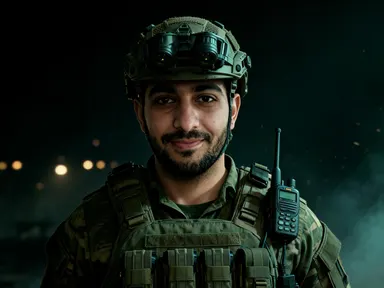
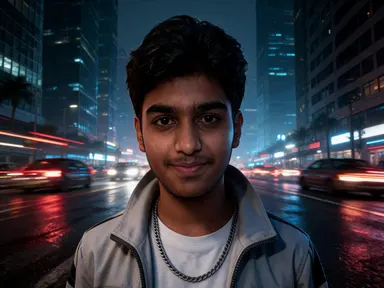
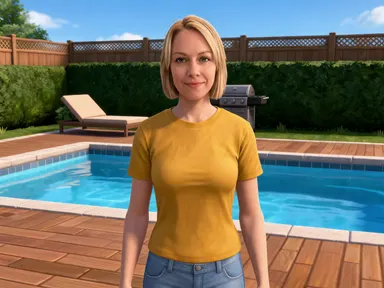
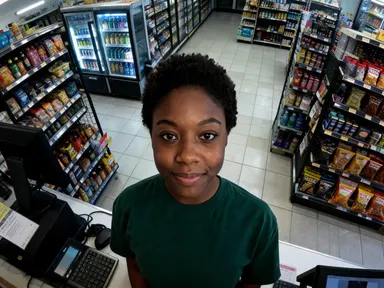
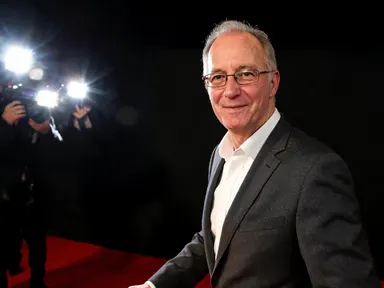
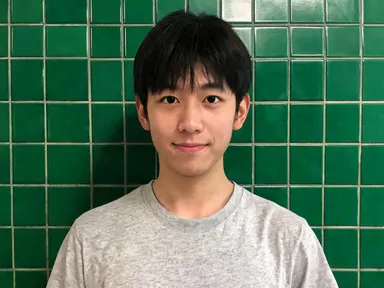
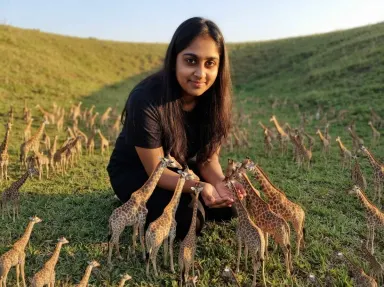
Made with this app
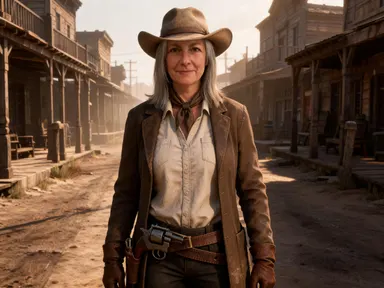
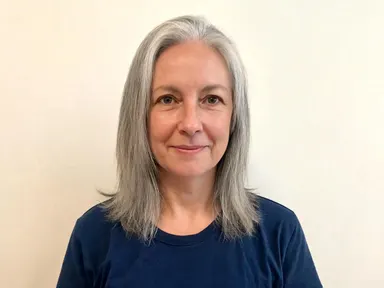
Outlaw AI Generator takes one photograph of you and returns you as the lead of an open world western, rendered as a realistic game character. Your face is kept as it is: the same features, skin tone, hair colour and hairstyle. What changes is the clothing, a wide brimmed hat, a long coat or waistcoat over a collarless shirt, a neckerchief and leather, along with the light and the frontier around you. Eight tiles choose the place and the moment: a main street at low sun, horseback on a ridge, a saloon, a campfire at night, a red rock canyon, the roof of a moving train, a river crossing or a standoff pose. No weapon is drawn or fired.
How to use this app
- 1
Upload your file. There is no prompt you have to write.
- 2
Pick a look from the visual library, add a note of your own if you want one, then press Generate.
- 3
Watch your result appear in the gallery within moments.
- 4
Download, share, or generate again with a new idea.
What you can make
A portrait with a period that suits any face
Western clothing and low golden light flatter almost every face, which makes this one of the easier ways to get a portrait that looks deliberate. The main street and canyon tiles in particular give warm, low sun that reads as film rather than as a filter.
Artwork for western and cowboy game channels
Creators covering open world westerns, frontier history or country music need a recurring character for thumbnails and banners. A realistic portrait of yourself in a hat and long coat on a main street gives a channel a lead of its own rather than borrowed artwork.
Gifts, prints and party invitations
A western portrait of a friend or a parent makes a specific and genuinely funny gift, and it also works for a themed party invitation. Because the likeness is kept, the picture reads clearly as that person under the hat, which is what makes the joke land.
Character art for tabletop and fiction
Writers and tabletop groups running a western campaign often need a face for a character that does not come from a stock photo library. Uploading a photograph and choosing a location returns a realistic portrait with the setting already in the frame, ready to sit under a title.
Seeing a familiar face in golden hour
The simplest reason is curiosity about how a face reads in that light and that clothing. The campfire tile lights it warm from below against the dark, the canyon tile throws long shadows across it, and the saloon tile is dim and interior by comparison.
Shots to try
Tips for better results
The face you upload does the work
This app preserves your likeness rather than stylising it away, so a sharp, evenly lit photograph framed from the chest up or closer gives much the strongest result. A very small face in a wide scene, or a group shot, gives the app far less of you to keep.
Pick the tile for the light
The eight places differ most in lighting. The main street, canyon and standoff tiles are low warm sun, the campfire is firelight from below, the saloon is dim interior lamplight, and the river crossing is flat daylight. Deciding the light first makes the choice much faster.
It is a western portrait, not a shootout
The app returns the lead of a western standing in a place. Nobody is being hurt, there is no blood or injury, and no weapon is drawn or fired. The standoff tile is a pose and a stance rather than an exchange, so the tension comes from the framing alone.
Keep the instructions box for small details
The tile fixes the place, the weather and the light, so the optional box works best for small additions such as a coat colour or a detail you want preserved. Describing a different location in the box pulls against the tile rather than replacing what it set.
When to choose this app
Outlaw AI Generator is the right choice when you want a realistic western portrait where the frontier setting and the low golden light matter as much as the character, and where your own face is preserved rather than restyled. AI Camera Angle Changer reshoots a real subject from a new viewpoint without changing the clothing or the setting, and AI Sticker Maker flattens a subject into a cut out illustration. Against the treasure hunting app on this platform, this one trades jungle and ruins for dust, hats and low sun.
Frequently asked questions
Will the result look like me?
Yes. The app keeps your facial features, skin tone, hair colour and hairstyle exactly as they appear in the photograph you upload. What changes is the western clothing, the light falling on you and the frontier landscape behind you, so the picture is recognisably you in another century.
Are there guns or violence in the pictures?
No. It is a western portrait rather than a shootout. Nobody is being hurt, there is no blood and no injury, and no weapon is drawn or fired anywhere in the frame. Even the standoff tile is a pose and a stance rather than an exchange between two people.
Can I choose where the picture is set?
Yes, and it is the main choice on the page. Eight tiles cover a main street at low sun, horseback on a ridge, a saloon, a campfire at night, a red rock canyon, the roof of a moving train, a river crossing and a side on standoff pose. The tile sets place, light and weather together.
Will a wanted poster or any lettering appear on the image?
No. The pictures carry no writing of any kind. There is no wanted poster lettering, no objective marker, no logo and no title card anywhere in the frame. What comes back is the scene alone, so it crops cleanly and any text over it is yours to add afterwards.
Can I put two people in the same western scene?
No. The app takes one photograph of one person and returns one character, and nobody else is added to the frame. To make a set covering several people, run each of them separately, and pick the same tile if you want the results to sit together consistently.
Does it matter what I am wearing in the photo?
Not very much, because the app dresses the character for the frontier itself: a wide brimmed hat, a long coat or waistcoat, a collarless shirt, a neckerchief and leather. What matters far more is that your face is sharp and well lit, since your face is what the app preserves.
How much does it cost?
Each generation costs 1 credit. New accounts get free credits to try it out.
Do I need any editing skills?
No. Upload your photo, pick the look you want from the library, and the app writes the full instruction for you behind the scenes. There is nothing to install and nothing to configure. A small optional box lets you add one line in your own words, but the app works without it.
Can I use the results commercially?
Yes. Content you generate is yours to use, subject to our content licenses.
How long does a generation take?
Most generations finish in under a minute, and you can watch progress live in the gallery.