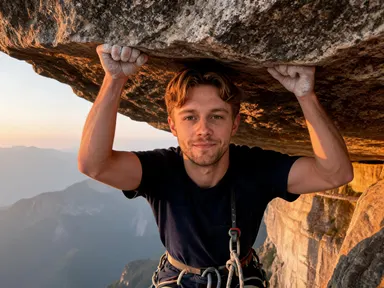
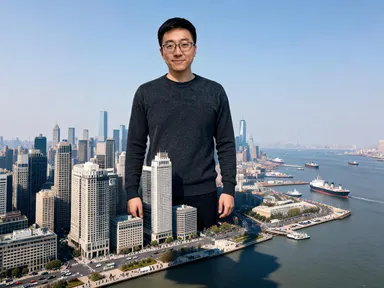
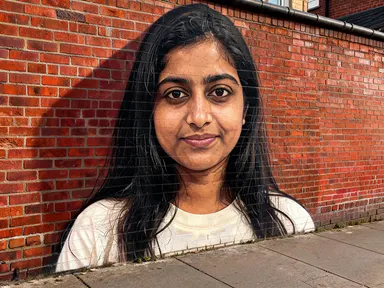
Made with this app
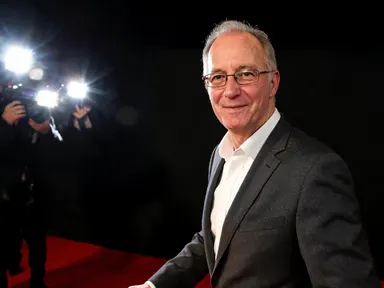
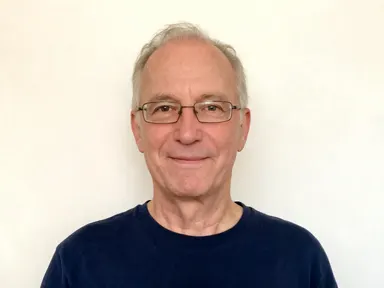
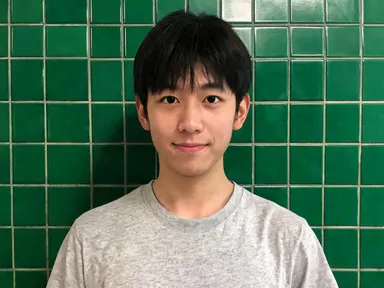
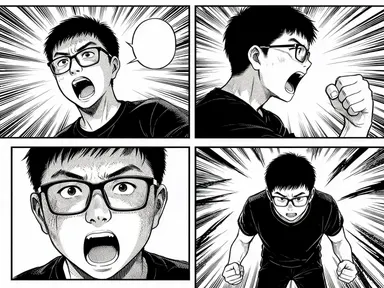
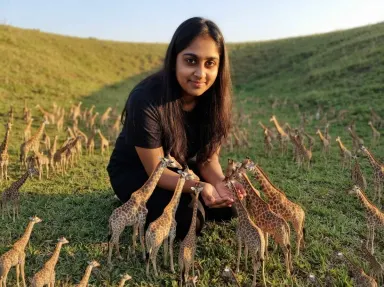
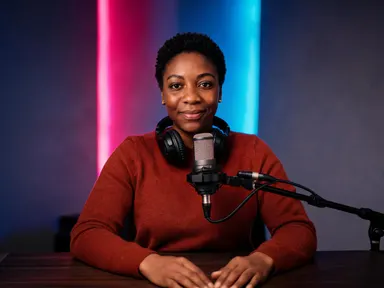
Paparazzi AI Generator takes one photograph of you and returns it as a press picture taken by somebody who caught you off guard. Your face is kept as it is: the same features, skin tone, hair colour and hairstyle. What changes is the clothing, the hard direct flash close to the lens, the background falling away into shadow and the framing that is slightly off centre because nobody had time to compose it. Eight tiles choose what you were caught doing: leaving a restaurant, stepping out of a car, walking through airport arrivals, carrying a coffee, turning on a red carpet, raising a hand in a hotel doorway, on a beach through a long lens, or coming out of the gym.
How to use this app
- 1
Upload your file. There is no prompt you have to write.
- 2
Pick a look from the visual library, add a note of your own if you want one, then press Generate.
- 3
Watch your result appear in the gallery within moments.
- 4
Download, share, or generate again with a new idea.
What you can make
The picture of somebody who did not know
Every flattering photograph you own was taken with your permission. This one is not, and the whole effect comes from that: the flash is too hard, the moment is mid step and the frame is a little crooked, which is what makes it read as press rather than portrait.
Cover art and thumbnails with a tabloid feeling
Creators covering celebrity, gossip or commentary need a face of their own shot in that language rather than a real photograph of a real person. A portrait of yourself under a flash outside a restaurant gives a channel a recurring subject with none of that problem.
A joke about somebody's own fame
A friend caught leaving a gym or stepping out of a black car is a very specific compliment and a good print, card or group chat picture. It works because the likeness survives the flash, so they recognise themselves before they recognise the format.
Character and press artwork for a story
Writers who need a character to be famous inside their story can run the same person across several tiles and get one figure pursued through eight different evenings, with the same treatment on every face.
Seeing a face under a hard flash
Direct flash close to the lens is the least forgiving light there is and almost nobody has a picture of themselves in it. Four of the eight tiles are that flash at night; the other four are daylight or a long lens, and choosing between them is really choosing how harsh you want it.
Shots to try
Tips for better results
The flash is the effect, so give it a face to hit
Hard direct flash close to the lens flattens whatever it lands on, so a sharp evenly lit photograph framed from the chest up or closer gives much the strongest result. A very small face in a wide scene leaves the app far less of you to light.
Choose the tile for the light, not just the place
Four tiles are night flash, restaurant, car door, hotel doorway and red carpet, and they are the harshest. Arrivals and the gym are daylight with fill; the coffee run and the beach are long lens daylight with no flash at all. Deciding the light first makes the choice quick.
No other face is recognisable
You are the only person the camera is looking at. Anyone else in the picture is a dark or blurred shape well behind you, and on the red carpet tile those shapes are the flashguns themselves. No invented face is ever readable, which is what keeps the picture easy to crop and easy to use.
Keep the instructions box for small details
The tile fixes the place, the time of day and the light, so the optional box works best for small additions such as a coat colour or a detail you want kept. Describing a different location in the box pulls against the tile instead of replacing what it set.
When to choose this app
Paparazzi AI Generator is the right choice when the picture needs to look unposed and unwanted, with a hard flash, a caught mid movement frame and a background that falls into shadow. AI Headshot does the exact opposite, a composed portrait in controlled light where nothing is accidental, and Portrait Styles restyles a photograph without changing the moment it was taken in. Against CCTV AI Generator on this platform, this one is a camera that came looking for you rather than one that was already there.
Frequently asked questions
Will the result look like me?
Yes. The app keeps your facial features, skin tone, hair colour and hairstyle as they appear in the photograph you upload. What changes is the clothing, the hard flash falling on you, the movement in the frame and the street or terminal behind you.
Can I choose what I was caught doing?
Yes, and it is the main choice on the page. Eight tiles cover leaving a restaurant, stepping out of a car, walking through airport arrivals, carrying a coffee, turning on a red carpet, raising a hand in a hotel doorway, a beach shot through a long lens and coming out of the gym. Each tile sets the situation, the time of day and the light together.
Are other photographers visible in the picture?
Only on the red carpet tile, and only as dark shapes behind the flashguns. Everywhere else the crowd is carried by the light and the angle rather than by anything shown. On every tile you are the only person the camera is looking at and no other face is recognisable, so the picture still crops cleanly.
Will any headline or caption appear on the image?
No. The pictures carry no writing of any kind. There is no caption, no headline, no brand name, no logo and no watermark anywhere in the frame. What comes back is the photograph alone, so any text over it is yours to add afterwards.
Can I put two people in the same shot?
No. The app takes one photograph of one person and returns one figure. To make a set covering several people, run each of them separately, and pick the same tile if you want the results to read as one evening.
Does it matter what I am wearing in the photo?
Not very much, because the app dresses the figure itself, in expensive looking everyday clothes of the kind somebody wears when they did not expect to be photographed. What matters far more is that your face is sharp and well lit, since your face is what the app preserves.
How much does it cost?
Each generation costs 1 credit. New accounts get free credits to try it out.
Do I need any editing skills?
No. Upload your photo, pick the look you want from the library, and the app writes the full instruction for you behind the scenes. There is nothing to install and nothing to configure. A small optional box lets you add one line in your own words, but the app works without it.
Can I use the results commercially?
Yes. Content you generate is yours to use, subject to our content licenses.
How long does a generation take?
Most generations finish in under a minute, and you can watch progress live in the gallery.